Last updated:
Kuku AIVA for drivers and delivery-heavy days: calls answered while you drive
What AIVA does with the courier, customer and sales calls you don’t pick up on the road, how the delivery OTP note works, and where it stops.
Kuku AIVA is an AI call assistant for Android that answers the calls you don’t pick up while you drive. It tells callers it is an AI, asks why they called, tells couriers where to leave a parcel, takes a message and sends you a summary to read once you’ve stopped.
It suits commuters, cab, auto and truck drivers who drive with their own number, and anyone with a day of deliveries arriving. It works on your own mobile number. Below is what it does with those calls, and where it stops.
Why are calls while driving a problem?
Because answering means looking at the phone and taking a hand off the wheel, and not answering leaves you guessing. If you drive for work on your own number, customers, family and couriers all ring while you are on the road. On a day with several parcels arriving, couriers call one after another, often from numbers you don’t know, and each one is waiting at a gate.
Most of those calls don’t need you right then:
| Who calls | What they usually need | What AIVA can do |
|---|---|---|
| A courier at your gate | Somewhere to leave the parcel | Ask them to leave it with security, or to try again later |
| A courier who needs an OTP | The code, once the parcel is handed over | Give the OTP from your note, only after they say it’s delivered |
| A regular customer or passenger | To book you, or ask something | Take the message, so you call back once you’ve stopped |
| A loan or sales call | Your time | Say you’re not interested and ask to be taken off the list |
What does AIVA do with calls you don’t take while driving?
Leave the phone alone. It rings as usual; if you don’t answer, AIVA picks up. It says it is an AI assistant, asks why they are calling, follows the instruction you picked for that kind of call, takes a message and sends you a notification to read once you have stopped. Three calls from one drive:
A courier at the gate
“Sir, Amazon delivery, main gate pe hoon. Kaunsa tower?”
With Delivery set to Leave it with security, AIVA asks the courier to leave the parcel with the building security.
Courier at the gateA courier was at the main gate with a parcel. I asked them to leave it with building security.
A courier who needs an OTP
“Parcel de diya hai, OTP bata dijiye.”
You added the OTP to your delivery note before you set off. AIVA gives it to the delivery agent only after they say it’s delivered.
Parcel deliveredA courier said the parcel had been handed over and asked for the OTP. I gave them the delivery code from your note.
A regular customer
“Bhaiya, kal subah 6 baje station chhodna hai. Free ho?”
AIVA takes a message. It doesn’t accept the booking for you.
Ride requestA regular customer wants a drop to the station at 6 AM tomorrow and asks if you are free. Wants a call back.
Names and details here are examples. The real summary uses what the caller says.
What can’t AIVA do on the road?
It can’t act for you. AIVA takes messages and follows a few fixed instructions; the decisions wait until you stop.
- It doesn’t silence your phone: the call rings first, as always.
- Leave it ringing. AIVA answers once you don’t.
- It can’t tell a waiting customer or passenger where you are, or accept a booking.
- Read the summary when you’ve stopped and call back.
- It can’t check that a parcel really arrived; it goes by what the delivery agent says.
- Add the OTP only for an order you expect, and update it for each order.
- It isn’t a fleet or dispatch phone system: it answers one person’s own number.
- Keep your company’s or app’s own channel for work dispatch.
What callers say becomes a written summary and transcript in the app. Card numbers and Aadhaar numbers are removed before anything is stored; our privacy policy sets out what is kept and for how long.
How do you set up AIVA before you drive?
About two minutes, once, while you are parked. Your number stays the same and callers install nothing.
- Install Kuku AIVA on your Android phone from Google Play and sign in with your mobile number.
- Turn on call forwarding in the app. It walks you through it on Airtel, Jio, Vi and BSNL.
- Pick your delivery instruction: Leave it with security or Ask them to try again later. On a day with an OTP order, add the code to the delivery note before you set off.
- Pick the rest: Bank → Not interested — take me off the list and Sales → Not interested — take me off the list.
AIVA can open calls in Hindi, English, Telugu, Tamil, Kannada or Malayalam, and follows the caller between English and Hindi. More on delivery calls in how to handle delivery calls while busy, or how an AI call assistant works. More on the Kuku AIVA home page.
AIVA for drivers: your questions
Does my phone still ring while I’m driving?
Yes. AIVA only answers the calls you decline or don’t pick up, so your phone rings first as usual. Leave it; if you don’t answer, AIVA takes the call.
How does AIVA handle a delivery OTP?
Add the OTP to your delivery instruction’s note in the app. AIVA gives it to the delivery agent only after they say the parcel is delivered. It can’t check that, so update the note for each order and remove it when you’re not expecting one.
What if I’m driving through an area with no signal?
AIVA still answers calls when your phone is switched off or out of signal. You get the summary once your phone is back on the network.
Will callers know they are talking to an AI?
Yes. AIVA says it is an AI assistant at the start of every call. It never pretends to be you.
Gaadi chalate waqt call aaye to kya kare?
Phone mat uthaiye. With Kuku AIVA on, the call you don’t pick up goes to AIVA, which says it is an AI, asks why they called, takes a message and sends you a summary. Read it and call back once you’ve stopped.
Guides for this
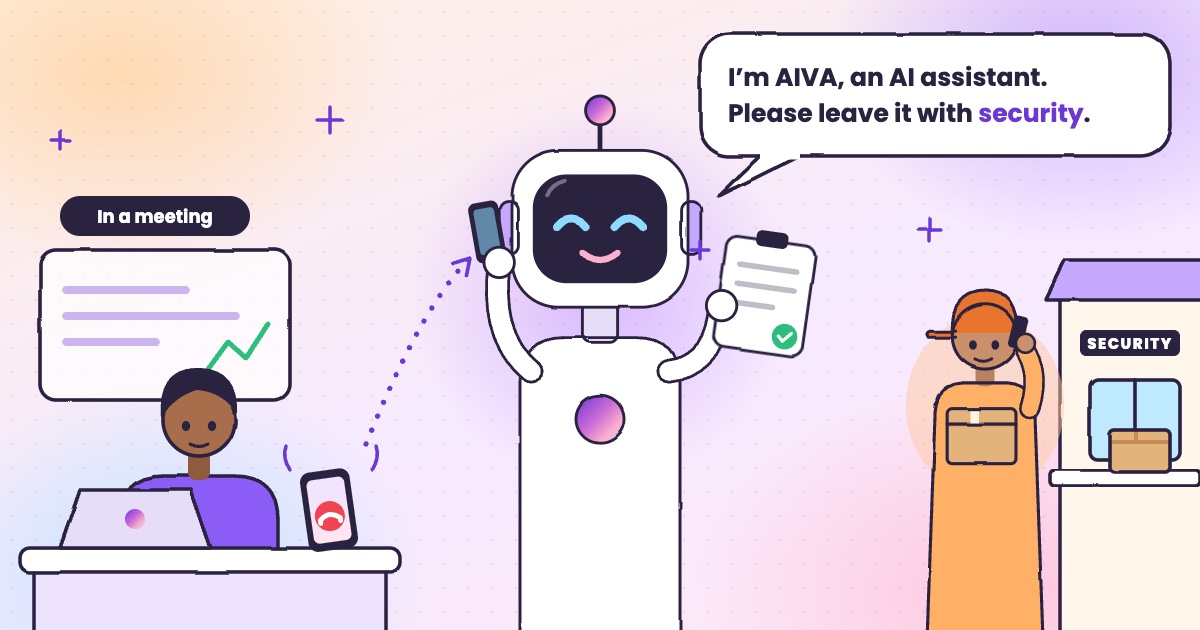 Guide · 4 min readHow to handle delivery calls while busy in a meetingWhat to do when a courier calls during a meeting, with or without an app.
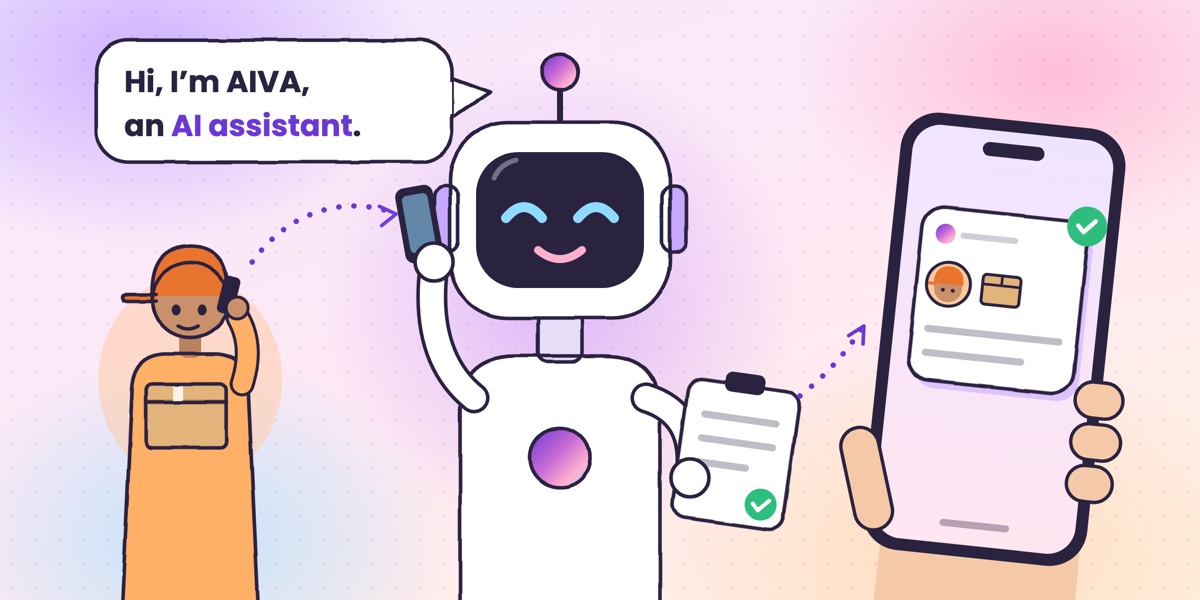 Guide · 6 min readWhat is an AI call assistant? How AIVA answers the calls you can’t takeHow AIVA answers the calls you decline, miss or can’t take, and what it does with each one.
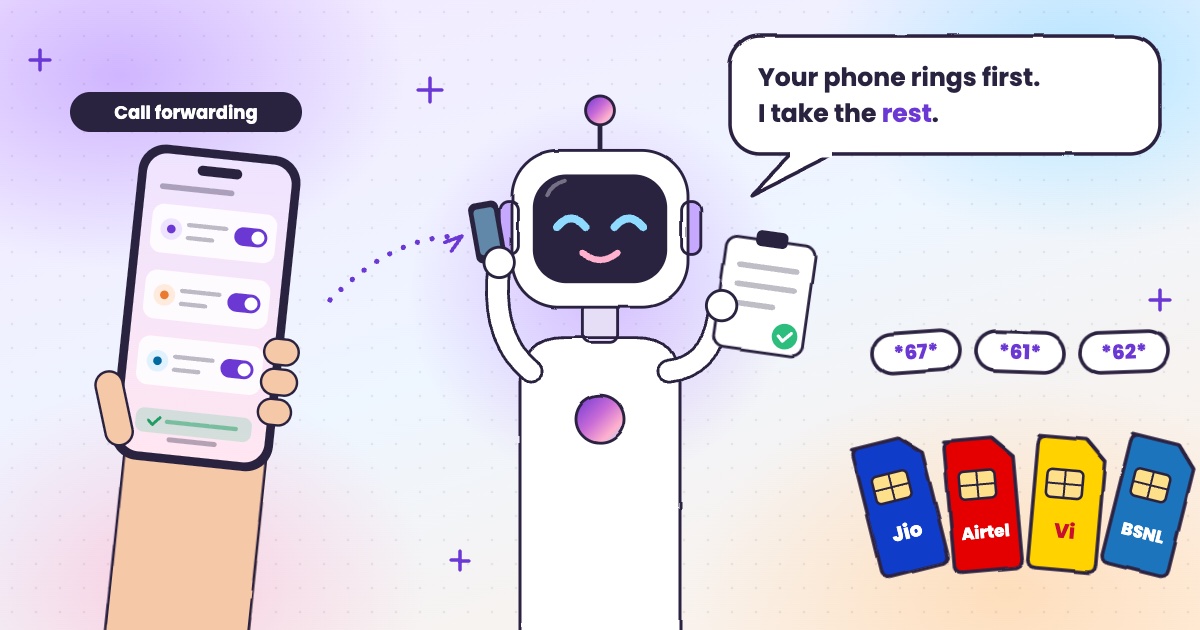 Guide · 6 min readCall forwarding codes in India: Jio, Airtel, Vi and BSNLThe codes for each network, how to turn forwarding off, and the codes never to dial.
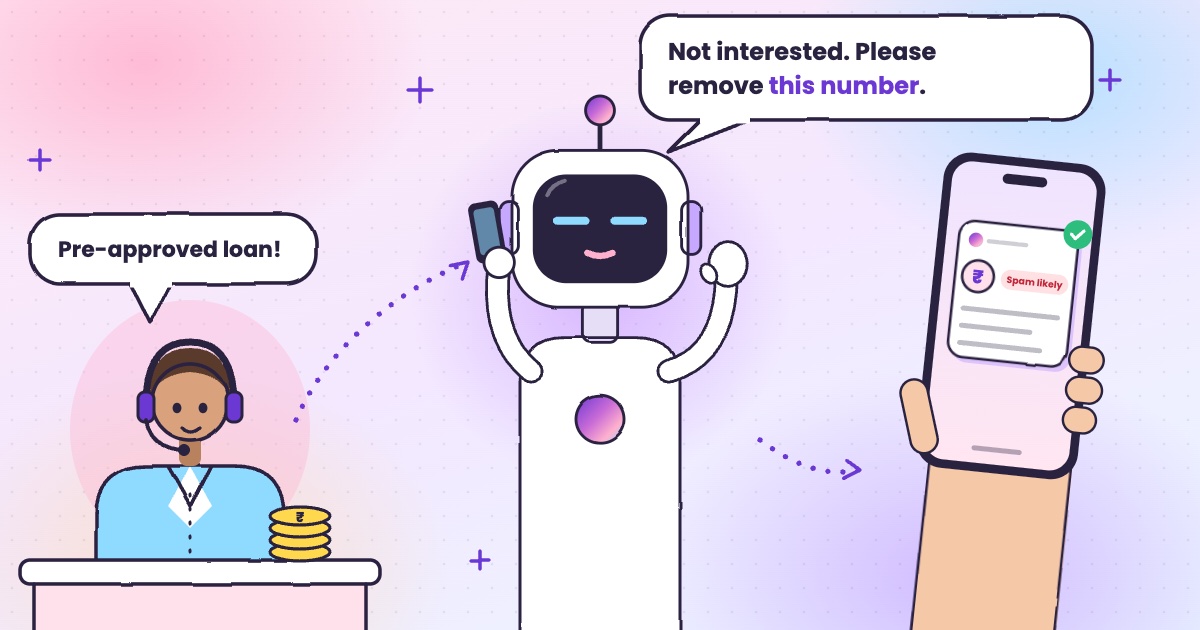 Guide · 6 min readHow to stop loan calls and spam calls in IndiaDND, reporting spam to TRAI and fraud on Chakshu, and what to do when the calls keep coming.