Call forwarding codes in India: Jio, Airtel, Vi and BSNL
The call forwarding code for calls when you are busy is *67*number#, for calls you don’t answer *61*number#, and for when your phone is unreachable *62*number#. They work the same on Jio, Airtel, Vi and BSNL. Dial ##004# to turn all three off. This article covers each carrier’s quirks, the ##002# code and the *401# scam.
Codes checked on 21 October 2026.
What is conditional call forwarding?
It is a mobile network feature, also called call divert, that sends a call to another number only when a condition is met. The network always tries your phone first: answer, and nothing is forwarded. Unconditional forwarding is the opposite. It sends every call away and your phone never rings. An AI call assistant such as Kuku AIVA uses conditional forwarding, so it answers only the calls you decline, miss or can’t take.
Conditional
Your phone rings first- Which calls go
- Only when you are busy, don’t answer or can’t be reached
- Turn on
*67*number#*61*number#*62*number#- Turn off
##004#
Unconditional
Your phone never rings- Which calls go
- Every call, all the time
- Turn on
*21*number#- Turn off
##21#
Call forwarding codes for India
Dial these from the phone app, like a number, on the SIM you want to forward. Replace number with the number calls should go to.
- When busy
*67*number#You are on another call, or you decline it.
- When not answered
*61*number#It rings and you don’t pick up. Add
**secondsbefore the#to set the ring time. - When unreachable
*62*number#Switched off or no signal.
- All three at once
*004*number#If a phone refuses it, set the three one at a time.
- Turn off all three
##004#Clears busy, no answer and unreachable, nothing else.
##67#,##61#and##62#clear one each. - Check what is set
*#002#Lists the forwarding on the SIM and changes nothing.
Check with your carrier whether forwarded calls are charged on your plan.
How to set, turn off and check call forwarding
- Step 1
Pick the SIM and dial. Forwarding is set per SIM, so on a dual-SIM phone choose the one to forward, then dial the codes above.
- Step 2
Wait for the confirmation. The network replies with a short message. Its wording varies by phone and network.
- Step 3
Check it with
*#002#, or ask a friend to call while you decline. If the busy rule is on, the call goes to the forwarding number. - Step 4
Turn it off with
##004#from the same SIM, then check again with*#002#.
Open these in order in the phone app’s settings. Names vary by phone maker.
- Phone appyour dialler
- Settingsin the three-dot menu
- Callsor Supplementary services
- Call forwardingpick the SIM if asked
- Busy, no answer, unreachablethe three conditional rules
Not sure whether your calls are being forwarded, or by which rule? Our guide to checking call forwarding status covers the signs, the check code for each rule and how to turn one off. In the US? See our guide to call forwarding codes for AT&T, T-Mobile and Verizon.
Jio, Airtel, Vi and BSNL: what differs
The codes above work on all four. What differs is each carrier’s app, extra codes and usual errors. Every page cited was checked on 21 October 2026.

Jio call forwarding
- Codes
- The standard codes work. Turn VoLTE on before you dial, since Jio carries calls over VoLTE.
- Where to set it
- Dial the codes, or open MyJio: Profile, Mobile Settings, Service Settings, Call Forwarding (Jio help). Pick the conditions you want, and use mobile data, not Wi-Fi (TelecomTalk).
- Good to know
- Skip Jio’s old star codes (*401, *403, *405, *409). After
*401#was misused in scams, DoT told operators to suspend these USSD-based forwarding services from 15 April 2024 until further notice (TelecomTalk). The standard codes above are not affected and still work on Jio.

Airtel call forwarding
- Codes
- The standard codes work (Airtel’s guide), plus
##67#,##61#and##62#to clear one rule. - Where to set it
- Dial the codes, or open the Airtel Thanks app: call forwarding is under call settings (Thanks app guide).
- Good to know
- Clearing one rule leaves the other two on. To turn forwarding off in the app, switch the active option off and save.

Vi (Vodafone Idea) call forwarding
- Codes
- The standard codes work (Vi’s guide), plus
*#67#,*#61#and*#62#to check one rule’s status. - Where to set it
- Dial the codes from your phone app.
- Good to know
- Vi is the brand of Vodafone Idea, so Vodafone Idea call forwarding uses the same codes.

BSNL call forwarding
- Codes
- The standard codes. We found no BSNL page listing them, so if one fails, ask BSNL customer care.
- Where to set it
- Dial the codes from your phone app.
- Good to know
- “Connection problem or invalid MMI code” means the code did not go through. Check signal, set the network type to automatic, restart and retry.
##002#, *401# and what is safe to dial
*#002#Shows all forwarding. Changes nothing.Safe##004#Clears the three conditional rules and nothing else.Safe##002#Erases all forwarding. The advised fix if you suspect a scam.Safe*67*number#*61**62*With a number you chose. Your phone rings first.Safe*21*number#Forwards every call. Your phone never rings.Never if asked*401*number#An older forward-everything code. DoT warned about it in January 2024.Never if asked
The *401# call forwarding scam
A caller posing as your telecom provider or a courier says something is wrong with your SIM or parcel and asks you to dial a code plus a number. That forwards your calls, OTP calls included, to the scammer. DoT warned that providers never ask for this (The Tribune, January 2024), and the Sanchar Saathi parcel scam advisory says the same of *21*. If it happens:
- Step 1
Don’t dial it. No courier or telecom provider needs you to forward your calls.
- Step 2
Check with
*#002#. If something is forwarded that you did not set, dial##002#. - Step 3
Report it on the Sanchar Saathi website or app, and on the Cybercrime Portal or 1930 if you lost money. See how to report fraud calls on Chakshu.
Why is call forwarding not working?
- Use the right SIM. Forwarding is set per SIM; the code goes out on the one you pick.
- Retype the code. No spaces, ending in
#. A missing#is the usual slip. - On Jio, turn VoLTE on. Jio carries calls over VoLTE.
- Seeing an MMI error? Check signal, set the network type to automatic, restart and retry.
- Set one rule at a time. Some phones or networks refuse
*004*. - Still stuck? Try the call settings menu, check the forwarding number works, or ask customer care for conditional forwarding.
Call forwarding questions
What is the difference between conditional and unconditional call forwarding?
Conditional forwarding sends a call away only when you are busy, don’t answer or can’t be reached, so your phone rings first. Unconditional forwarding sends every call away and your phone never rings.
Call forwarding kaise band kare?
Dial ##004# from the phone app to turn off the busy, no-answer and unreachable rules, or ##67#, ##61# or ##62# for one.
How do I check if call forwarding is on?
Dial *#002#. It shows what forwarding is set and changes nothing.
##002# kya hai?
A code that erases all call forwarding on your SIM, conditional and unconditional. It is the advised fix if a scammer forwarded your calls. Check afterwards with *#002#.
*401* code kya hai?
An older code that forwards every call to the number after it. DoT warned in January 2024 that scammers ask people to dial it; telecom providers never do. If you dialled it, check with *#002# and dial ##002#.
What does “connection problem or invalid MMI code” mean?
The code did not go through or the network did not accept it. Check signal, retype the code, use the right SIM, restart and try again.
Does call forwarding cost extra?
Check with your carrier whether forwarded calls are charged on your plan.
More guides
 Guide · 7 min readHow to stop spam calls on Android in India: the settings on your phoneThe spam filter in Google’s Phone app and on Samsung, blocking numbers, silencing unknown callers, and network spam labels.
 Guide · 7 min readIs Kuku AIVA safe? What it can see, what it keeps, and who makes itWho makes Kuku AIVA, every Android permission it uses and why, what callers hear, and how to delete your data.
 Guide · 7 min readConditional call forwarding codes for AT&T, T-Mobile and VerizonThe busy, no-answer and unreachable codes for each US carrier, how to turn them off, and the codes never to dial.
 Guide · 8 min readDigital arrest, KYC and courier scams: how to spot each on a callDigital arrest, KYC, electricity, courier and UPI refund scams: the script each one follows and its red flags.
 Guide · 8 min readAI voice-cloning scams: how to tell if you’re talking to an AIHow cloned-voice calls work, how to check who is really calling, and a safe word for your family.
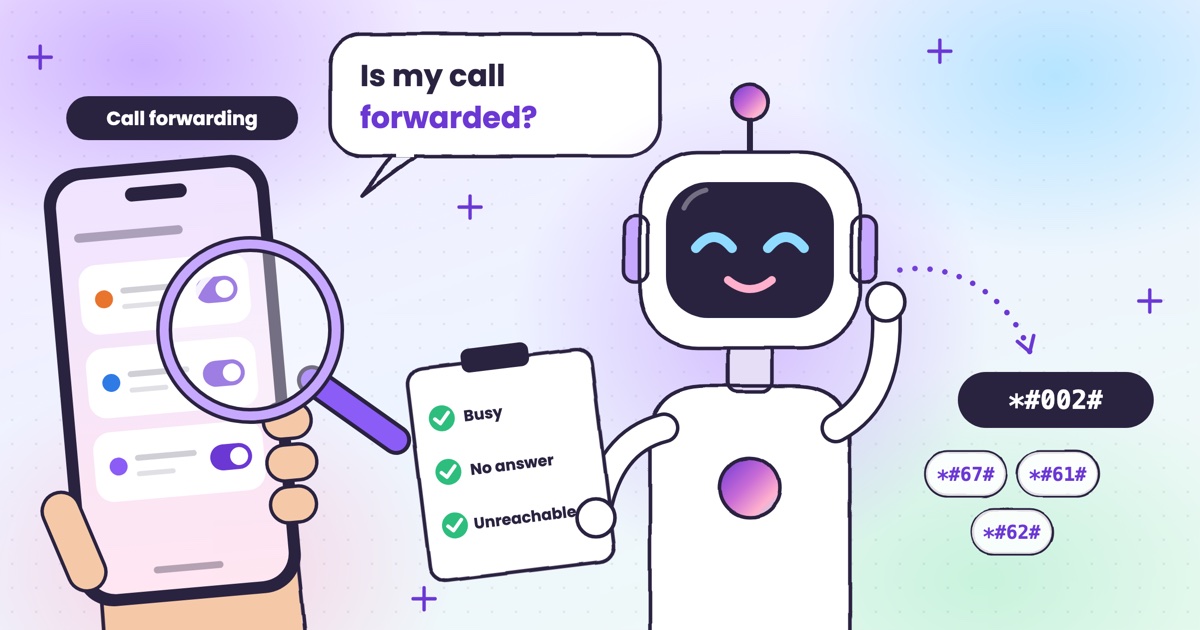 Guide · 7 min readHow to check if your calls are being forwarded, and turn it offThe signs your calls are being forwarded, the check code for each rule, and how to turn one off.
 Guide · 9 min readAI voicemail in India: what to use when carrier voicemail isn’t thereWhich Indian networks still offer voicemail, what your phone does instead, and how an app that takes a message compares.
 Guide · 9 min readHow to auto-answer calls on Android when you’re in a meetingWhy Android’s auto-answer is the wrong tool in a meeting, the built-in options that work, and how an AI answers the calls you decline.
 Guide · 9 min readCall utha ke message le le: apps that answer your calls and take a messageThe real ways to have a call picked up and a message taken in India, what your caller hears, and how the message reaches you.
 Guide · 7 min readCan AI answer calls in Hindi? Call assistants for Indian languagesWhich call assistants speak Hindi, Tamil, Telugu, Kannada and Malayalam, and how to test one before you rely on it.
 Guide · 9 min readHow to stop OTP scam calls (and what to do if you shared one)How to tell a fake bank call from a real one, and the three calls to make if you already read out a code.
 Guide · 7 min readIs Google Call Screen available in India? What works insteadWhich Pixels get Call Screen in India, how to use it, what’s missing compared with the US, and what to use on Samsung, iPhone and other Android phones.
 Guide · 7 min readHow to report a fraud call in India: Chakshu, 1930 and cybercrime.gov.inWhere each kind of call goes, what to write down first, the steps on each official site, and what happens after you report.
 Guide · 7 min readDoes DND stop telemarketing calls? TRAI’s DND app explainedWhat DND stops, what it doesn’t, the 2025 rules and how to complain when promotional calls keep coming.
 Guide · 7 min readTruecaller alternatives in 2026: caller ID, spam labels and AI answeringCaller ID apps, network spam labels, CNAP and apps that answer calls, grouped by the job you need done.
 Guide · 8 min readAI call assistants compared: Truecaller, Equal AI, Google and moreTruecaller, Equal AI, Google, Apple and Samsung side by side, with sources.
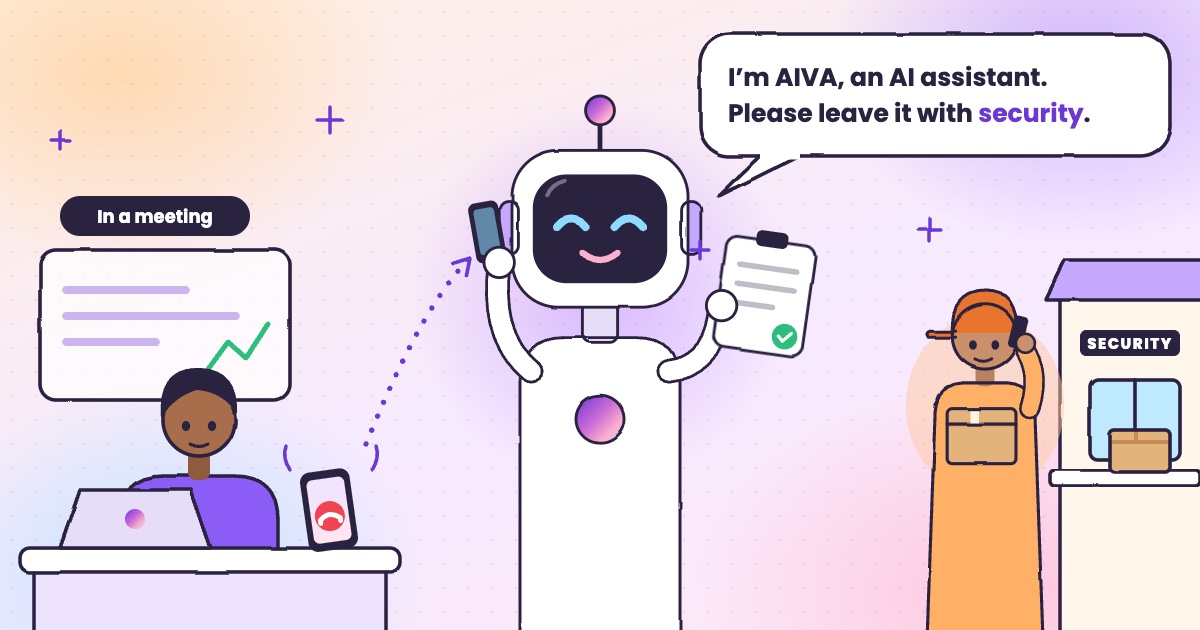 Guide · 4 min readHow to handle delivery calls while busy in a meetingWhat to do when a courier calls during a meeting, with or without an app.
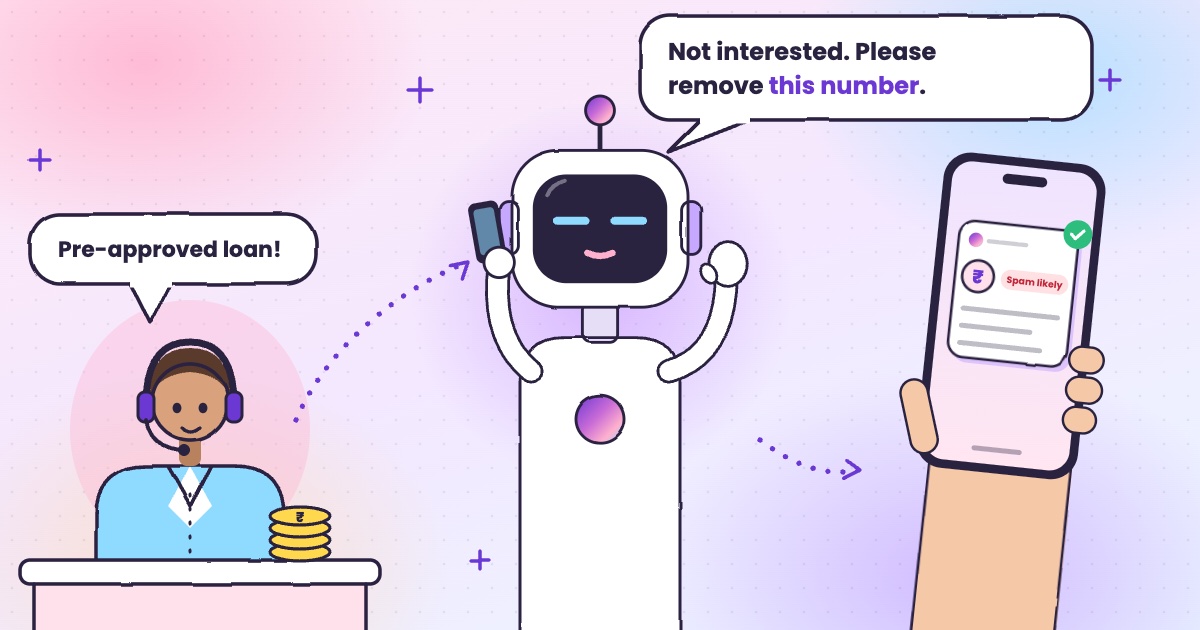 Guide · 6 min readHow to stop loan calls and spam calls in IndiaDND, reporting spam to TRAI and fraud on Chakshu, and what to do when the calls keep coming.
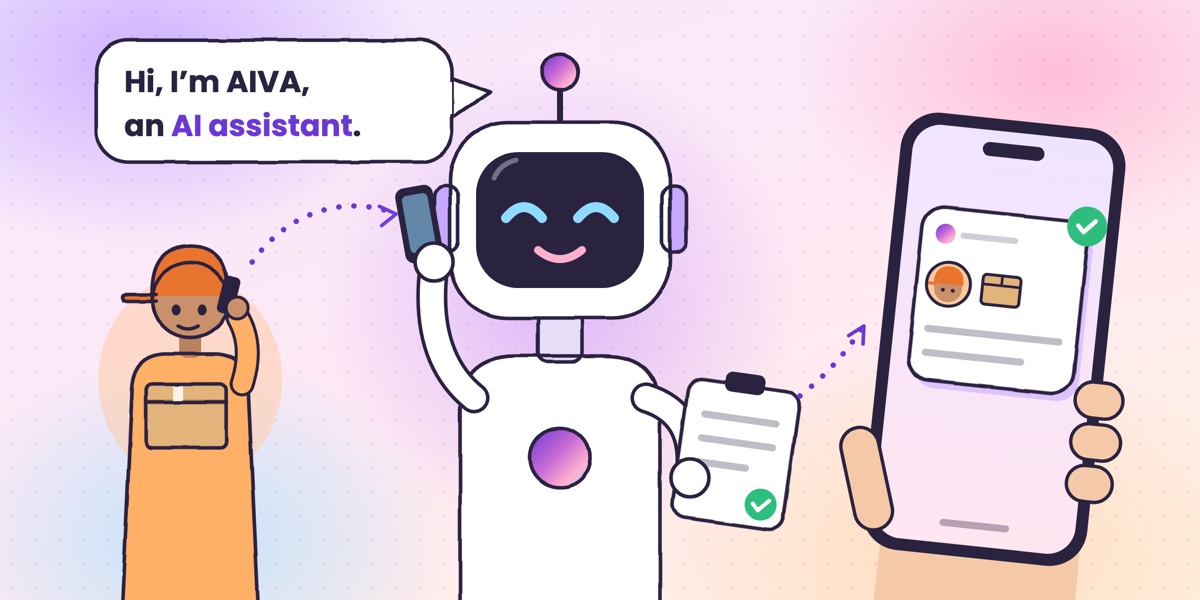 Guide · 6 min readWhat is an AI call assistant? How AIVA answers the calls you can’t takeHow AIVA answers the calls you decline, miss or can’t take, and what it does with each one.
Want to see more of our guides on Google? Add kukuaiva.app as a preferred source