What is an AI call assistant? How AIVA answers the calls you can’t take
What an AI call assistant does, how AIVA handles the calls you get every day, and what it keeps private.
You’re in a meeting and your phone buzzes. An unknown number. It could be the courier who can’t find your building, a loan agent trying for the fourth time this week, or the clinic confirming tomorrow’s appointment. You can pick up and lose your train of thought, decline and wonder, or let it ring out and call back later, if you remember.
Blocking numbers doesn’t fix this. Spam callers rotate numbers faster than any blocklist can keep up with, and a real bank or courier can end up on the wrong list. Voicemail never caught on in India; most people don’t set it up, and most callers hang up instead of leaving a message.
An AI call assistant takes a different approach. It doesn’t decide who is allowed to reach you. It answers when you can’t, and you decide later, in five seconds, whether the call needs you.
What is an AI call assistant?
An AI call assistant answers phone calls for you with a natural-sounding AI voice. It asks the caller who they are and why they’re calling, takes a message, and sends you a summary on your phone. Think of it as a polite secretary for your personal number, one that never takes a lunch break.
The good ones do three things well:
They understand the call
Not just who is calling, but why: a delivery, a bank, a recruiter, a sales pitch.
They follow your rules
You tell the assistant once how to handle common calls, and it applies that every time.
They’re honest with the caller
The caller knows they’re talking to an AI, not to you.
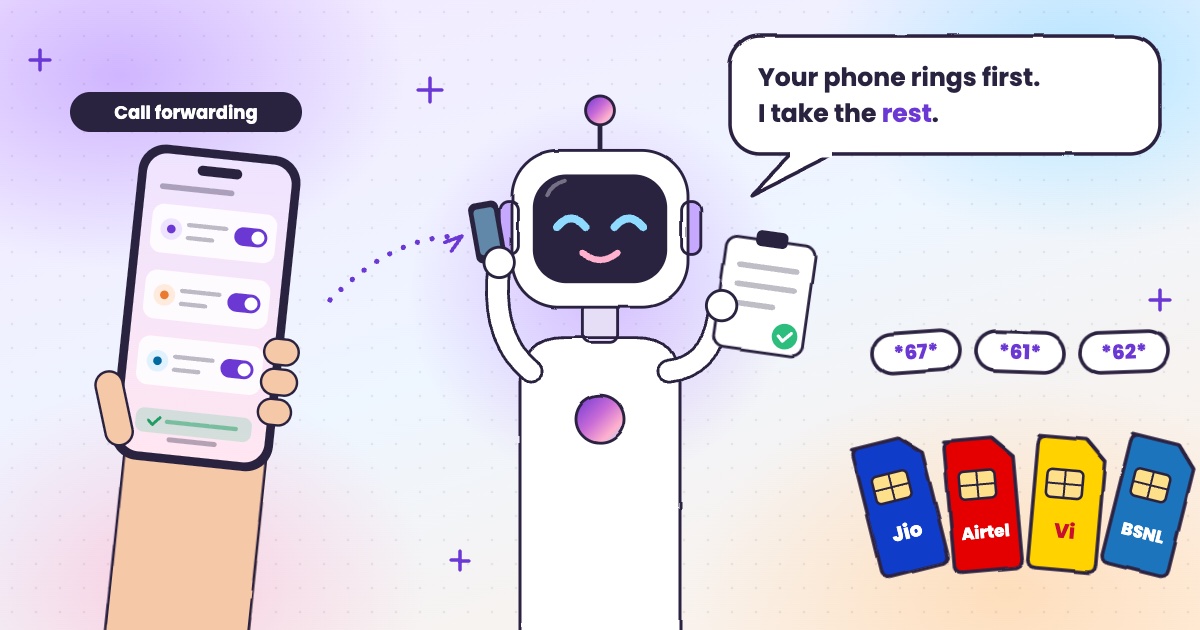
AIVA is an AI call assistant built for the world. In India, it works with Airtel, Jio, Vi and BSNL, speaks Hindi, English, Telugu, Tamil, Kannada and Malayalam, and runs on the number you already have. It’s launching in the US next.
In India Airtel
 Jio
 Vi
 BSNL6 languages
How AIVA works
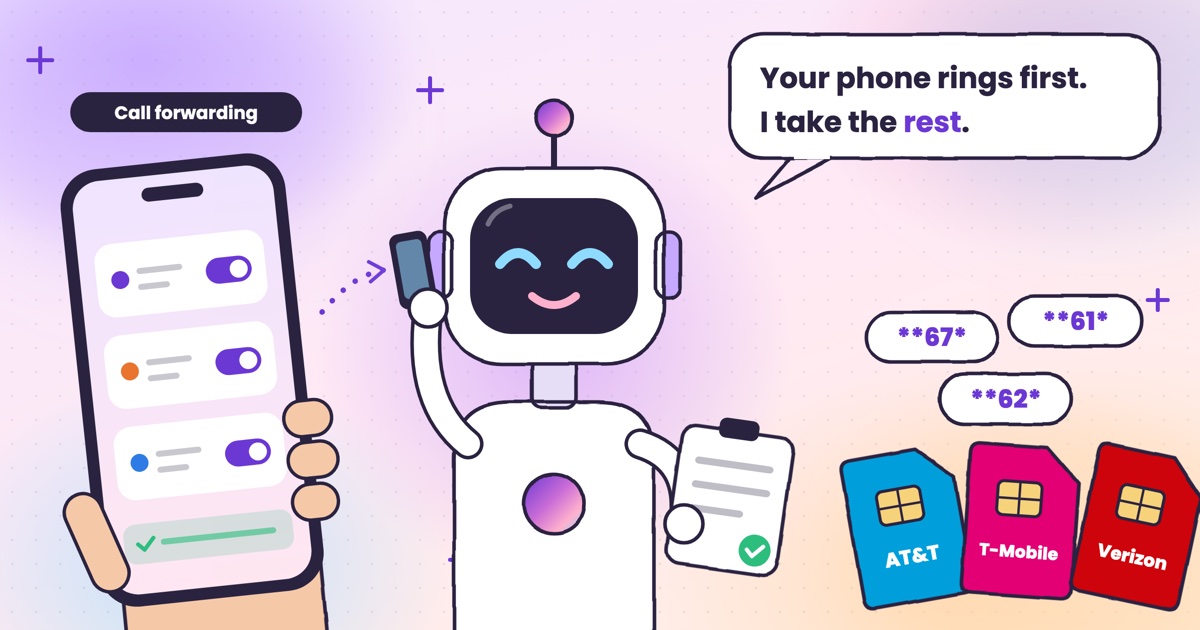
AIVA uses conditional call forwarding, a standard feature of mobile networks, defined in the 3GPP call forwarding specification (TS 22.082). You set it once, and your network sends a call to AIVA only in three situations: you decline it, you don’t answer it, or your phone can’t be reached. Airtel’s call forwarding guide describes the same three cases: your line is busy, you don’t answer, or your phone is switched off or out of coverage (sources checked November 2026). To see which of these rules is on for your number, see how to check if your calls are being forwarded. In the US, see call forwarding codes for AT&T, T-Mobile and Verizon.
AIVA only answers the calls you don’t
-
1Your phone rings first
-
2Can’t take it? It’s forwarded
-
3AIVA answers, as an AI
-
4You get the summary
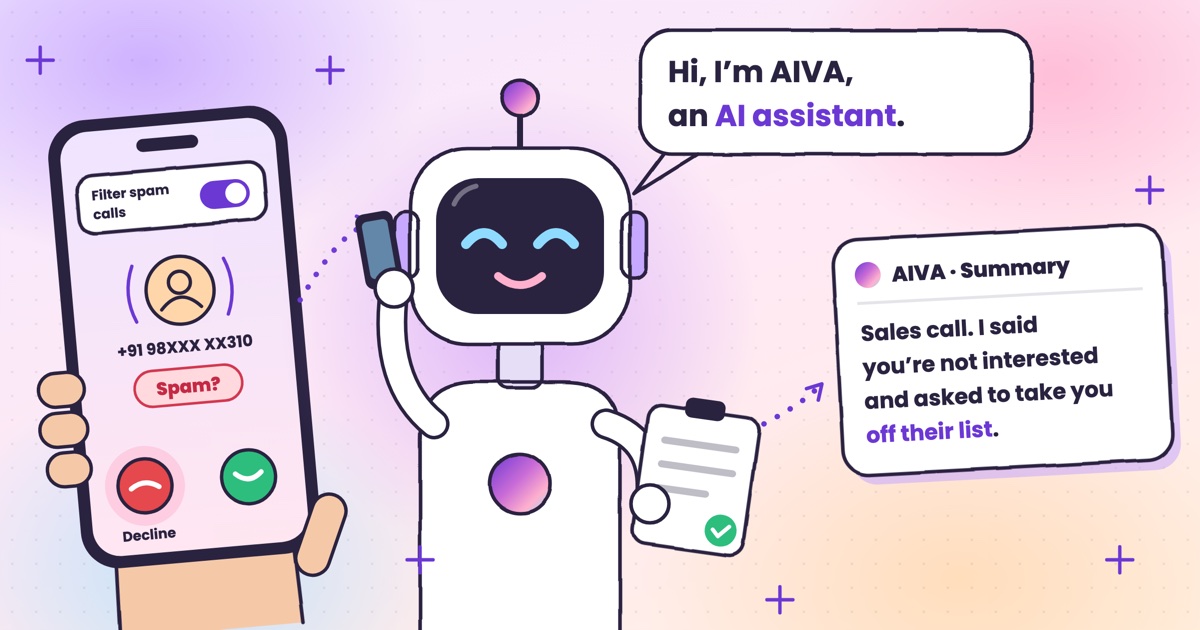
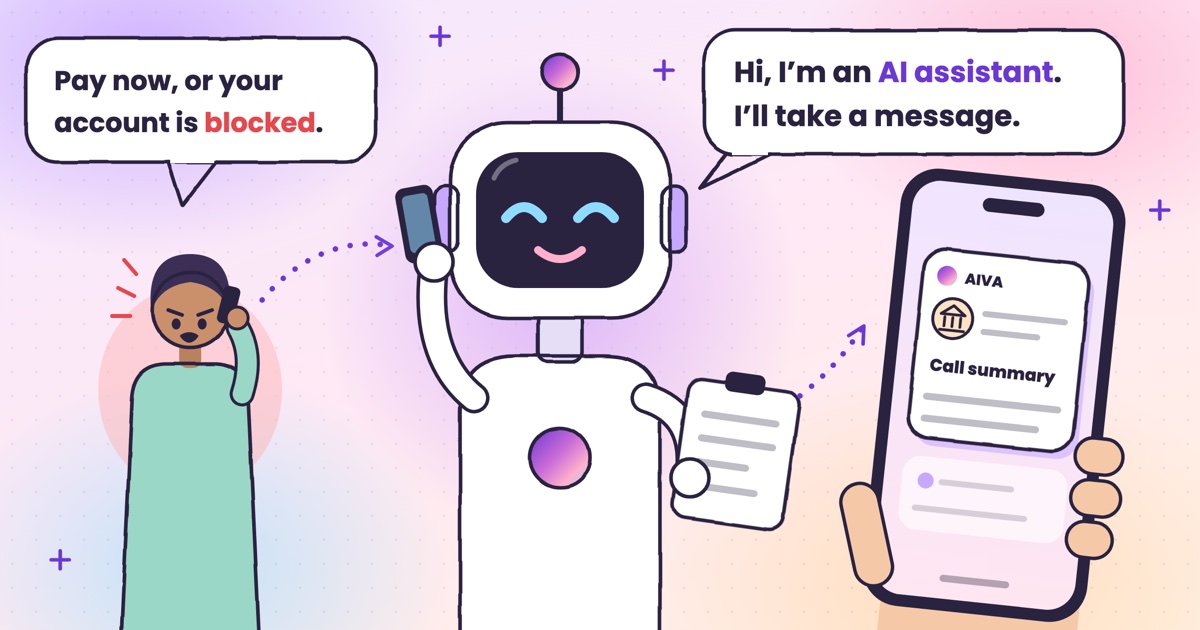
When a call reaches AIVA, it introduces itself as an AI, asks who’s calling and why, applies the instruction you’ve set for that kind of call, and takes a message. A moment after the caller hangs up, you get a notification with the summary. On Android, you can also follow a live transcript while AIVA is still on the call.
What AIVA does with the calls you get every day
Most calls fall into a handful of types. AIVA lets you set a standing instruction for each one, picked from a few safe options, so the caller gets a useful answer instead of an unanswered ring.
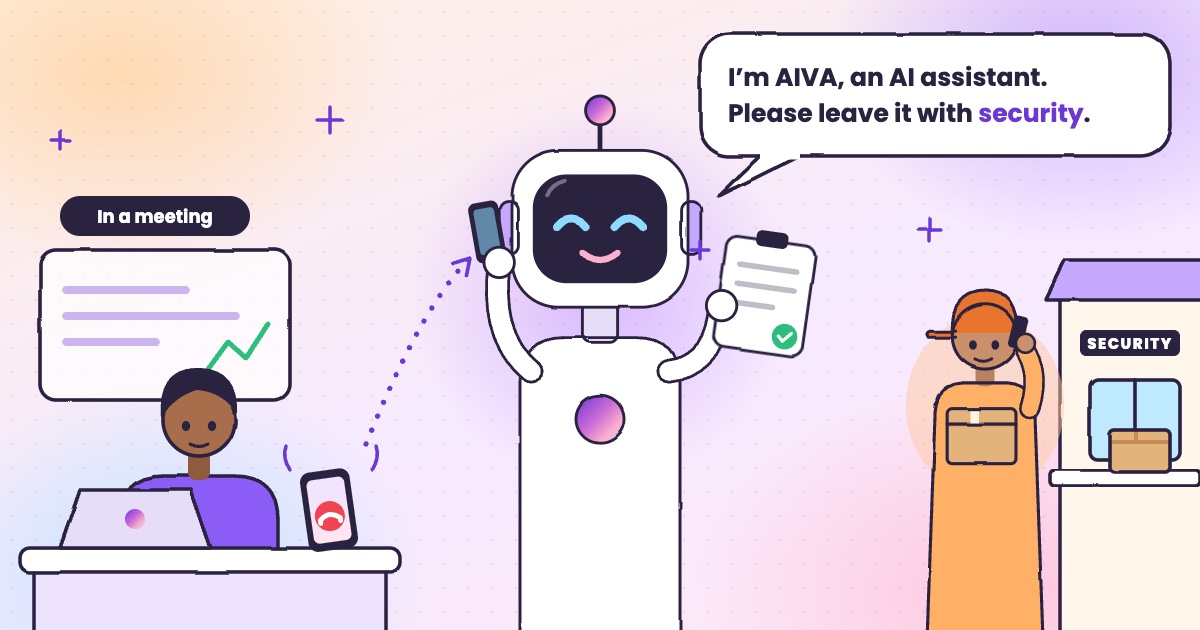
Delivery and courier
- Ask them to leave it with security
- Ask them to try again later
Bank, loan or insurance
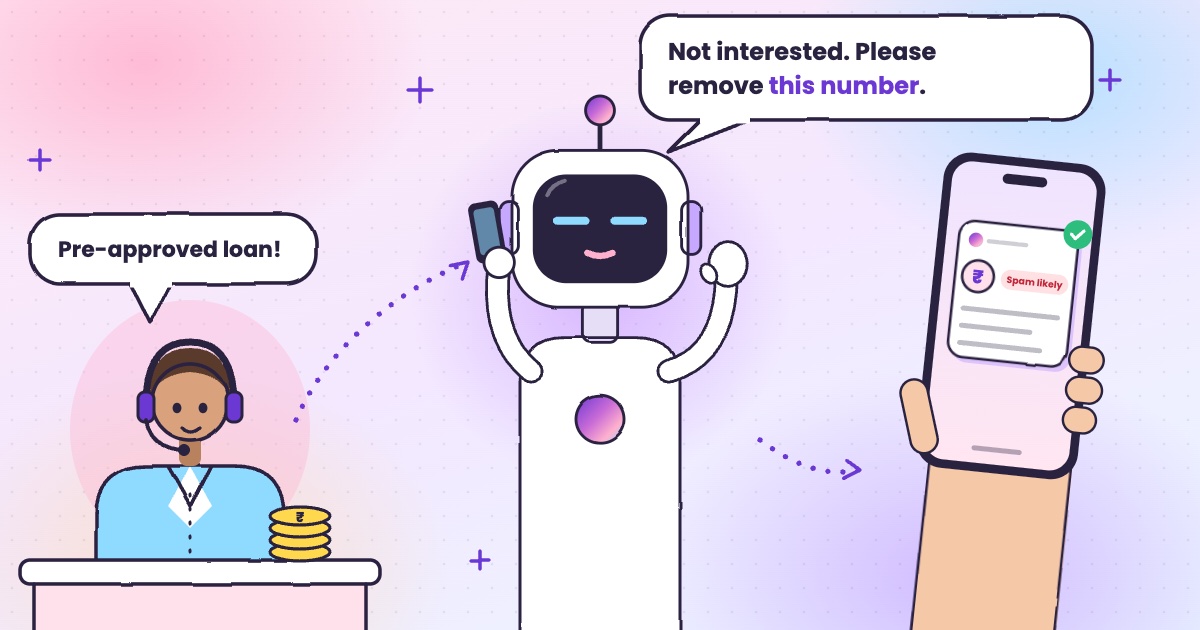
- Say you’re not interested and ask to be removed
- Ask them to send details by SMS or email
Recruiter
- Say you’re not looking right now
- Ask for the role and next steps
Appointmentclinic, salon, service
- Confirm the appointment
- Ask for other time slots
Sales and marketing
- Say you’re not interested and ask to be removed
- Ask them to send details
Anyone else
Default- Take a message: who called, why, and whether they want a call back
You can add a short note of your own inside any of these, such as which gate the courier should use. You can also set instructions by talking to AIVA instead of typing.
Spam calls. AIVA marks calls that look like spam and shows them quietly in your call list, so they don’t compete with the calls that matter. To cut them down at the source, see how to stop loan calls and spam calls in India and whether DND stops telemarketing calls. TRAI explains how to complain about a spam call, including by SMS or a call to 1909. If a call was a scam, you can report it on Chakshu, the Department of Telecommunications’ facility on Sanchar Saathi; here’s how to report a fraud call in India. If a caller asks for an OTP, see how to stop OTP scam calls; for digital arrest, KYC and courier calls, see how to spot each scam on a call, and if a voice sounds like family but something is off, see AI voice-cloning scams.
Every summary tells you at a glance: the caller’s name if they gave it, what they wanted, how urgent it is, whether it looks like spam, and whether they asked for a call back. The full transcript is one tap away.
AIVA vs voicemail vs call blocker
Apps like AIVA are also called an AI receptionist, AI phone secretary or AI answering service. Here’s how AIVA compares with the tools most people already have. For other AI call assistants, see AI call assistants compared: Truecaller, Equal AI, Google and more; for caller ID and spam labels, Truecaller alternatives in 2026; for the spam settings already on your phone, how to stop spam calls on Android; and on a Pixel, whether Google Call Screen works in India. Google’s own Call Screen help page lists the countries and Pixel models it works on. If you only want a message taken, see AI voicemail in India and the apps that answer your calls and take a message; for calls in a meeting, how to auto-answer calls on Android.
| Call blockeror caller ID | Voicemail | AIVAAI call assistant | |
|---|---|---|---|
| Answers the call | No, it rejects or labels it | Plays a greeting | Yes, holds a short conversation |
| Tells you why they called | No | Only if the caller leaves a message | Yes, in a written summary |
| Follows your instructions | No | No | Yes, per type of call |
| Risk of missing an important call | High: real numbers get wrongly blocked | Medium: most callers hang up | Low: every unanswered caller is heard |
| What you have to do | Decide on every call | Listen to recordings | Read a two-line summary when you’re free |
What else sets AIVA apart
It works when your phone is off
Your network does the forwarding, so a dead battery or no signal doesn’t stop AIVA answering.
It’s not just for unknown numbers
Friends and family you can’t pick up for get answered too, and can leave a message.
Privacy: what AIVA keeps, and what it never touches
An assistant that answers your phone hears personal things, so it should keep as little as possible. Here’s what AIVA does:
What’s saved for you
A transcript and summary of each call, so you read what was said instead of listening to a recording. Our voice AI provider keeps the call audio and a transcript for up to 90 days to run the service.
Sensitive numbers are removed
Card numbers, CVVs, card and UPI PINs, and Aadhaar numbers are stripped out of transcripts before they’re saved.
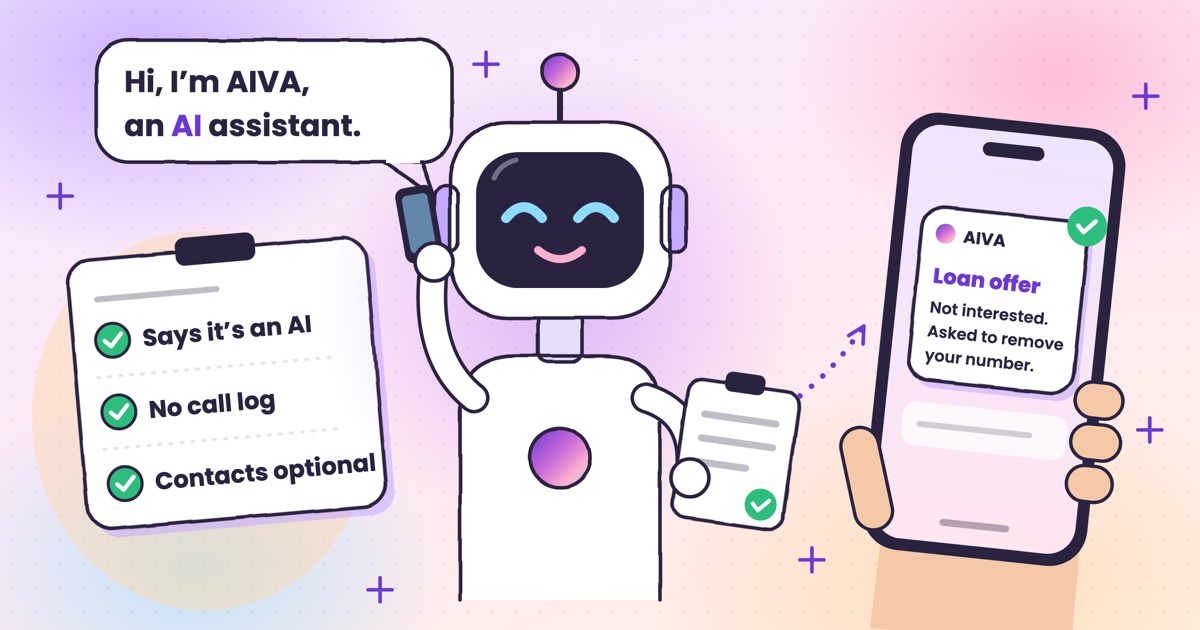
No call log access
AIVA doesn’t need your call history to work, so it never asks for it.
Contacts stay on your phone
If you allow it, AIVA looks up one caller at a time, only to show you their name. Your contact list is never uploaded or stored.
You can delete your account and its data in the app at any time, under Settings → Account. The full details are in the privacy policy and the deletion policy. For every permission the app uses and who makes it, see Is Kuku AIVA safe?
How to set up AIVA
Setup takes a few minutes and starts with a 3-day free trial.
- Step 1
Install AIVA from the Google Play Store.
- Step 2
Sign in with your mobile number. We’ll send you a one-time code.
- Step 3
Pick AIVA’s language and voice. There are four voices in each language, and you can hear each one first.
- Step 4
Turn on call forwarding. AIVA sets it up for you, and your network confirms on screen.
- Step 5
Set your instructions for the calls you get most, or leave the default: take a message.
- Step 6
Try it. Decline the next call you can’t take, and AIVA answers it for you.
AI call assistants: your questions
Is an AI call assistant the same as voicemail?
No. Voicemail records a message and leaves the rest to you. Kuku AIVA talks to the caller, asks why they are calling, follows the instruction you picked for that kind of call and sends you a written summary, so you can act without listening to anything.
Does the caller know they're talking to an AI?
Yes. AIVA introduces itself as an AI assistant at the start of every call — it never pretends to be you.
Does AIVA read my call log or contacts?
AIVA never reads your call log. If you turn on Saved contact names in Settings, the app checks one caller's number on your phone to show their saved name. Your contact list and saved names are never uploaded or stored by AIVA.
Which languages can AIVA answer calls in?
English, Hindi, Telugu, Tamil, Kannada and Malayalam, with four voices in each. You pick one opening language, and AIVA switches between English and Hindi mid-call to follow the caller. More in AI that answers calls in Hindi and other Indian languages.
More guides
 Guide · 7 min readHow to stop spam calls on Android in India: the settings on your phoneThe spam filter in Google’s Phone app and on Samsung, blocking numbers, silencing unknown callers, and network spam labels.
 Guide · 7 min readIs Kuku AIVA safe? What it can see, what it keeps, and who makes itWho makes Kuku AIVA, every Android permission it uses and why, what callers hear, and how to delete your data.
 Guide · 7 min readConditional call forwarding codes for AT&T, T-Mobile and VerizonThe busy, no-answer and unreachable codes for each US carrier, how to turn them off, and the codes never to dial.
 Guide · 8 min readDigital arrest, KYC and courier scams: how to spot each on a callDigital arrest, KYC, electricity, courier and UPI refund scams: the script each one follows and its red flags.
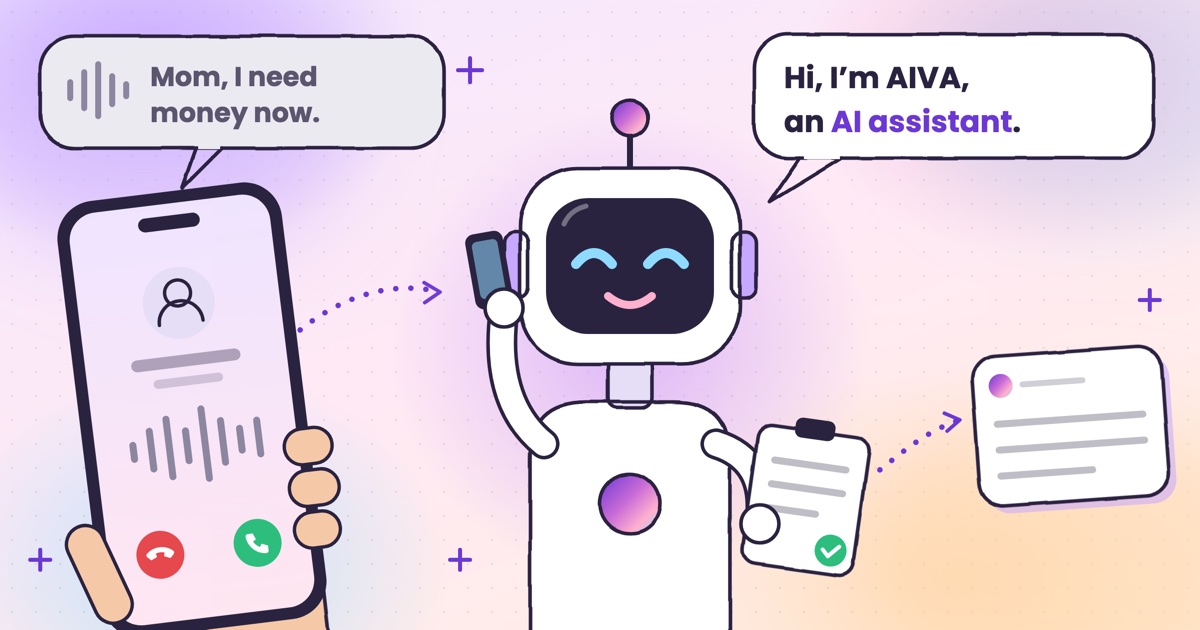 Guide · 8 min readAI voice-cloning scams: how to tell if you’re talking to an AIHow cloned-voice calls work, how to check who is really calling, and a safe word for your family.
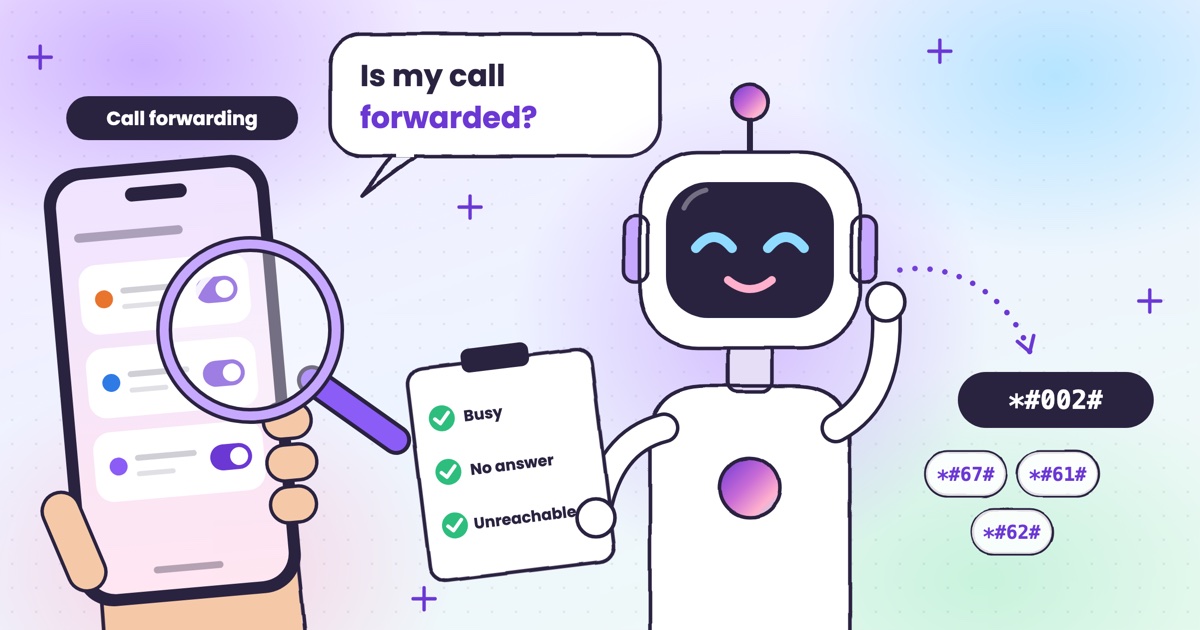 Guide · 7 min readHow to check if your calls are being forwarded, and turn it offThe signs your calls are being forwarded, the check code for each rule, and how to turn one off.
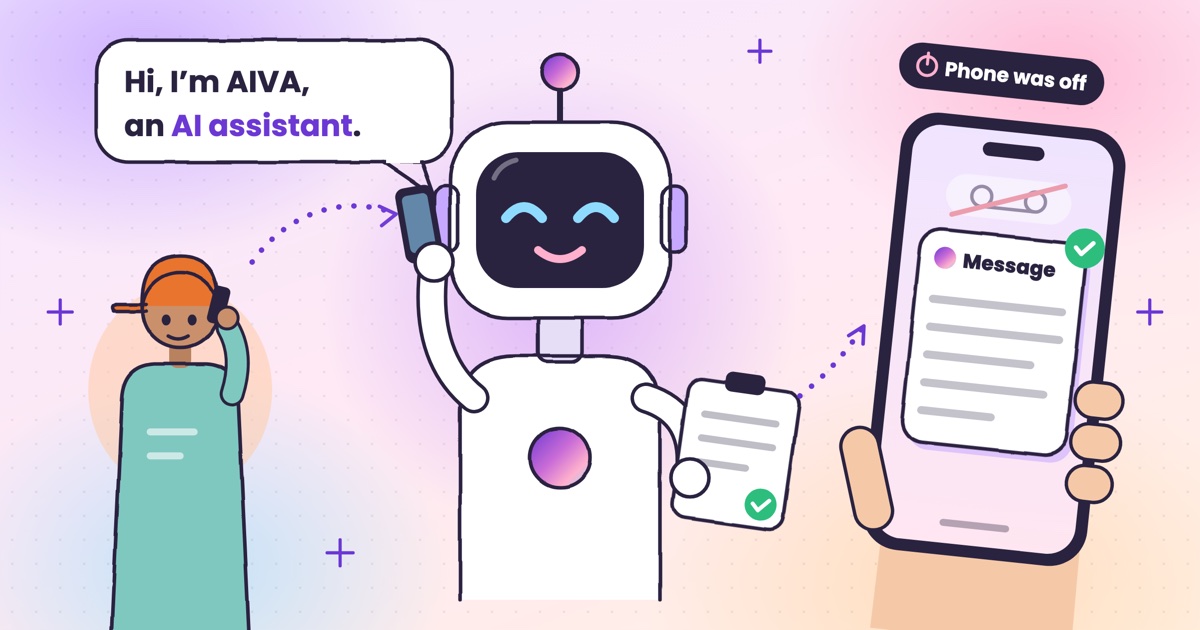 Guide · 9 min readAI voicemail in India: what to use when carrier voicemail isn’t thereWhich Indian networks still offer voicemail, what your phone does instead, and how an app that takes a message compares.
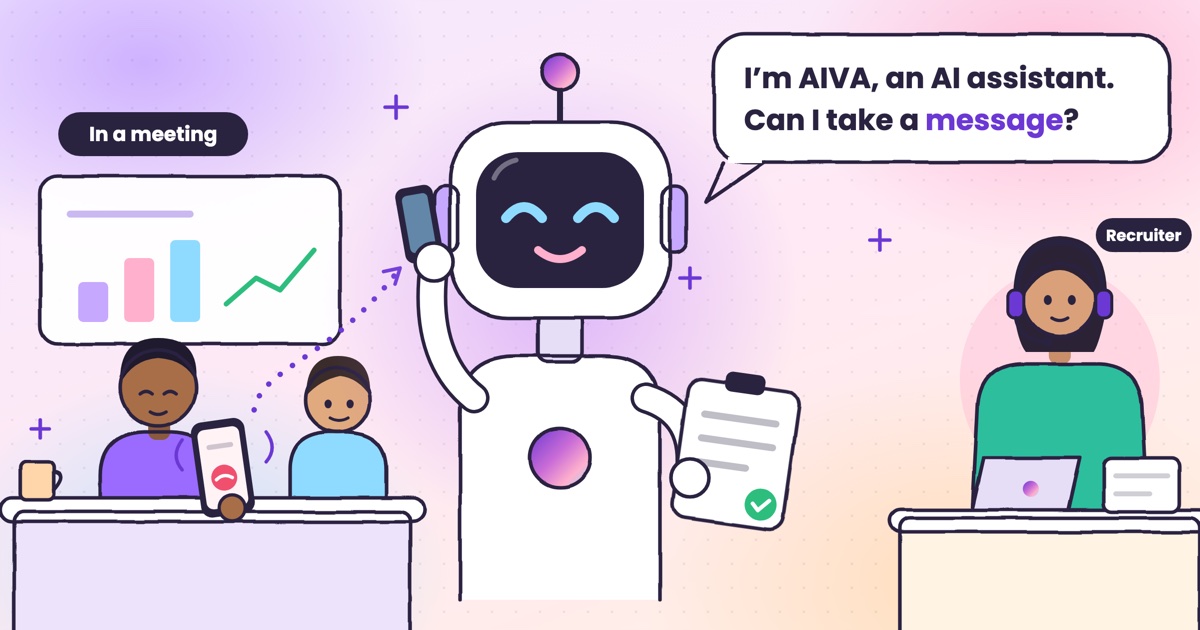 Guide · 9 min readHow to auto-answer calls on Android when you’re in a meetingWhy Android’s auto-answer is the wrong tool in a meeting, the built-in options that work, and how an AI answers the calls you decline.
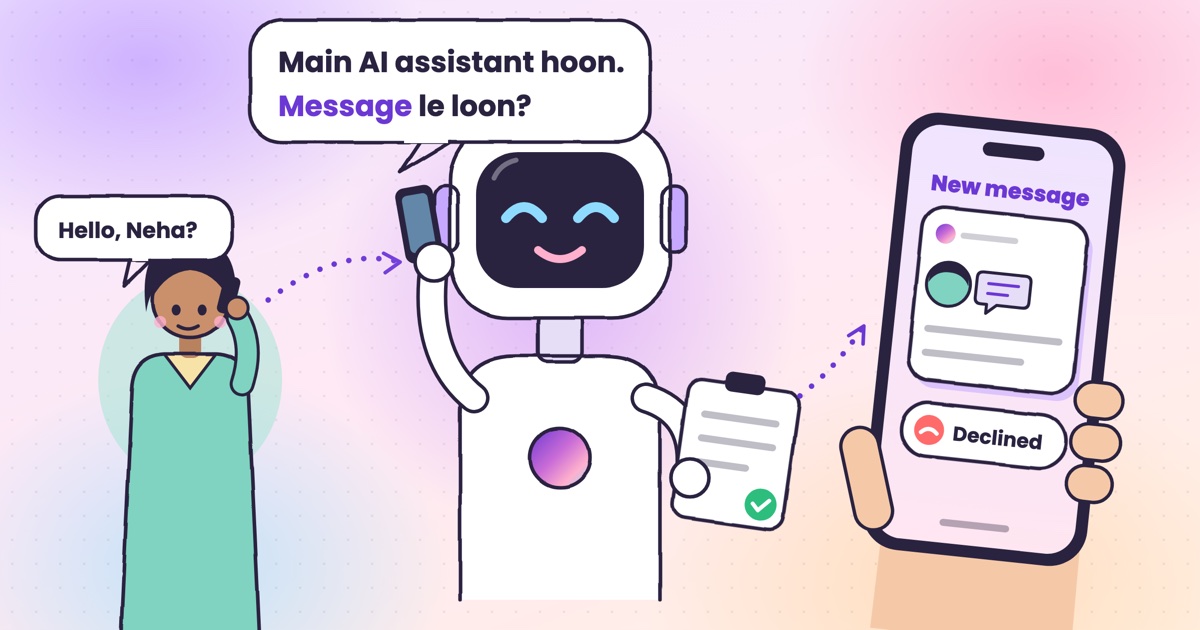 Guide · 9 min readCall utha ke message le le: apps that answer your calls and take a messageThe real ways to have a call picked up and a message taken in India, what your caller hears, and how the message reaches you.
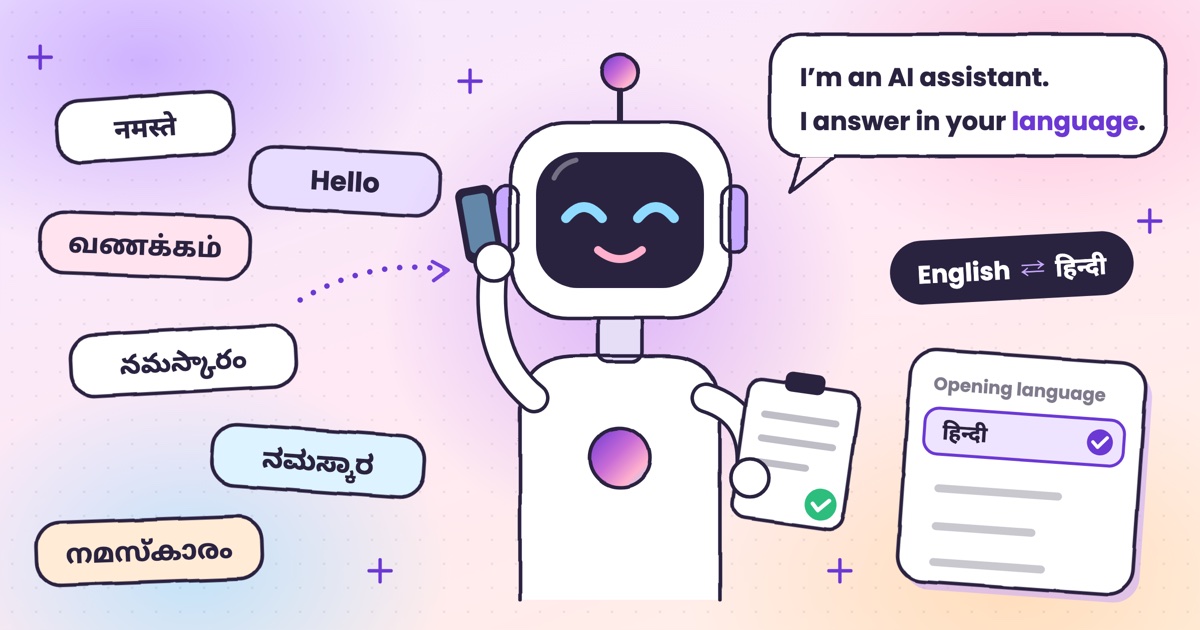 Guide · 7 min readCan AI answer calls in Hindi? Call assistants for Indian languagesWhich call assistants speak Hindi, Tamil, Telugu, Kannada and Malayalam, and how to test one before you rely on it.
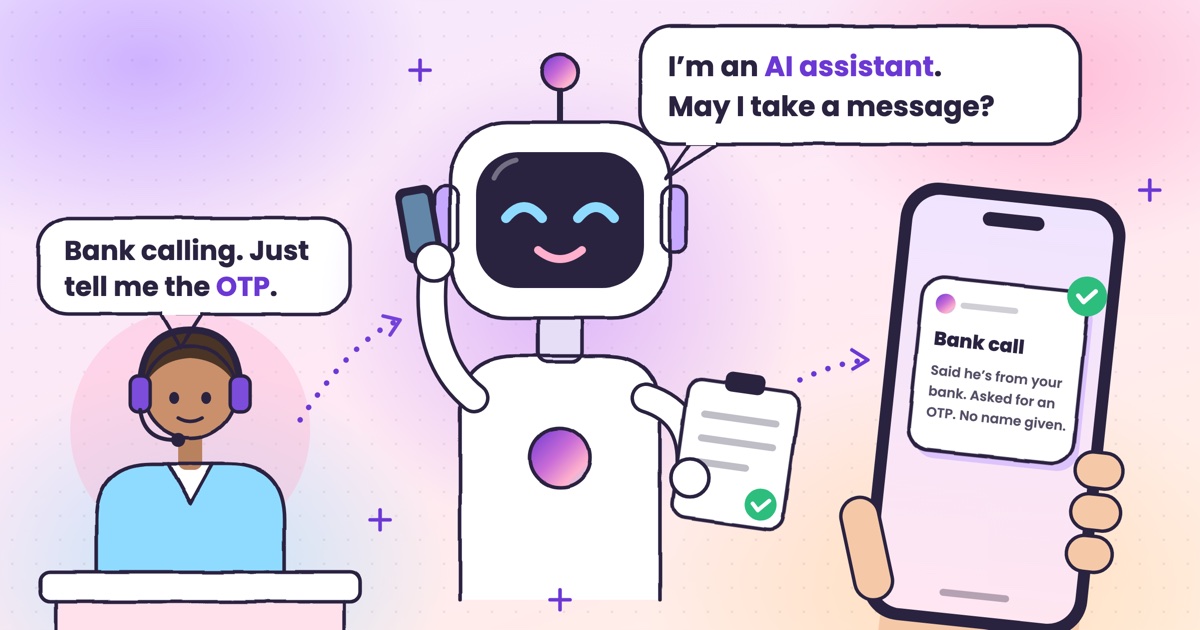 Guide · 9 min readHow to stop OTP scam calls (and what to do if you shared one)How to tell a fake bank call from a real one, and the three calls to make if you already read out a code.
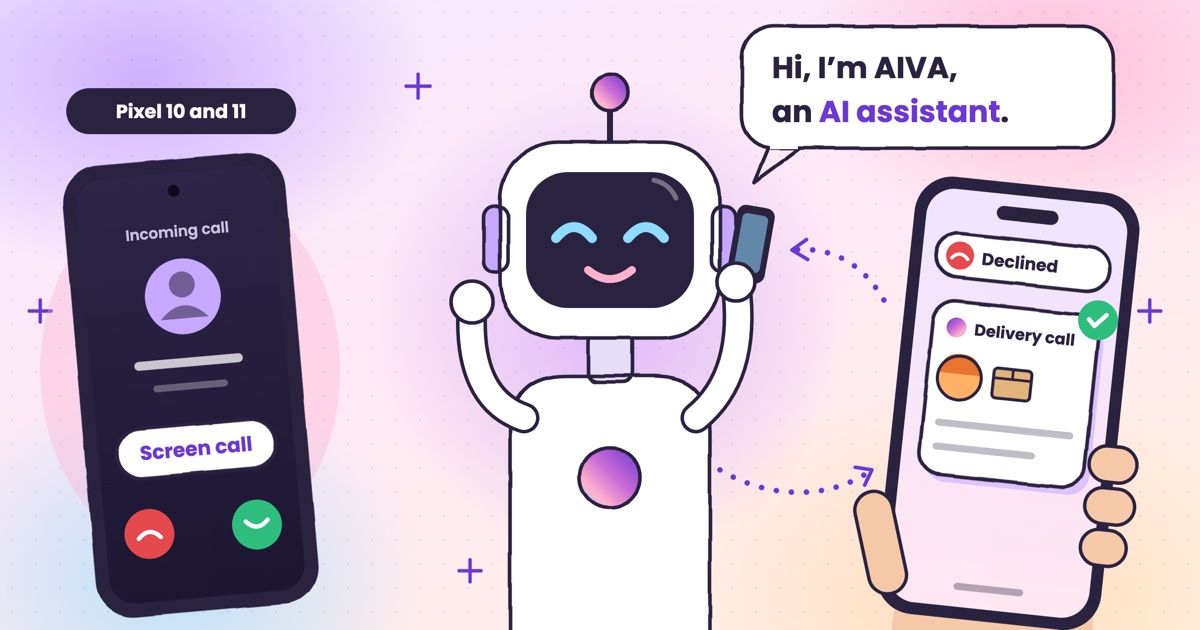 Guide · 7 min readIs Google Call Screen available in India? What works insteadWhich Pixels get Call Screen in India, how to use it, what’s missing compared with the US, and what to use on Samsung, iPhone and other Android phones.
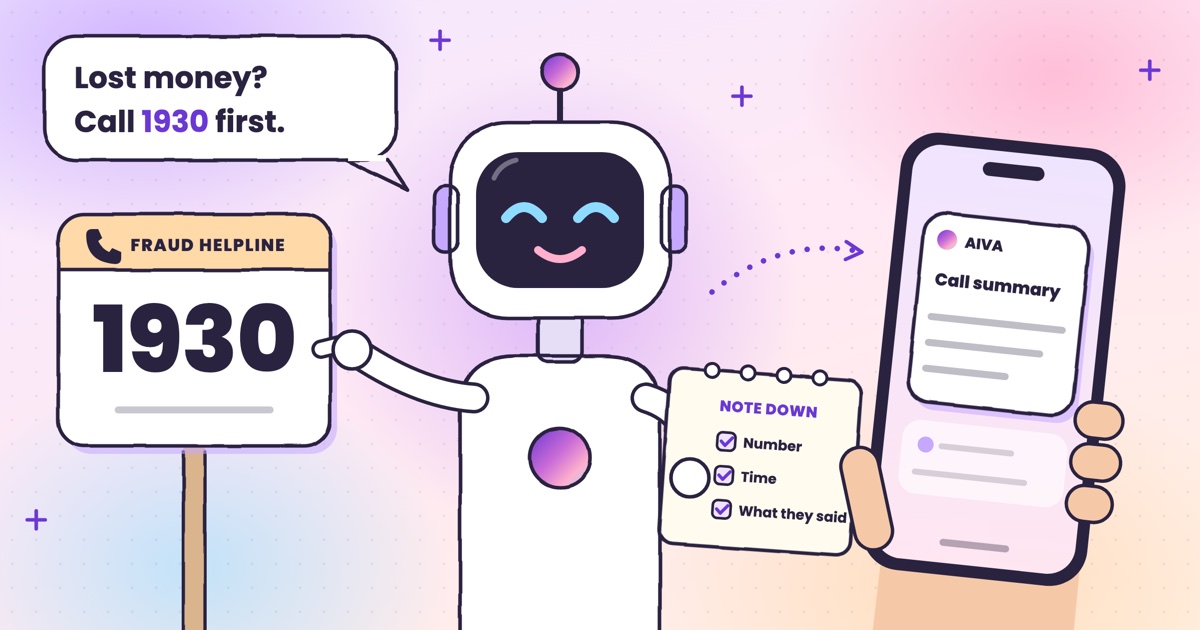 Guide · 7 min readHow to report a fraud call in India: Chakshu, 1930 and cybercrime.gov.inWhere each kind of call goes, what to write down first, the steps on each official site, and what happens after you report.
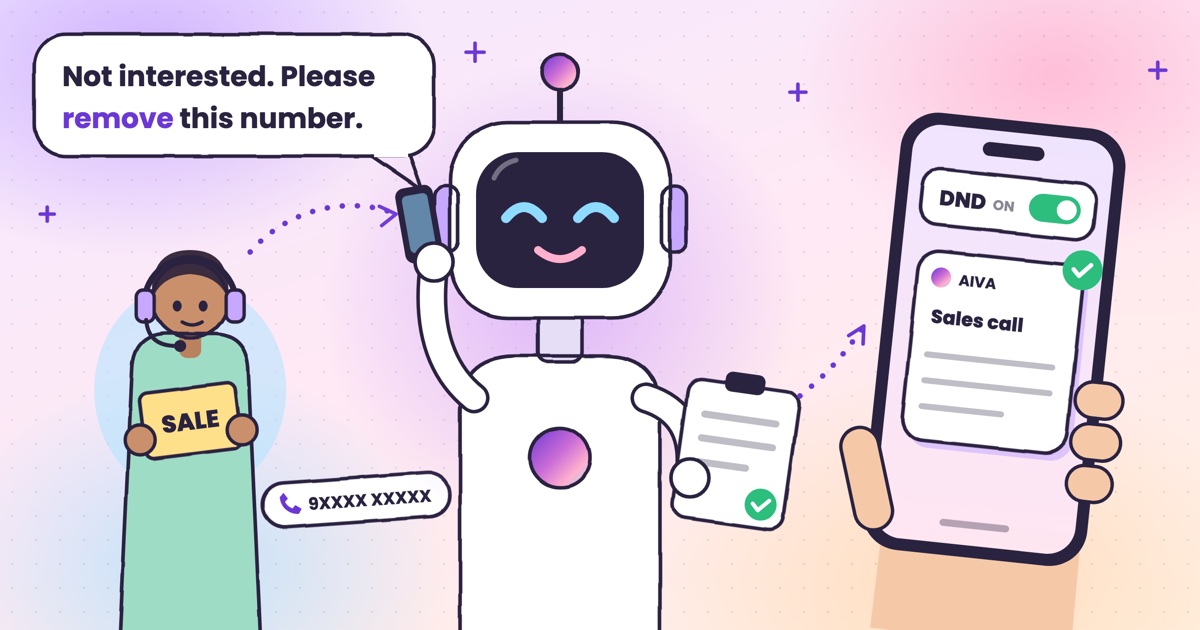 Guide · 7 min readDoes DND stop telemarketing calls? TRAI’s DND app explainedWhat DND stops, what it doesn’t, the 2025 rules and how to complain when promotional calls keep coming.
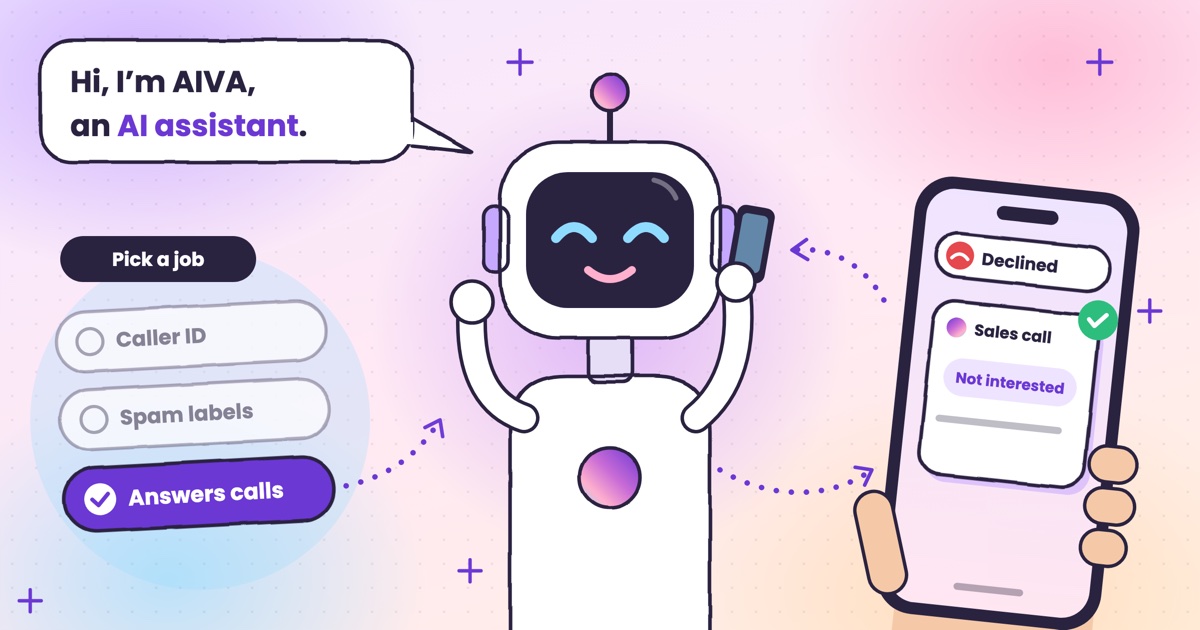 Guide · 7 min readTruecaller alternatives in 2026: caller ID, spam labels and AI answeringCaller ID apps, network spam labels, CNAP and apps that answer calls, grouped by the job you need done.
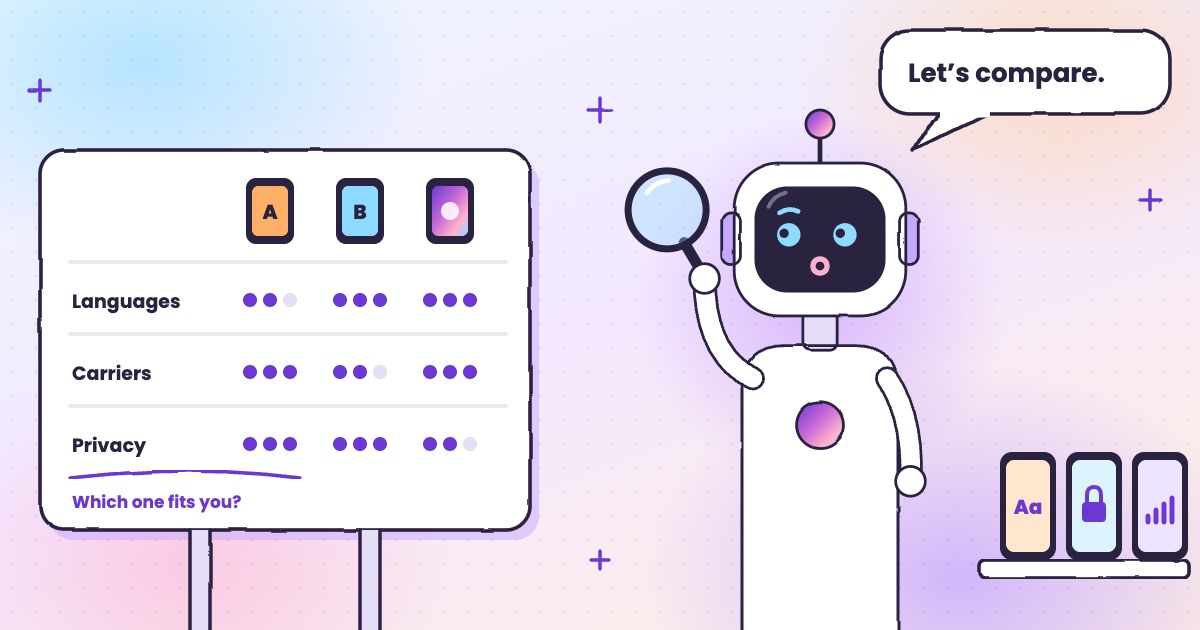 Guide · 8 min readAI call assistants compared: Truecaller, Equal AI, Google and moreTruecaller, Equal AI, Google, Apple and Samsung side by side, with sources.
 Guide · 6 min readCall forwarding codes in India: Jio, Airtel, Vi and BSNLThe codes for each network, how to turn forwarding off, and the codes never to dial.
 Guide · 4 min readHow to handle delivery calls while busy in a meetingWhat to do when a courier calls during a meeting, with or without an app.
 Guide · 6 min readHow to stop loan calls and spam calls in IndiaDND, reporting spam to TRAI and fraud on Chakshu, and what to do when the calls keep coming.
Want to see more of our guides on Google? Add kukuaiva.app as a preferred source