Last updated:
Kuku AIVA for freelancers and small businesses: client calls answered while you work
What AIVA does with the calls you can’t take during focused work, a class or a busy counter, where it stops, and how to set it up in two minutes.
Kuku AIVA is an AI call assistant for Android that answers the client and customer calls you decline or miss while you work, teach or serve customers. It tells the caller it is an AI, asks why they called, takes a message and sends you a summary, so you can finish the job and call back with context.
It works on your own number. It is not a business phone system, a team inbox or an order line. Below is what that looks like for a freelancer, tutor or shop owner, and where it stops.
Why do freelancers and small business owners miss client calls?
Because your personal mobile is also the business line. When you are in focused work, teaching a class or serving a customer at the counter, every call lands on the same number: clients, customers, recruiters, people selling you something. Stop to answer and you lose the thread. Ignore it and you may have missed paid work.
Each caller wants something different:
| Who calls | What they usually need | What AIVA can do |
|---|---|---|
| A client or customer | An answer, a change or a call back | Take their message, so you call back knowing why |
| Someone booking or moving a session | A time that works | Ask which times suit them, or note that they confirmed |
| A recruiter | To know if you’re open to a role | Say you’re not looking, or ask for the role and salary |
| A loan or insurance agent | Your time for an offer | Say you’re not interested and ask to be taken off their list |
| A vendor with a sales pitch | A meeting or a demo | Ask them to send the details by SMS or email |
What does AIVA do with a client’s call?
It opens every call by saying it is an AI assistant answering for you, asks why they are calling, follows the instruction you picked for that kind of call, takes a message and sends you a notification. Three calls from a working day, with the summary each would leave you:
A client
“We need the logo files as a PDF before Friday’s print run. Can she call me back today?”
AIVA takes a message. It doesn’t promise when you’ll do the work; it passes the request to you.
Client messageNeha from Sharma Prints needs the logo files as PDF before Friday’s print run. She asked you to call her back today.
A student’s parent
“Riya can’t come for tomorrow’s 5 o’clock maths class. Can we move it?”
With Appointment set to Ask for alternative time slots, AIVA asks which other times would suit them. It can’t see your timetable.
Class changeRiya’s mother says Riya can’t make tomorrow’s 5 PM maths class. Thursday evening or Saturday morning would work for them.
A recruiter
“I have a full-time design role I think you’d be a good fit for. Are you open to a chat?”
With Recruiter set to Ask for role and salary details, AIVA asks about the role and the pay before you spend time on it.
Recruiter callAnkit from a hiring firm has a full-time UX designer role, hybrid in Pune, paying around ₹20 lakh a year. He asked for a call back.
Names and details here are examples. The real summary uses what the caller says.
What can’t AIVA do for a small business?
It can’t run the business side for you. AIVA answers one person’s own number, takes messages and follows the few instructions you pick.
- It won’t quote prices, take orders or collect payments.
- Call the customer back to quote, confirm the order and take payment.
- It can’t see your calendar or share your availability, and it doesn’t book anything.
- Offer times yourself when you call back.
- There is no team inbox: notifications go only to the phone the app is on.
- Pass a message on to a partner or helper yourself.
- It has no business hours, IVR menu or “press 1” options, and it isn’t a business phone system.
- Your phone still rings first; take the calls you want.
What callers say becomes a written summary and transcript in your app. Card numbers and Aadhaar numbers are removed before anything is stored; our privacy policy sets out what is kept and for how long.
How do you set up AIVA for client calls?
About two minutes, once. Your number stays the same, so clients and customers keep calling the number they already have, and they install nothing.
- Install Kuku AIVA on your Android phone from Google Play and sign in with your mobile number.
- Turn on call forwarding in the app. It walks you through it on Airtel, Jio, Vi and BSNL.
- Pick your instructions: Appointment → Ask for alternative time slots, Recruiter → Not looking right now or Ask for role and salary details, Sales → Send details by SMS or email, and Bank → Not interested — take me off the list.
Pick the language AIVA opens in: Hindi, English, Telugu, Tamil, Kannada or Malayalam; it follows the caller between English and Hindi during the call. New to forwarding? See call forwarding codes in India, or how an AI call assistant works. More on the Kuku AIVA home page.
AIVA for freelancers and small business: your questions
Will clients know they are talking to an AI?
Yes. AIVA says it is an AI assistant at the start of every call. It never pretends to be you or your staff.
Can customers place an order or ask for a price through AIVA?
No. AIVA doesn’t quote prices, take orders or collect payments, and it doesn’t commit you to anything. It takes the customer’s message so you can call back and handle it yourself.
Can a partner or assistant get the call summaries too?
No. AIVA answers one person’s own number, and notifications go only to the phone the app is on. If someone else needs a message, pass it on yourself.
Can I set business hours or a menu for callers?
No. AIVA has no business hours, IVR menu or “press 1” options. Your phone rings first; the calls you decline or miss go to AIVA, which takes a message or follows the instruction you picked for that kind of caller.
Kaam ke beech client ka call miss ho jaye to kya karein?
Kuku AIVA on kar dijiye. Jo calls aap decline ya miss karte hain, AIVA unhe uthata hai, batata hai ki woh AI assistant hai, poochta hai kyun call kiya, message leta hai aur aapko summary bhejta hai. Kaam khatam karke aap call back kar sakte hain.
Guides for this
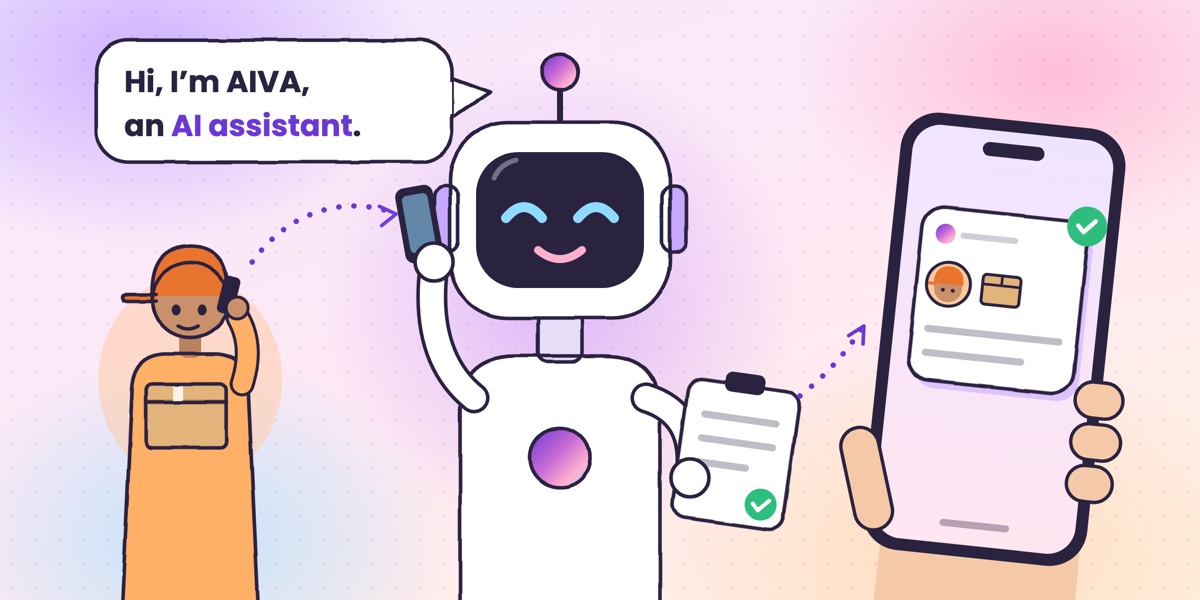 Guide · 6 min readWhat is an AI call assistant? How AIVA answers the calls you can’t takeHow AIVA answers the calls you decline, miss or can’t take, and what it does with each one.
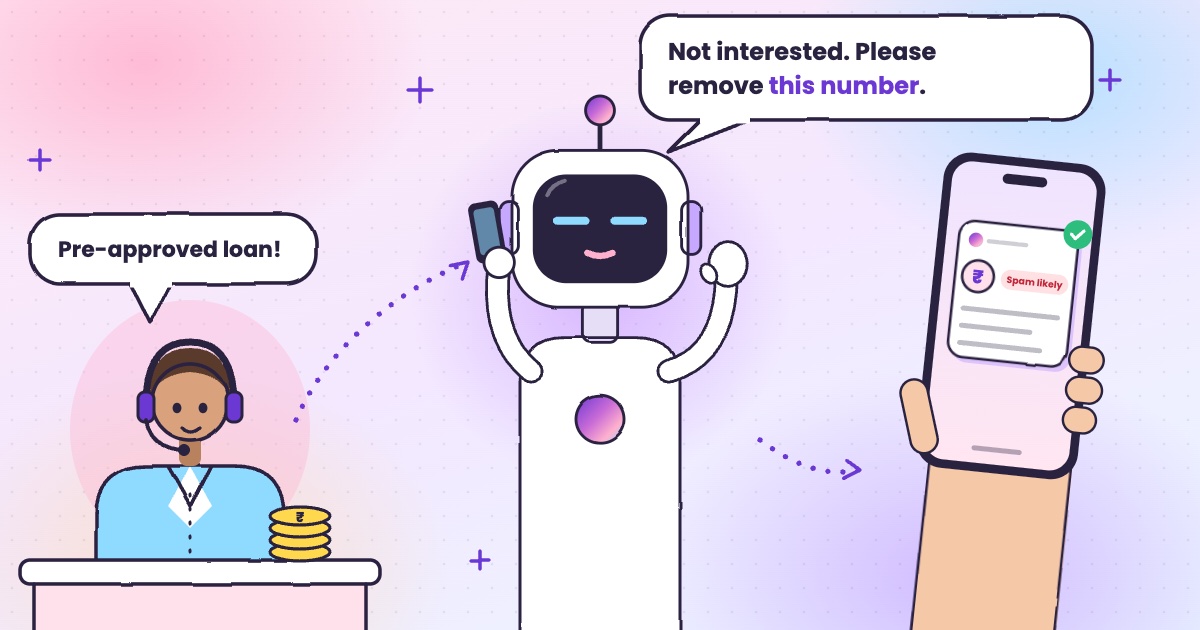 Guide · 6 min readHow to stop loan calls and spam calls in IndiaDND, reporting spam to TRAI and fraud on Chakshu, and what to do when the calls keep coming.
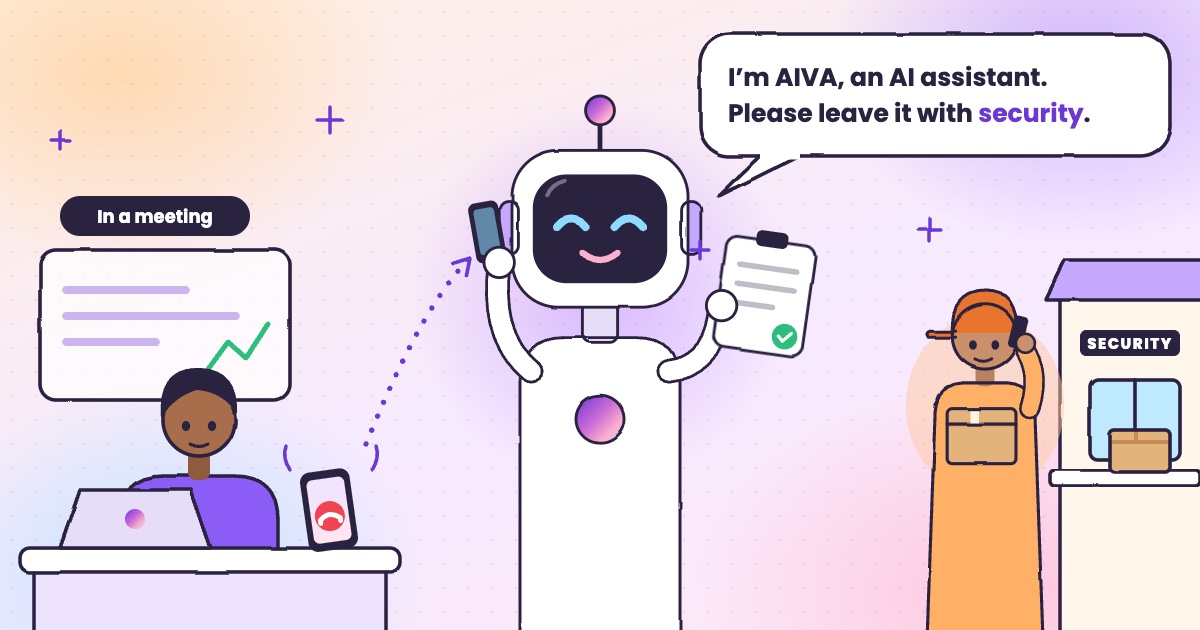 Guide · 4 min readHow to handle delivery calls while busy in a meetingWhat to do when a courier calls during a meeting, with or without an app.
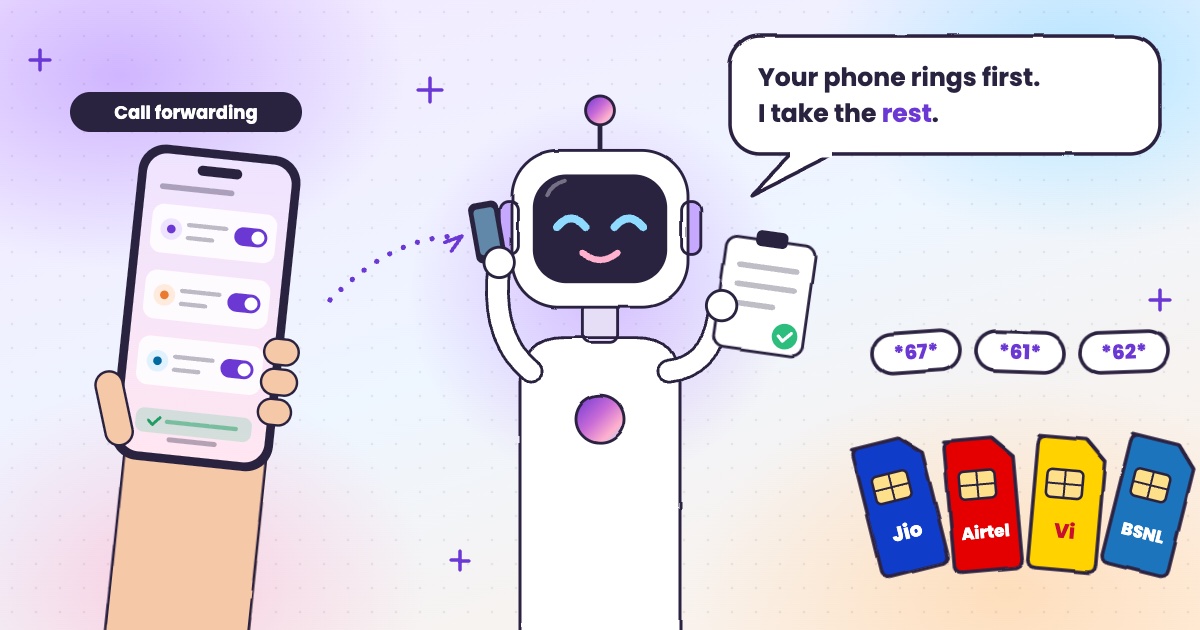 Guide · 6 min readCall forwarding codes in India: Jio, Airtel, Vi and BSNLThe codes for each network, how to turn forwarding off, and the codes never to dial.