Last updated:
Kuku AIVA for parents and elderly: unknown calls answered in their language
What AIVA does with the loan offers, sales pitches and courier calls your parent would rather not take, what it can’t do, and how to set it up on their phone together.
Kuku AIVA is an AI call assistant for Android that answers the unknown calls your parent declines or doesn’t pick up: loan offers, sales pitches, couriers. It speaks Hindi, Tamil or another language they choose, says it is an AI, takes a message and leaves a plain written summary on their phone.
You set it up on your parent’s phone, with them, on their own number. Older people can just as well set it up for themselves. It is not a scam blocker and it doesn’t check who is calling. Below is what it does, and where it stops.
Why do unknown calls weigh on older parents?
Because every unknown number is a guess. A loan offer, a sales pitch, a courier and a relative on a new number all look the same on the screen. Some parents pick up everything and get stuck in long pitches. Others stop answering unknown numbers and then miss the courier or the cousin.
Most of these calls want something small and different:
| Who calls | What they usually want | What AIVA can do |
|---|---|---|
| A loan, card or insurance offer | A yes, or a long conversation | Say your parent isn’t interested and ask to be taken off the list |
| A sales or marketing call | Time for a pitch | Say your parent isn’t interested, or ask for details by SMS or email |
| A courier | Someone to take the parcel | Ask them to try again later, or leave it with security |
| A relative or neighbour | To pass on news, or a call back | Take the message, so your parent calls back knowing why |
What does AIVA do when your parent doesn’t pick up?
Their phone rings first, as it does now. If they decline the call or let it ring, AIVA answers in the language they chose. It says it is an AI assistant, asks why the person is calling, follows the instruction you picked together and sends a notification with a short written summary to your parent’s phone. Three calls from a parent’s week:
A loan offer
“Namaste ji, aapke liye pre-approved personal loan hai. Bas do minute lagenge.”
With Bank set to Not interested — take me off the list, AIVA replies in Hindi and asks them to remove the number from their list. It can’t make them stop.
Loan offerA caller offered a pre-approved personal loan. I said you are not interested and asked them to take your number off their list.
A courier
“Parcel aaya hai, ghar par koi hai?”
With Delivery set to Ask them to try again later, AIVA asks the courier to come back another time.
Courier at the doorA courier came with a parcel and nobody answered. I asked them to try again later.
A nephew
“Periyamma, it’s Ravi. I’m coming to Chennai on Sunday. Can I stay the night?”
AIVA takes a message. With Saved contact names turned on, your parent sees the name saved on their phone instead of only a number.
RaviRavi is coming to Chennai on Sunday and asks if he can stay the night. Wants a call back.
Names and details here are examples. The real summary uses what the caller says.
What can’t AIVA do for your parents?
It can’t protect them from fraud. AIVA answers, explains it is an AI, takes a message and follows a few fixed instructions. It doesn’t judge who is genuine.
- It doesn’t detect, block or report scam calls, and it can’t check who a caller really is.
- Agree a family rule: never share an OTP, PIN or bank details on a call, whoever it claims to be.
- Summaries go to your parent’s phone, not to yours.
- Ask them to read you anything that worries them, or look at the app together.
- It can’t put a caller through, or let anyone listen in or join a live call.
- Your parent calls back the people who matter, when it suits them.
- It isn’t an emergency line.
- Make sure family and neighbours have another way to reach your parent quickly.
What callers say becomes a written summary and transcript in the app. Card numbers and Aadhaar numbers are removed before anything is stored; our privacy policy sets out what is kept and for how long.
What should your parent do if a call looks like fraud?
Report it to the government’s own channels. AIVA doesn’t do this for you. Two places matter (sources checked November 2026):
- Suspected fraud call, SMS or WhatsApp, no money lost: report it on Chakshu on Sanchar Saathi, the Department of Telecommunications’ facility for reporting “suspected fraud communications”.
- Money already lost: call the national helpline 1930 straight away, then complete the complaint on cybercrime.gov.in, as the Indian Cybercrime Coordination Centre’s FAQ sets out. Sanchar Saathi points people who have lost money to 1930 too, not to Chakshu.
Our step-by-step guide covers what to note down first: how to report a fraud call in India. For the steady stream of offers, see how to stop loan calls and spam calls.
How do you set up AIVA on your parent’s phone?
Sit with them and do it together, on their phone. It takes about two minutes, once. Their number stays the same and callers install nothing.
- Install Kuku AIVA on your parent’s Android phone from Google Play and sign in with their mobile number.
- Turn on call forwarding in the app. It walks you through it on Airtel, Jio, Vi and BSNL.
- Pick the instructions together: Bank → Not interested — take me off the list, Sales → Not interested — take me off the list, and Delivery → Ask them to try again later or Leave it with security.
- Choose their language and, if they want, turn on Saved contact names in Settings. Then show them where the summaries appear.
AIVA can open calls in Hindi, English, Telugu, Tamil, Kannada or Malayalam, and follows the caller between English and Hindi. New to forwarding? See call forwarding codes in India, or how an AI call assistant works. More on the Kuku AIVA home page.
AIVA for parents: your questions
Can AIVA stop scam calls or tell my parent if a call is a fraud?
No. AIVA doesn’t detect, block or report scam calls and can’t check who a caller really is. It takes a message and follows the instruction you picked. If a call looks like fraud, report it on Chakshu; if money has been lost, call 1930. Our guide on reporting fraud calls has the steps.
Will I see the summaries on my own phone?
No. Notifications and summaries go to the phone the app is on, which is your parent’s. Ask them to show you anything that worries them, or open the app together.
Will callers know they are talking to an AI?
Yes. AIVA says it is an AI assistant at the start of every call. It never pretends to be your parent or a family member.
Does AIVA read my parent’s contacts or call log?
AIVA never reads the call log. If Saved contact names is turned on in Settings, the app checks one caller’s number on the phone to show the name saved there. The contact list and saved names are never uploaded or stored by AIVA.
Mummy-papa ke phone par loan aur sales calls bahut aate hain, kya kare?
Set up Kuku AIVA on their phone together. The calls they decline or don’t pick up go to AIVA, which says it is an AI, asks loan and sales callers to take the number off their list, and leaves a short summary on their phone. It doesn’t block calls or catch scams.
Guides for this
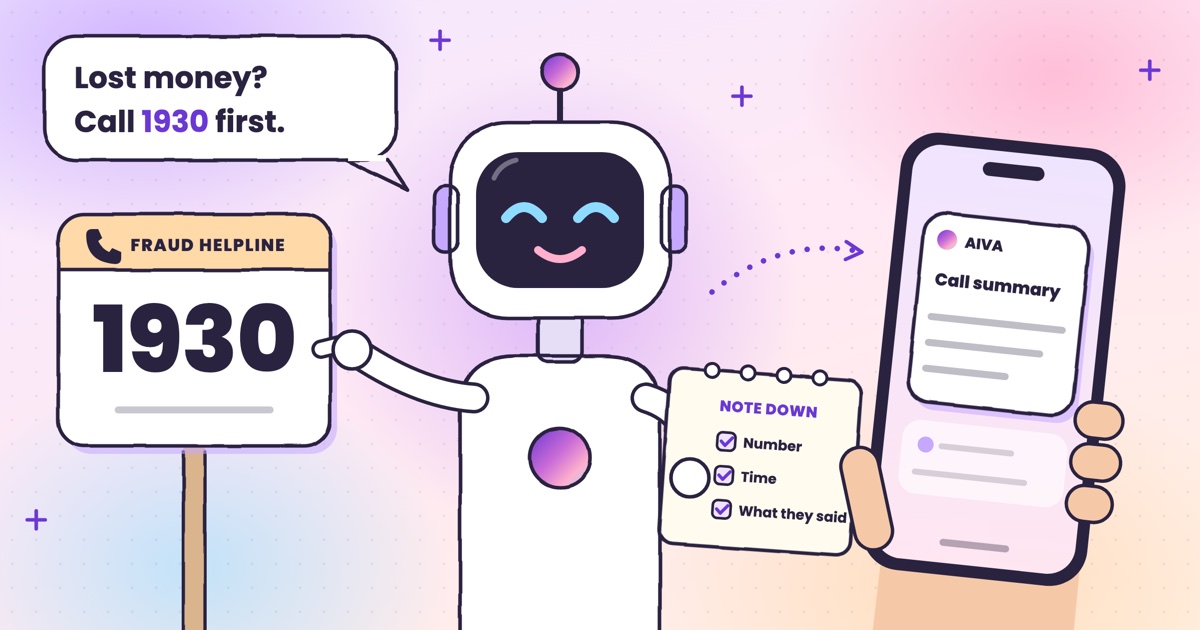 Guide · 7 min readHow to report a fraud call in India: Chakshu, 1930 and cybercrime.gov.inWhere each kind of call goes, what to write down first, the steps on each official site, and what happens after you report.
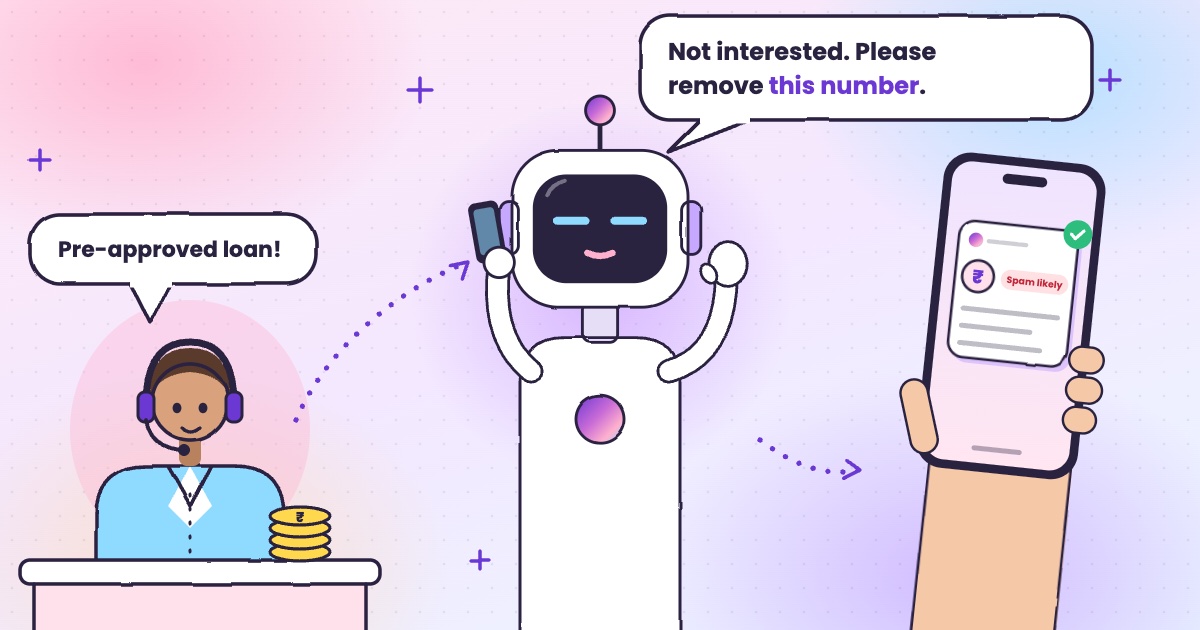 Guide · 6 min readHow to stop loan calls and spam calls in IndiaDND, reporting spam to TRAI and fraud on Chakshu, and what to do when the calls keep coming.
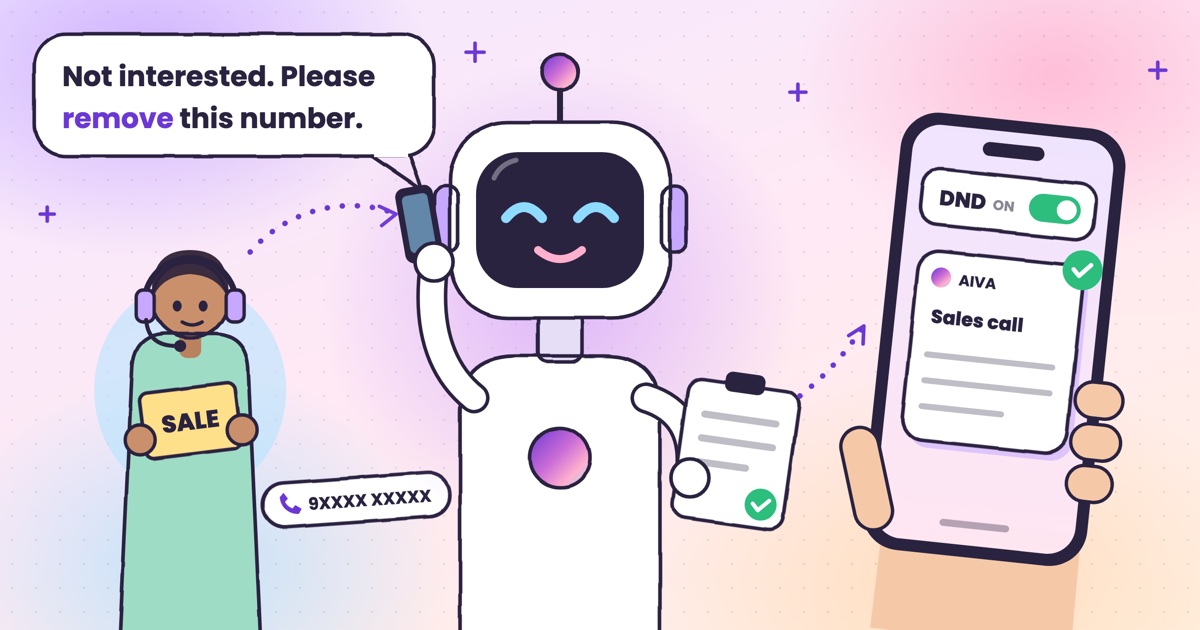 Guide · 7 min readDoes DND stop telemarketing calls? TRAI’s DND app explainedWhat DND stops, what it doesn’t, the 2025 rules and how to complain when promotional calls keep coming.
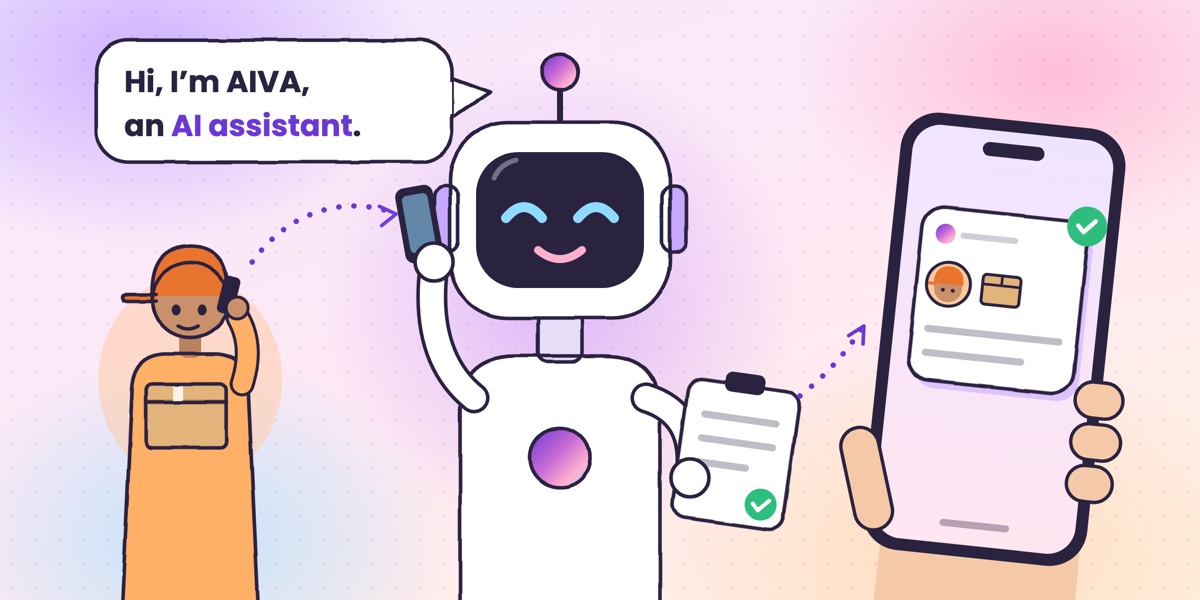 Guide · 6 min readWhat is an AI call assistant? How AIVA answers the calls you can’t takeHow AIVA answers the calls you decline, miss or can’t take, and what it does with each one.