Last updated:
Kuku AIVA for sales and real estate: lead calls answered while you’re with a client
What AIVA does with the calls you can’t take on a site visit, in a meeting or on the road, where it stops, and how to set it up in two minutes.
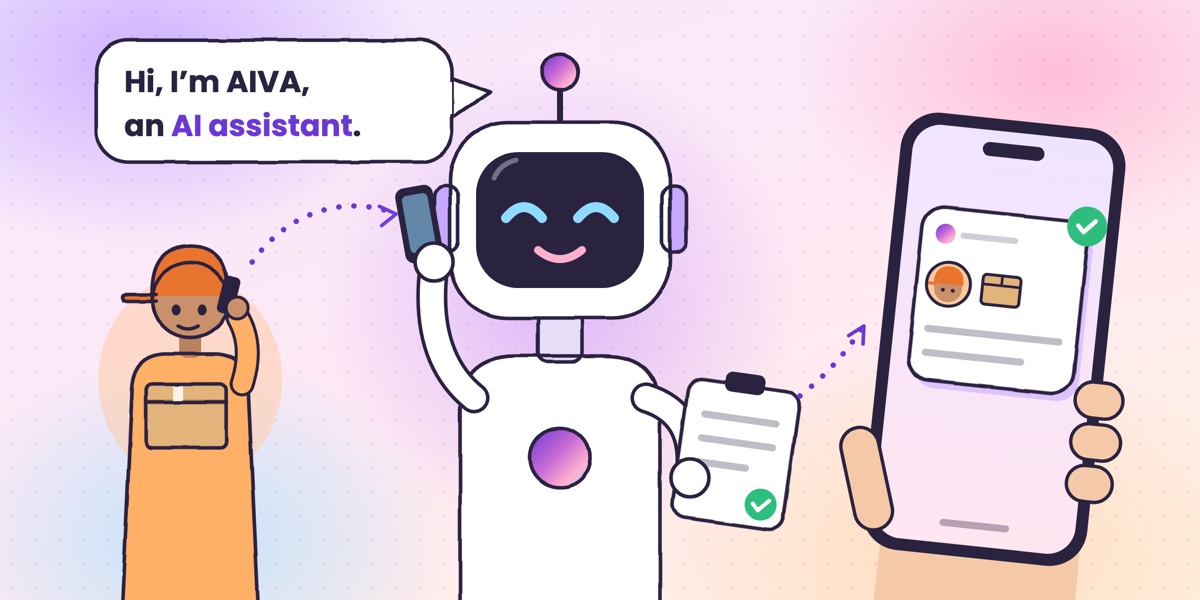
Kuku AIVA is an AI call assistant for Android that answers the calls you decline or miss while you are with a client, on a site visit or driving. It tells the lead it is an AI, asks why they called, takes a message with the property and budget they mention, and sends you a summary.
It works on your own mobile number. It is not a CRM, a dialler or a call centre, and it never quotes a price or fixes a visit. Below is what that looks like in a broker’s or salesperson’s day, and where it stops.
Why do agents and brokers miss so many lead calls?
Because leads call when you are busy with another client. You are showing a flat, sitting in a client meeting or driving between viewings, and your mobile is the number on every listing, card and ad. Pick up and the client in front of you waits. Let it ring and you have a number with no idea what they wanted.
Not every call needs the same thing from you:
| Who calls | What they usually need | What AIVA can do |
|---|---|---|
| A new lead from a listing or ad | Details, and a quick reply | Take their message: which property, their budget, when to call back |
| A client you are already working with | To change a visit or pass on an update | Take the message; for a visit, ask which other times suit them |
| An owner, builder or colleague | To pass on something, or a call back | Take the message and who it is from |
| A loan or insurance agent | Your time for an offer | Say you’re not interested and ask to be taken off their list |
| A vendor with a sales pitch | A meeting or a demo | Ask them to send the details by SMS or email |
What does AIVA do with a lead’s call?
It opens every call by saying it is an AI assistant answering for you, asks why they are calling, follows the instruction you picked for that kind of call, takes a message and sends you a notification. Three calls from a day of site visits, with the summary each would leave you:
A new lead
“I saw your listing for the 2BHK near the metro. Is it still available? My budget is about 80 lakh.”
AIVA takes a message. It can’t confirm availability or talk price; it passes the details to you.
Property enquiryRahul asked whether the 2BHK near the metro station is still available. His budget is around ₹80 lakh. He would like a call back after 6 PM.
A client moving a visit
“I can’t make Saturday’s 11 o’clock visit to the flat. Can we do it another day?”
With Appointment set to Ask for alternative time slots, AIVA asks which other times would suit them. It doesn’t fix a new time.
Site visitMeera can’t make Saturday’s 11 AM visit. Sunday morning or Monday after 5 PM would work for her.
A loan offer
“Sir, you are pre-approved for a business loan at a special rate. Can I explain the offer?”
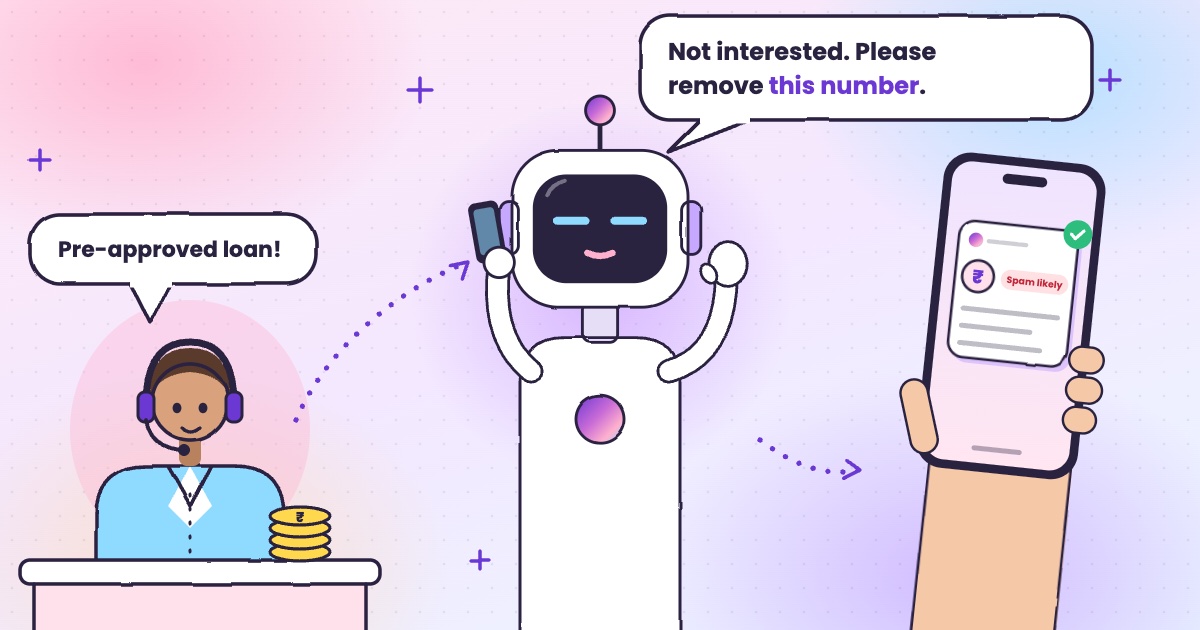
With Bank set to Not interested — take me off the list, AIVA says you’re not interested and asks them to take you off their list.
Loan offerA caller from a lending company offered a business loan. I said you’re not interested and asked them to take you off their list.
Names and details here are examples. The real summary uses what the caller says. Asking to be taken off a list is a request; the caller may still call again.
What can’t AIVA do for a sales or property business?
It can’t sell for you. AIVA is a personal assistant for your own number: it takes messages and follows the few instructions you pick, and the follow-up stays with you.
- It isn’t a CRM, dialler, lead-capture tool or call centre, and it doesn’t call anyone back.
- Copy what matters from the summary into your own CRM or sheet.
- It can’t quote prices, confirm a property is available or book a site visit.
- Give those details yourself when you call back.
- Some leads would rather hang up than talk to an AI.
- The call back is still yours: return the calls that matter as soon as you can.
- It answers one person’s number; notifications go only to the phone the app is on.
- Keep a shared office line if a team handles enquiries.
What callers say becomes a written summary and transcript in your app. Card numbers and Aadhaar numbers are removed before anything is stored; our privacy policy sets out what is kept and for how long.
How do you set up AIVA for lead calls?
About two minutes, once. Your number stays the same, so every listing and visiting card still works, and callers install nothing.
- Install Kuku AIVA on your Android phone from Google Play and sign in with your mobile number.
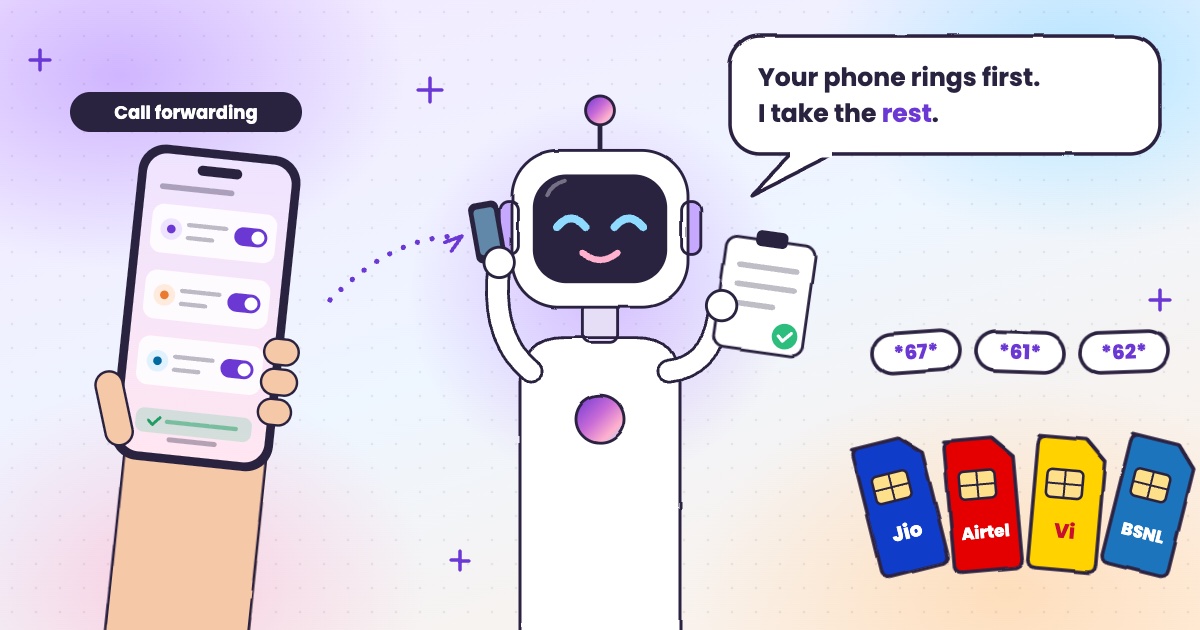
- Turn on call forwarding in the app. It walks you through it on Airtel, Jio, Vi and BSNL.
- Pick your instructions: Bank → Not interested — take me off the list, Sales → Send details by SMS or email, and Appointment → Ask for alternative time slots.
Then decline a call when you’re with a client and AIVA takes it. Pick the language AIVA opens in: Hindi, English, Telugu, Tamil, Kannada or Malayalam; it follows the caller between English and Hindi during the call. New to forwarding? See call forwarding codes in India, or how to stop loan and spam calls. More on the Kuku AIVA home page.
AIVA for sales and real estate: your questions
Will leads know they are talking to an AI?
Yes. AIVA says it is an AI assistant at the start of every call and never pretends to be you. Some leads would rather hang up than talk to an AI, so call back the ones that matter yourself.
Can AIVA add leads to my CRM or call them back?
No. It is a personal call assistant, not a CRM, dialler or lead-capture tool. It sends you a summary and keeps a transcript in the app; you copy what you need and make the call back.
Will AIVA tell a buyer the price or book a site visit?
No. It doesn’t quote prices, confirm availability or fix a time, and it doesn’t commit you to anything. It takes the caller’s message, and for a visit it can ask which times suit them.
Does AIVA read my contacts or call log?
AIVA never reads your call log. If you turn on Saved contact names in Settings, the app checks one caller’s number on your phone to show the name you saved for them. Your contact list and saved names are never uploaded or stored by AIVA.
Site visit pe hoon aur lead ka call aaye to kya karein?
Call decline kar dijiye. Kuku AIVA caller ko batata hai ki woh AI assistant hai, poochta hai kis property ke liye call kiya, message leta hai aur aapko summary bhejta hai, taaki visit ke baad aap poori jaankari ke saath call back kar sakein.
Guides for this
 Guide · 6 min readWhat is an AI call assistant? How AIVA answers the calls you can’t takeHow AIVA answers the calls you decline, miss or can’t take, and what it does with each one.
 Guide · 6 min readHow to stop loan calls and spam calls in IndiaDND, reporting spam to TRAI and fraud on Chakshu, and what to do when the calls keep coming.
 Guide · 7 min readDoes DND stop telemarketing calls? TRAI’s DND app explainedWhat DND stops, what it doesn’t, the 2025 rules and how to complain when promotional calls keep coming.
 Guide · 6 min readCall forwarding codes in India: Jio, Airtel, Vi and BSNLThe codes for each network, how to turn forwarding off, and the codes never to dial.