Last updated:
Can AI answer calls in Hindi? Call assistants for Indian languages
Which call assistants speak Hindi, Tamil, Telugu, Kannada and Malayalam, what “supports Hindi” really means, and how to test one before you rely on it.
Yes. AI can answer phone calls in Hindi in India today, though which assistant works depends on your phone. Kuku AIVA answers the calls you decline or miss in Hindi, English, Telugu, Tamil, Kannada or Malayalam, tells the caller it is an AI, takes a message and sends you a summary.
Below: what “answers in Hindi” can mean, which assistants list which Indian languages on their own help pages, how mixed-language calls fare, and how to test one yourself.
Can AI answer phone calls in Hindi?
Yes, but “answer” means three different things, and the language support differs for each. Before you compare apps, know which kind you need.
| Kind of tool | What the caller hears | What you get |
|---|---|---|
| Voicemail or “take a message” | A greeting, then a beep or prompt to leave a message | A recording, sometimes with a written transcript |
| Call screening | An assistant asks who is calling and why, while you watch | The caller’s reply as text on screen, so you decide whether to pick up |
| AI call assistant | An assistant that talks with the caller, asks why they called and follows your instruction | A summary and transcript after the call |
For a voicemail tool, “works in Hindi” usually means the transcript can read Hindi speech. For screening and assistants, it means the assistant itself speaks Hindi to the caller. Those are different promises, so check which one a help page is making. If the idea of an assistant that talks back is new, our guide to what an AI call assistant is explains the basics.
Which call assistants answer in Hindi and other Indian languages?
On their own help pages, Google and Samsung list Hindi for some features on some phones, Apple lists English (India) but not Hindi, and Kuku AIVA lists six Indian languages. Here is what each official page says (sources checked November 2026).
| Option | What it does | Indian languages its official page lists | Where it works in India |
|---|---|---|---|
| Google Take a Message | Takes a message from callers you miss or decline, with a live transcript | Hindi (India) and English (India) | Pixel 10 and later phones |
| Google Call Screen | Asks the caller who they are and why they are calling, while you watch | The help page doesn’t name languages | Manual screening only, on Pixel 10 and Pixel 11 models |
| Samsung Call screening with AI assistant | An AI assistant answers and asks the caller who they are and why they are calling | Hindi, among 13 languages; no other Indian language listed | The guide covers the Galaxy S26 series |
| Apple Call Screening and Live Voicemail | Two Phone app features: Call Screening and Live Voicemail | English (India); Hindi isn’t listed | iPhone |
| Kuku AIVA | Answers the calls you decline or miss, takes a message and sends a summary | Hindi, English, Telugu, Tamil, Kannada and Malayalam | Android, on Airtel, Jio, Vi and BSNL |
Two things stand out. Hindi support elsewhere is tied to specific, recent phones. And none of the other official pages we checked lists Tamil, Telugu, Kannada or Malayalam for the assistant itself. We left Truecaller out of the table because we couldn’t open its official help pages to confirm the languages its assistant speaks; our comparison of AI call assistants covers it and the others in more depth, and Google Call Screen in India goes through the Pixel side.
What about Hinglish and callers who switch languages?
It depends on the assistant, and help pages rarely say. A delivery agent might open in Hindi, read the address in English and finish in Hinglish. An assistant set to one language may follow some of that and miss the rest.
When you read a help page, look for three separate claims:
- Opening language: which language the assistant greets the caller in, and whether you choose it.
- Understanding: which languages it can follow when the caller speaks.
- Switching: whether it changes language mid-call when the caller does, and between which pairs.
A page that says “supports Hindi” may only mean one of these. If it doesn’t say, assume it doesn’t switch, and test it yourself.
How do you test a call assistant in your language?
Make a few test calls before you rely on it. Ask a friend or family member to call you from their phone, and let the assistant take the call.
- Call in your main language. Check that the greeting is in the language you expect and that the assistant says it is an AI.
- Give a real reason. Have your friend say something specific, like a parcel at the gate or a meeting time, then read the summary or transcript you get.
- Mix languages. Ask them to switch halfway, from Hindi to English or into Hinglish, and see whether the assistant keeps up.
- Try a weak signal. One call from a noisy street or a moving vehicle shows how it copes with real calls.
If the summary gets the reason wrong in your language, you will spend more time calling people back than you save.
How does Kuku AIVA handle calls in Indian languages?
The Kuku AIVA AI call assistant answers in the one language you pick in the app: Hindi, English, Telugu, Tamil, Kannada or Malayalam. Each language has four voices to choose from. During a call, AIVA switches between English and Hindi to follow whoever is speaking.
Your phone rings first. AIVA answers only the calls you decline, don’t answer or can’t take, on your own number. It tells every caller it is an AI assistant, asks why they called, follows the instruction you picked for that kind of caller (for example, Delivery → Leave it with security) and takes a message. You get a notification with a summary, and the app has the written summary and transcript. Callers install nothing.
Where it stops:
- It opens every call in the one language you picked, not a different language per caller.
- Pick the language most of your callers speak.
- Mid-call switching is only between English and Hindi.
- If your callers mix Tamil and English, test it with a friend first.
- It doesn’t block, filter or identify callers, and you can’t join a live call.
- Read the summary and call back the ones that matter.
Card numbers and Aadhaar numbers are removed before anything is stored; our privacy policy sets out what is kept. Setup takes about two minutes, once: the app walks you through conditional call forwarding on Airtel, Jio, Vi or BSNL. If you get a lot of delivery calls, see how to handle delivery calls in a meeting.
Next questionCall forwarding codes in India: Jio, Airtel, Vi and BSNLThe setup step: which calls get forwarded, and how to turn it off.AI calls in Indian languages: your questions
Can AIVA speak Tamil if a caller doesn’t speak Hindi?
Yes, if you pick Tamil as your opening language in the app. AIVA opens every call in the one language you picked. Mid-call it follows the caller only between English and Hindi, so pick the language most of your callers speak.
Does Google Call Screen work in Hindi?
Google’s Call Screen help page lists India for manual screening on Pixel 10 and Pixel 11 models but doesn’t name languages. Its Take a Message page lists Hindi (India) and English (India) for India, on Pixel 10 and later phones.
Does AIVA tell callers it is an AI?
Yes. AIVA tells every caller it is an AI assistant before it asks why they called. It never pretends to be you.
Do my callers need an app to talk to AIVA in Hindi?
No. Callers install nothing. They call your usual number, and if you decline or miss the call, AIVA answers in the language you picked.
Kya AI Hindi mein call utha sakta hai?
Haan. Kuku AIVA aapke decline ya miss kiye calls Hindi mein utha sakta hai. Woh caller ko batata hai ki woh AI assistant hai, message leta hai aur aapko summary bhejta hai. Caller English bole to woh English mein bhi baat karta hai.
More guides
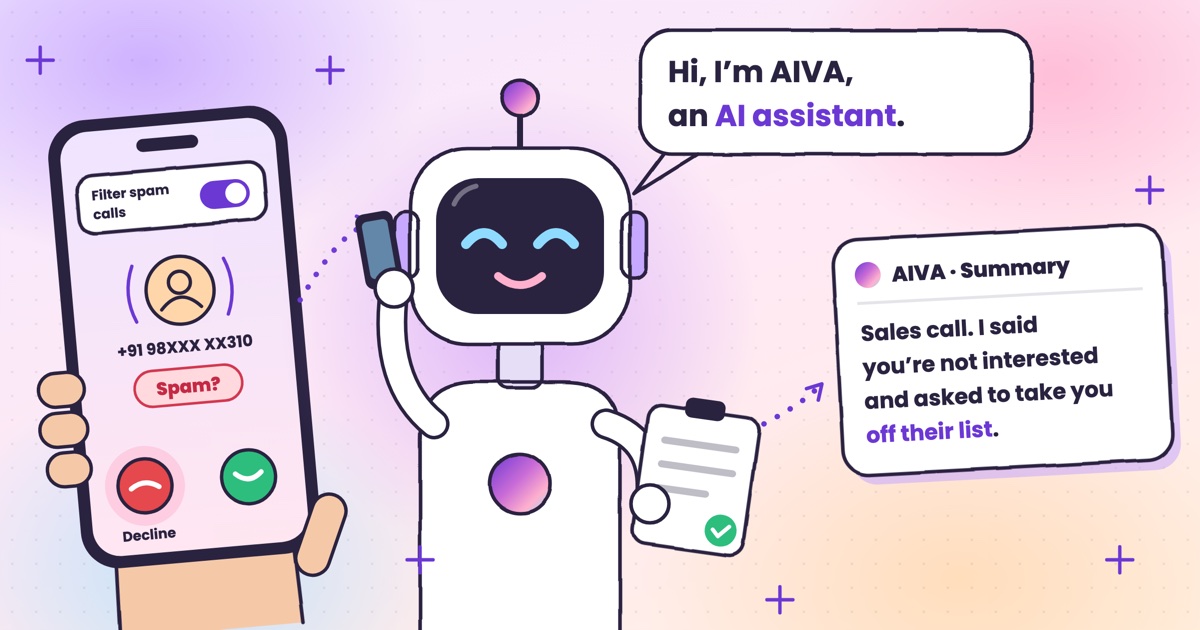 Guide · 7 min readHow to stop spam calls on Android in India: the settings on your phoneThe spam filter in Google’s Phone app and on Samsung, blocking numbers, silencing unknown callers, and network spam labels.
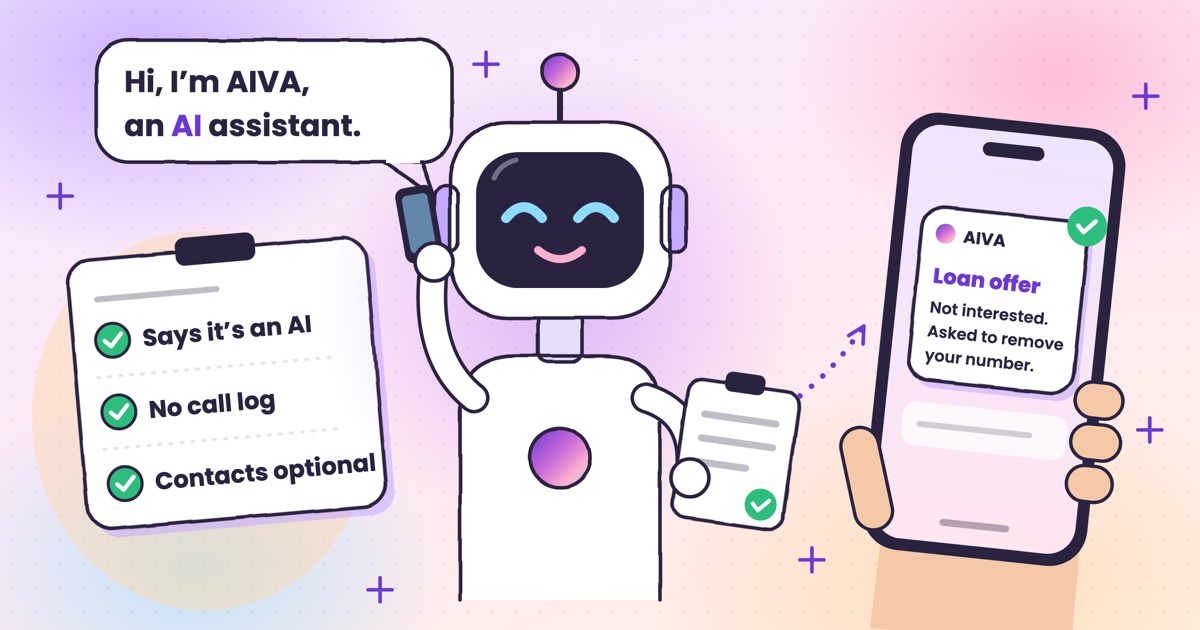 Guide · 7 min readIs Kuku AIVA safe? What it can see, what it keeps, and who makes itWho makes Kuku AIVA, every Android permission it uses and why, what callers hear, and how to delete your data.
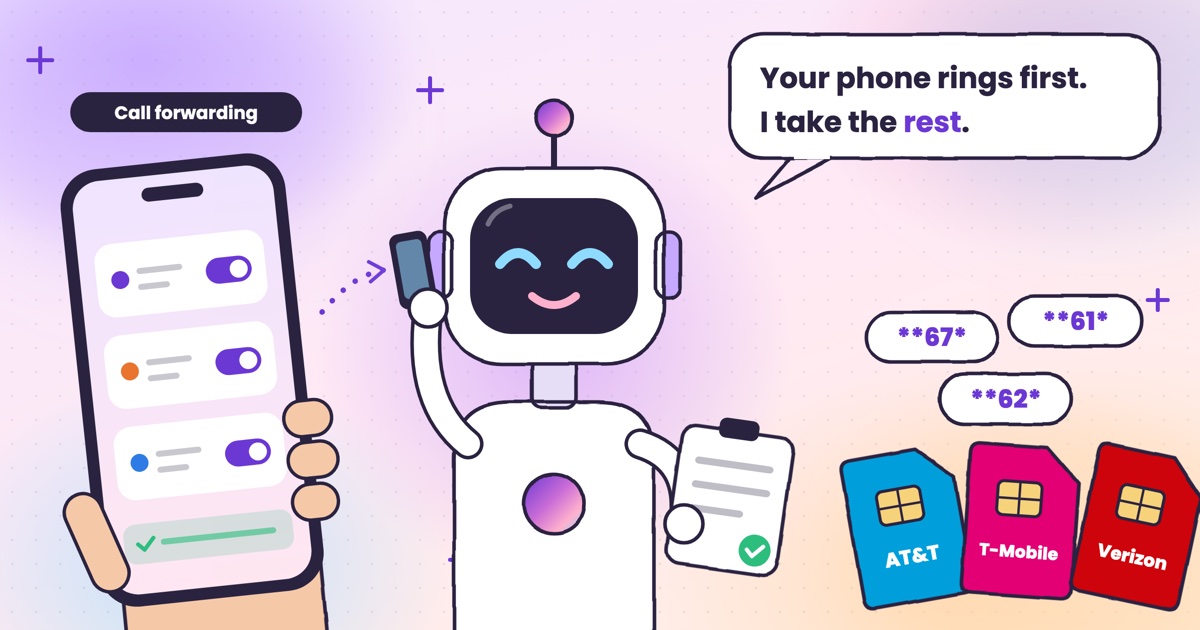 Guide · 7 min readConditional call forwarding codes for AT&T, T-Mobile and VerizonThe busy, no-answer and unreachable codes for each US carrier, how to turn them off, and the codes never to dial.
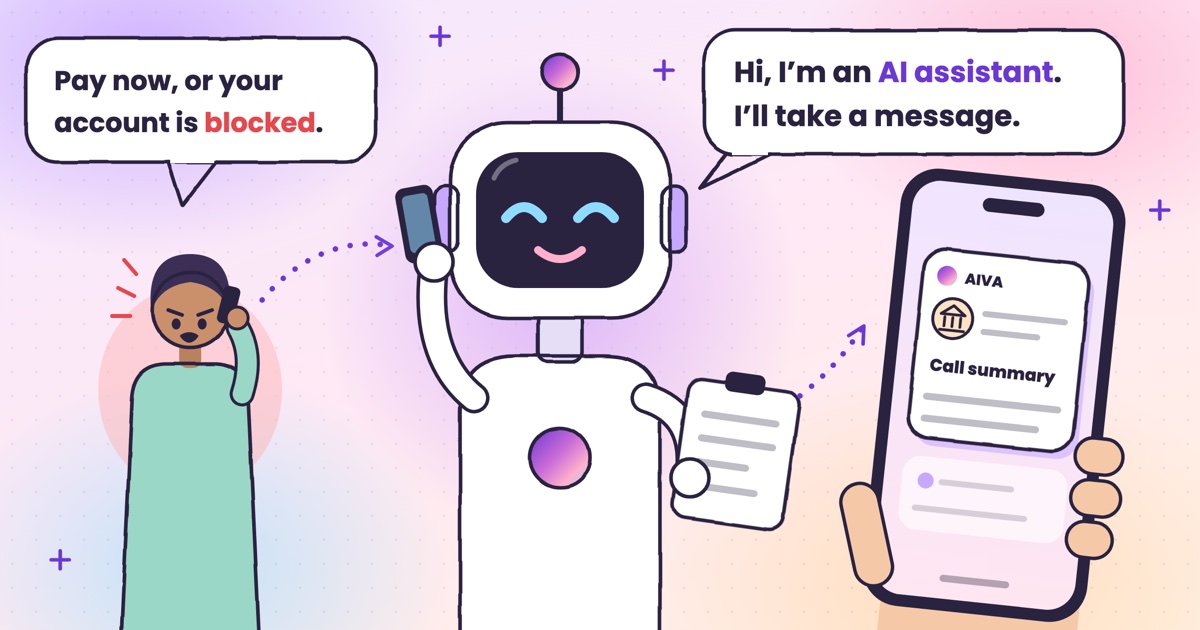 Guide · 8 min readDigital arrest, KYC and courier scams: how to spot each on a callDigital arrest, KYC, electricity, courier and UPI refund scams: the script each one follows and its red flags.
 Guide · 8 min readAI voice-cloning scams: how to tell if you’re talking to an AIHow cloned-voice calls work, how to check who is really calling, and a safe word for your family.
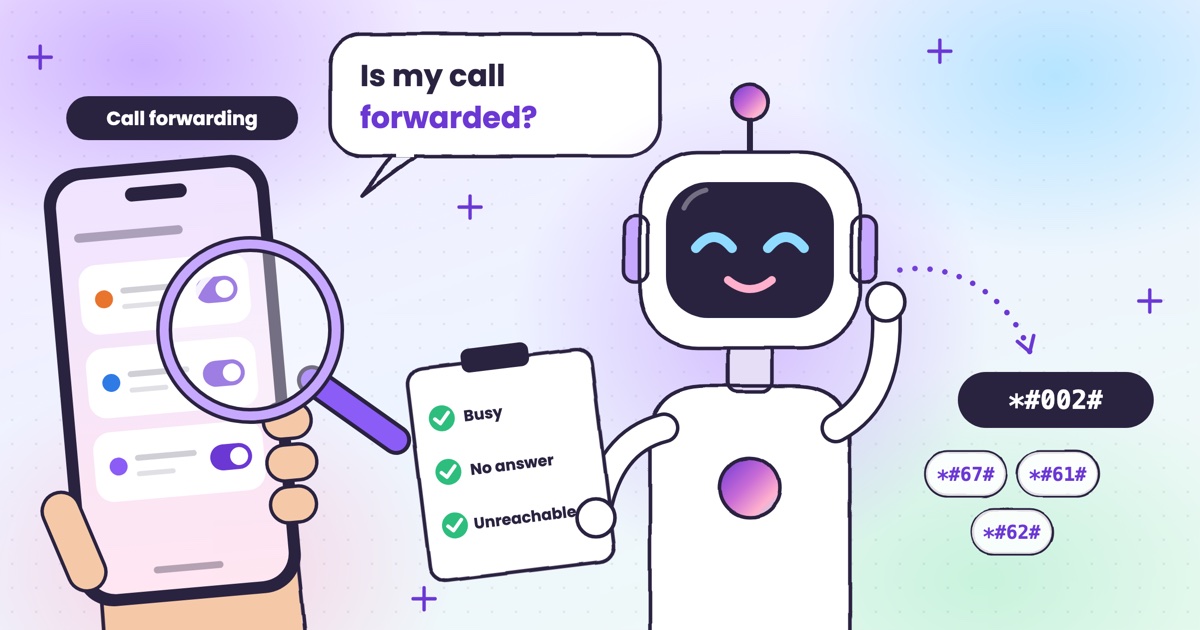 Guide · 7 min readHow to check if your calls are being forwarded, and turn it offThe signs your calls are being forwarded, the check code for each rule, and how to turn one off.
 Guide · 9 min readAI voicemail in India: what to use when carrier voicemail isn’t thereWhich Indian networks still offer voicemail, what your phone does instead, and how an app that takes a message compares.
 Guide · 9 min readHow to auto-answer calls on Android when you’re in a meetingWhy Android’s auto-answer is the wrong tool in a meeting, the built-in options that work, and how an AI answers the calls you decline.
 Guide · 9 min readCall utha ke message le le: apps that answer your calls and take a messageThe real ways to have a call picked up and a message taken in India, what your caller hears, and how the message reaches you.
 Guide · 9 min readHow to stop OTP scam calls (and what to do if you shared one)How to tell a fake bank call from a real one, and the three calls to make if you already read out a code.
 Guide · 7 min readIs Google Call Screen available in India? What works insteadWhich Pixels get Call Screen in India, how to use it, what’s missing compared with the US, and what to use on Samsung, iPhone and other Android phones.
 Guide · 7 min readHow to report a fraud call in India: Chakshu, 1930 and cybercrime.gov.inWhere each kind of call goes, what to write down first, the steps on each official site, and what happens after you report.
 Guide · 7 min readDoes DND stop telemarketing calls? TRAI’s DND app explainedWhat DND stops, what it doesn’t, the 2025 rules and how to complain when promotional calls keep coming.
 Guide · 7 min readTruecaller alternatives in 2026: caller ID, spam labels and AI answeringCaller ID apps, network spam labels, CNAP and apps that answer calls, grouped by the job you need done.
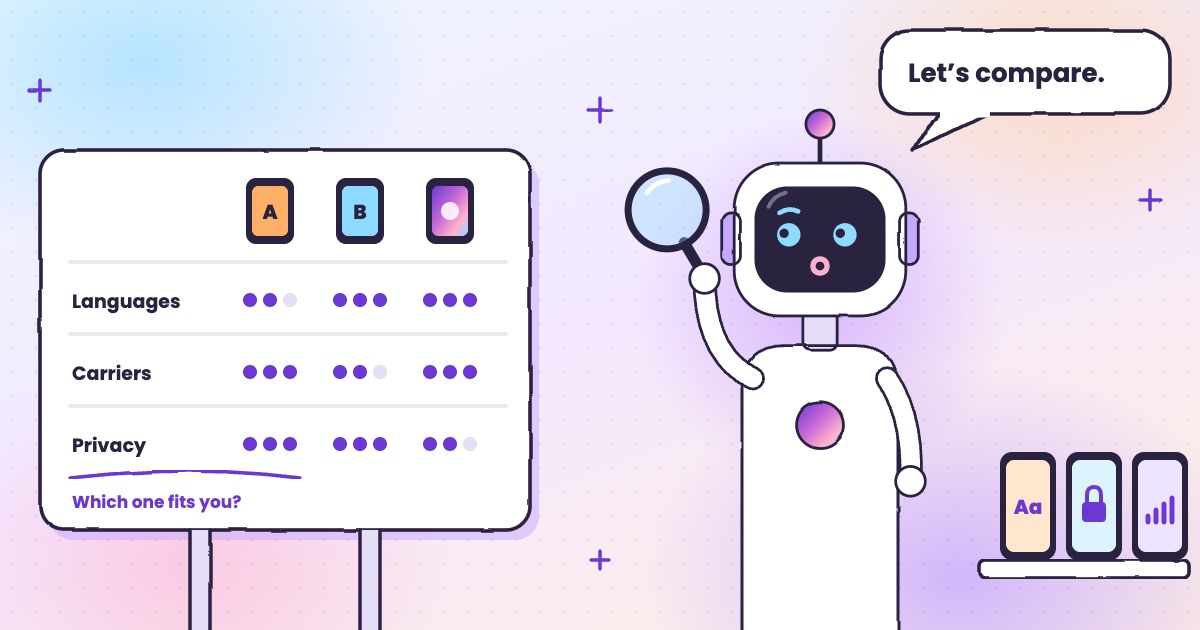 Guide · 8 min readAI call assistants compared: Truecaller, Equal AI, Google and moreTruecaller, Equal AI, Google, Apple and Samsung side by side, with sources.
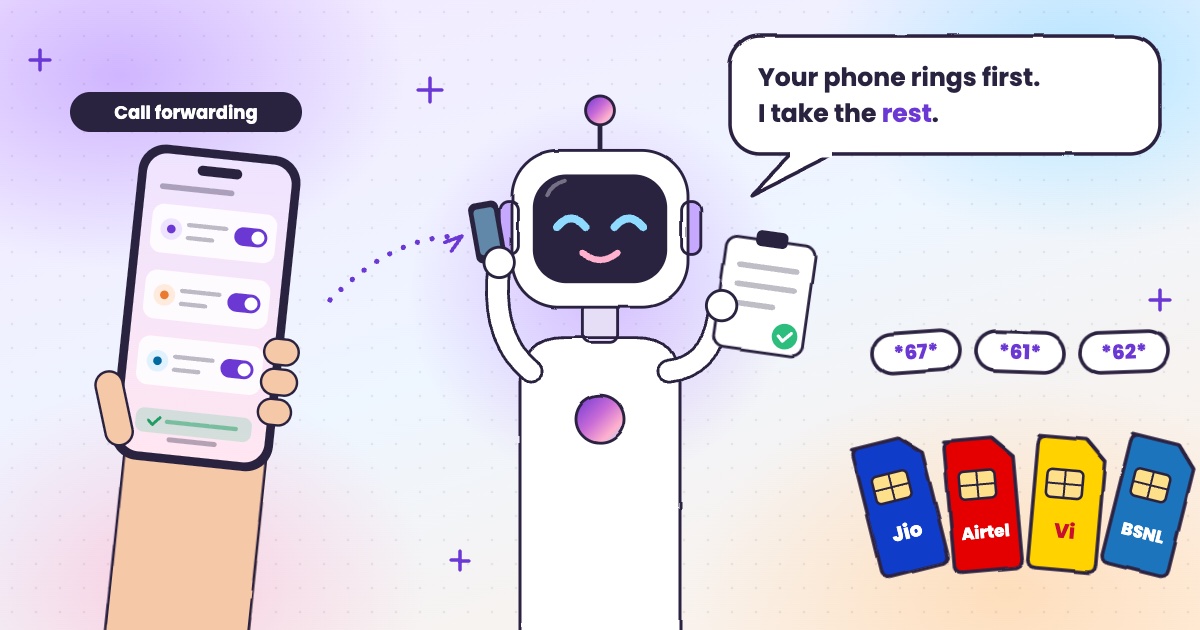 Guide · 6 min readCall forwarding codes in India: Jio, Airtel, Vi and BSNLThe codes for each network, how to turn forwarding off, and the codes never to dial.
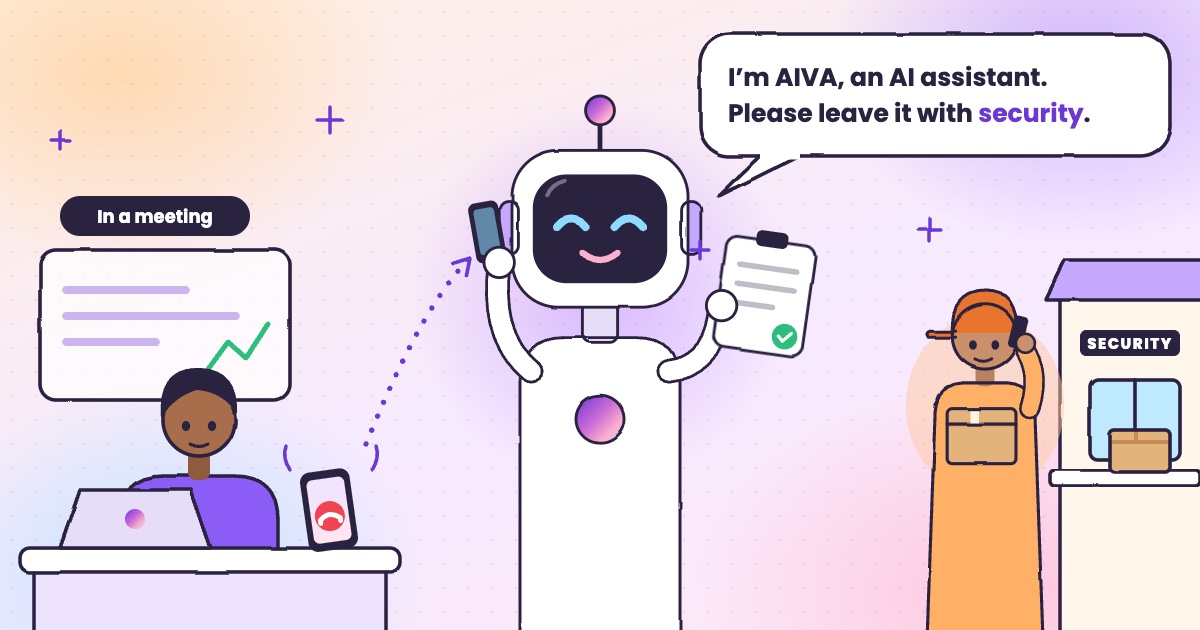 Guide · 4 min readHow to handle delivery calls while busy in a meetingWhat to do when a courier calls during a meeting, with or without an app.
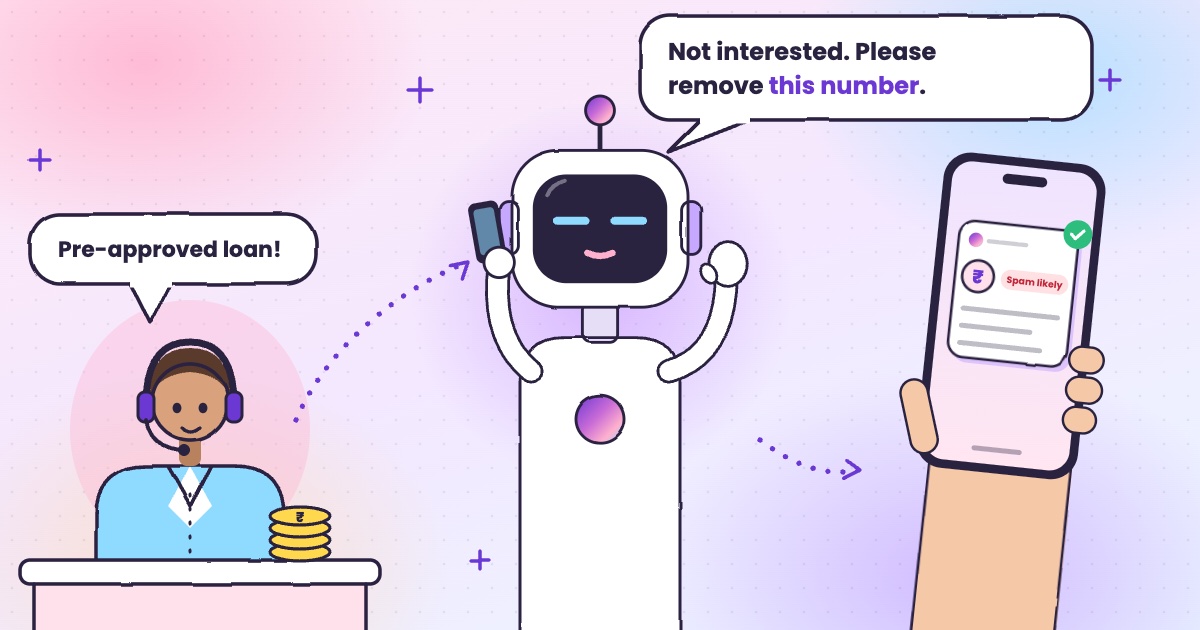 Guide · 6 min readHow to stop loan calls and spam calls in IndiaDND, reporting spam to TRAI and fraud on Chakshu, and what to do when the calls keep coming.
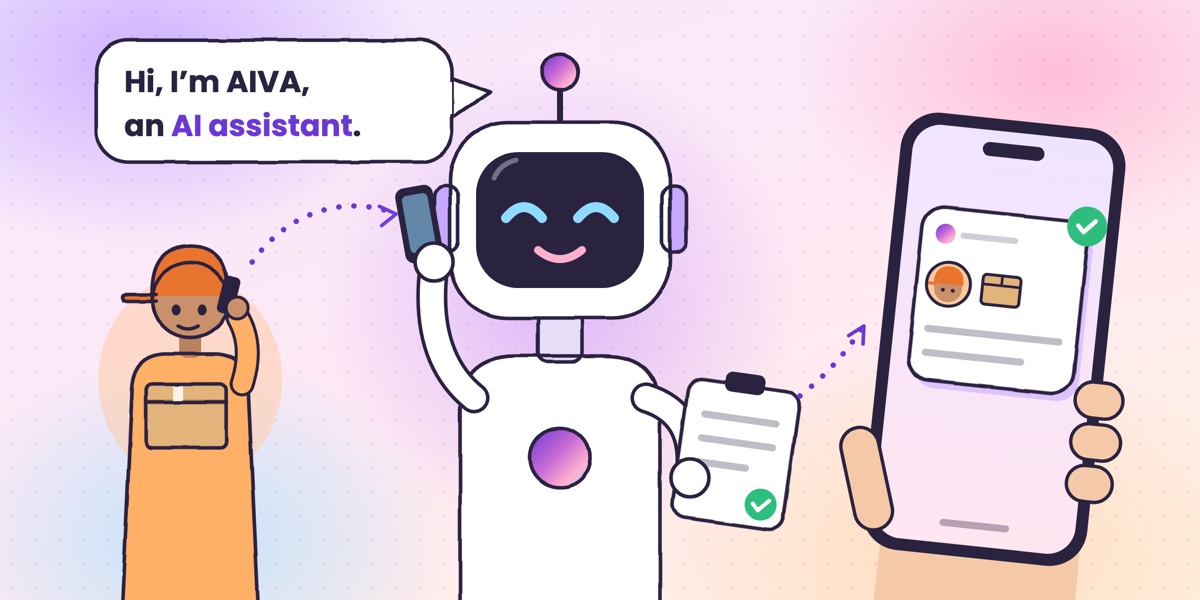 Guide · 6 min readWhat is an AI call assistant? How AIVA answers the calls you can’t takeHow AIVA answers the calls you decline, miss or can’t take, and what it does with each one.
Want to see more of our guides on Google? Add kukuaiva.app as a preferred source