How to auto-answer calls on Android when you’re in a meeting
Why Android’s auto-answer setting is the wrong tool in a meeting, the built-in options that work instead, and how an AI can answer the calls you decline.
Android’s built-in auto-answer, on Samsung phones, simply connects the caller, which is no use in a meeting. What works instead: decline with a quick text, set Do Not Disturb so only favourites ring, use your phone’s own call assistant where it exists, or let an AI call assistant answer the calls you decline and take a message.
Below are the steps for each, on Pixel and Samsung phones, then a table to help you pick. Menus vary by model and software version, so your phone’s labels may differ slightly.
Does Android have an auto-answer setting?
Samsung Galaxy phones do, and it answers the call exactly as if you had tapped Answer. Google’s Phone app call settings page lists no such setting for Pixel and other phones that use the Phone by Google app.
- Where it is on a GalaxyPhone app › More options › Settings › Answering and ending calls (Answer/End calls on some models) › Answer automatically. Samsung’s guide has you choose how long the phone waits before it picks up.
- What it is forPicking up without touching the phone. Several user guides say it works only with a Bluetooth device or headset connected; we couldn’t confirm that on an official Samsung page.
- Why it fails in a meetingThe caller is connected to you, live. They may hear the room, or silence, and expect you to talk.
- What you don’t getNobody asks why they called and nothing is written down. You end up with a short connected call and no message.
So “auto-answer” on Android means picking up, not handling the call. For a meeting you want the opposite: the call shouldn’t reach you, and someone or something should find out what it was about.
How to decline a call with a text message on Android
Decline the call and send the caller a ready-made SMS such as “In a meeting, will call you back”. It takes one tap once the replies are set up.
| Phone | When the call comes in | Edit your replies |
|---|---|---|
| Pixel and phones with the Phone by Google app | Tap Message, then pick a reply or write your own. | Phone app › More › Settings › Quick responses › tap one, edit it, tap OK. |
| Samsung Galaxy | Swipe up on the call screen to see your Quick decline messages, then tap one. | Phone app › More options › Settings › Quick decline messages › Write new message. |
The catch: the text tells the caller you are busy, but you still don’t know why they called. A courier, a recruiter and a bank all get the same reply. Delivery calls have their own fixes, such as notes and gate instructions, in our guide to handling delivery calls while busy in a meeting.
How to use Do Not Disturb in meetings without missing important calls
Turn on Do Not Disturb, then add exceptions so your favourite contacts, and anyone who calls twice, can still get through.
- Pixel and stock AndroidSettings › Modes › Do Not Disturb › Turn on now. Or swipe down and tap Do Not Disturb in Quick Settings.
- Who can still ring (Pixel)In the mode, under Notification filters, open People to allow calls. Turn on Allow repeat callers to let a call through if the same person calls twice in 15 minutes.
- Samsung GalaxySettings › Notifications › Do not disturb, then tap the switch. Add schedule sets it to turn on at fixed times, such as a weekly review.
- Who can still ring (Samsung)Under exceptions, pick Calls and choose Favorite contacts only. Calls from numbers saved as favourites then ring through.
Do Not Disturb silences calls; it doesn’t answer them. Everyone outside your exceptions becomes a missed call, which is fine for a friend and a problem for a courier at the gate or a new client.
Can your phone answer the call for you?
Some can. Samsung and Google each build a call assistant into their own phones, but in India only on certain models.
- Samsung Call screening and Text callOn the Galaxy S26 series, tap Call assist on an incoming call and the assistant asks who is calling and why, while you read along. Then pick up, or tap Text call and type replies for the AI voice to speak. Auto screen calls can screen suspected spam, phishing or unknown calls on its own. Samsung India lists Hindi and English among its languages. Turn it on in Phone app › More options › Settings › Call screening.
- Bixby Text Call (older Galaxy phones)Turn it on in Phone app › More options › Settings › Bixby text call. On an incoming call, tap Bixby text call: an automated voice tells the caller it is automated, asks who they are and why they are calling, and reads out what you type. Samsung’s 2023 India launch listed S20 to S23, Fold and Flip phones and some A models, and English only. We could not find a newer official list for India.
- Google Take a MessageHandles calls you miss or decline: the caller hears a greeting and leaves a message, which you get as audio and, in India, a Hindi or English transcript on Pixel 10 and later. Google says it doesn’t work when your phone is off or out of coverage.
- Google Call ScreenIn India it is manual and Pixel-only. Our guide to Google Call Screen in India covers which Pixels get it and how to use it.
With Call screening and Bixby Text Call, you are still the one handling the call: you tap, read and type while the meeting goes on. They suit a call you want to deal with now, quietly.
How can an AI answer the calls you decline on Android?
Through conditional call forwarding: your phone rings first, and only when you decline, don’t answer or can’t be reached does your network send the call on to an assistant that answers it. Because the network does the forwarding, it works on any Android phone, even when yours is switched off or out of signal.
Conditional forwarding is a standard network feature with separate rules for busy, no reply and unreachable (Airtel’s guide explains each). Declining a call counts as busy. The codes for each network live in our guide to call forwarding codes in India; an assistant app normally sets them up for you. One clash to know about: Google says Take a Message can conflict with your operator’s conditional forwarding, and to turn it off if it does.
Kuku AIVA is an AI call assistant app for Android that works this way, on your own number, with Airtel, Jio, Vi and BSNL. You set up forwarding once in the app. When it answers a call you declined, missed or couldn’t take, it:
- Says it is an AIEvery caller hears that AIVA is an AI assistant answering for you.
- Asks why they calledIn English, Hindi, Telugu, Tamil, Kannada or Malayalam.
- Follows your instructionFor example, asks a recruiter for the role and process details, or asks about an appointment for other slots. Otherwise it takes a message.
- Sends you a summaryA notification with what the call was about, plus a written transcript in the app.
- It doesn’t screen calls live, and you can’t join or take over a call it is answering.
- Read the summary after the meeting and call back the ones that matter.
It doesn’t block calls or tell you who is calling, and it never reads your call log. For how call data is handled, see the privacy policy. More in what an AI call assistant is.
Which option should you use in a meeting?
Use Do Not Disturb with exceptions as the base, then add whichever of these fits the calls you actually get.
| Option | Who talks to the caller | What you get | Where it works |
|---|---|---|---|
| Answer automatically | You, live | A connected call | Galaxy phones |
| Decline with a text | Nobody; they get your SMS | A missed call, no reason | Pixel, Galaxy and most Android phones |
| Do Not Disturb with exceptions | Nobody, unless they are a favourite or call twice | A missed call | All Android phones |
| Samsung Call screening or Text call | Samsung’s assistant, while you read and type | A live transcript | Galaxy S26 series in India |
| Google Take a Message | A greeting; they leave a message | Audio and a transcript | Pixel 10 and later in India |
| AI call assistant (Kuku AIVA) | AIVA, after you decline or miss the call | A summary notification and transcript | Android phones on Airtel, Jio, Vi and BSNL |
Pages read on 5 November 2026: Google’s make and receive calls, call settings, Take a Message and Modes and Do Not Disturb help pages; Samsung’s answer calls automatically (Colombia), quick decline messages (Australia), Do not disturb and Call screening (India) pages; the Bixby Text Call India launch; and a Samsung Community answer giving the auto-answer menu path. We couldn’t find an India Samsung page for auto-answer or quick decline messages.
Auto-answering calls: your questions
Can Android answer calls automatically?
Samsung Galaxy phones can, with Answer automatically in the Phone app’s call settings. It picks the call up after a delay you choose and connects the caller to you, so it doesn’t take a message. Google’s Phone app help lists no such setting.
Meeting mein call aaye to kya karein?
Decline it with a quick text, or keep Do Not Disturb on so only favourite contacts and repeat callers ring. If you need to know why someone called, use a call assistant that answers declined calls and sends you a summary.
Can an AI answer the calls I decline on my Android phone?
Yes. Apps such as Kuku AIVA use conditional call forwarding: your phone rings first, and the calls you decline, don’t answer or can’t take go to the AI, which asks why they called and sends you a summary. Pixel 10 and later phones also have Google’s Take a Message.
Will the caller know they are talking to an AI?
With AIVA, yes: it tells every caller it is an AI assistant. Samsung says Bixby Text Call also lets the caller know you are using an automated voice.
Can I join a call while AIVA is answering it?
No. AIVA doesn’t let you listen in or take over a live call. You get a notification with the summary and can call back.
More guides
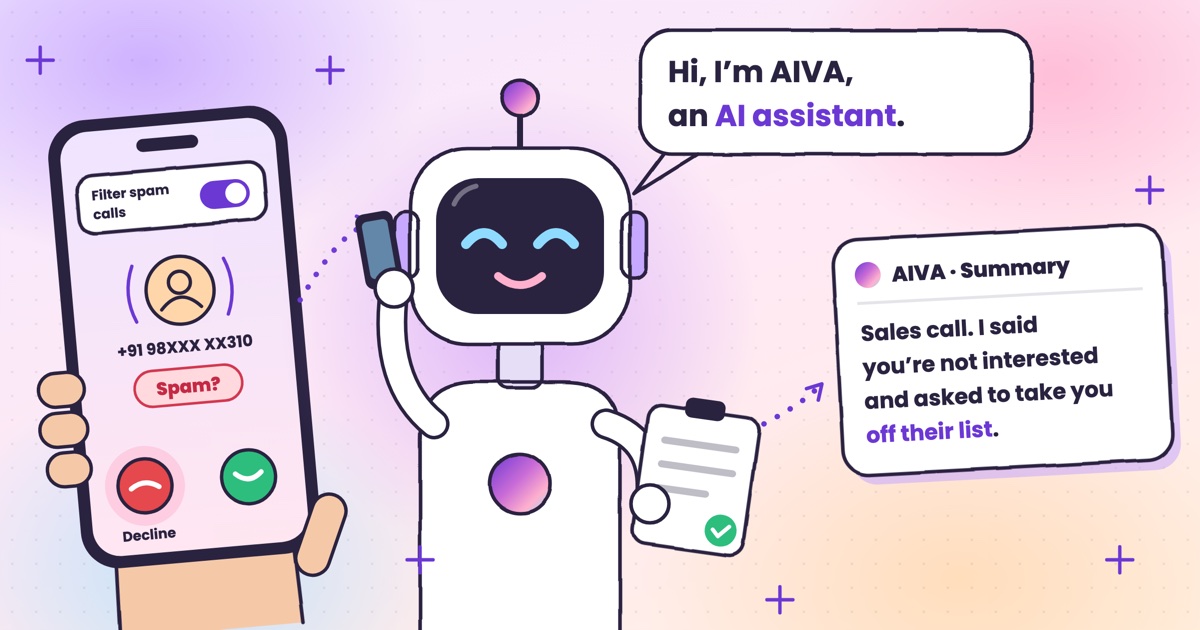 Guide · 7 min readHow to stop spam calls on Android in India: the settings on your phoneThe spam filter in Google’s Phone app and on Samsung, blocking numbers, silencing unknown callers, and network spam labels.
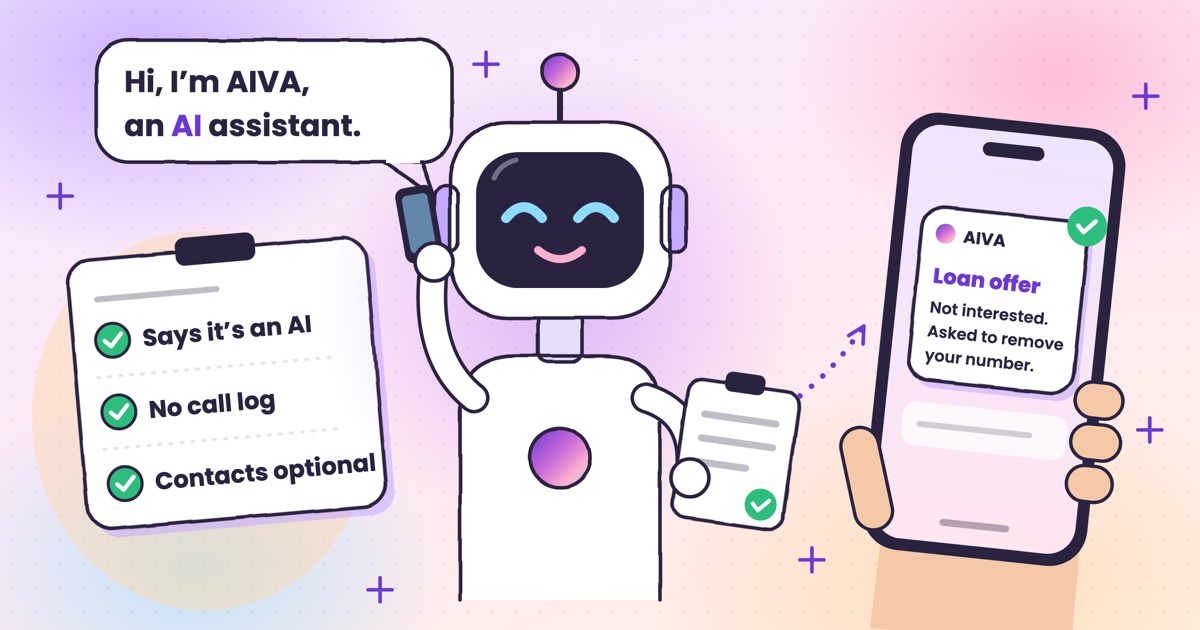 Guide · 7 min readIs Kuku AIVA safe? What it can see, what it keeps, and who makes itWho makes Kuku AIVA, every Android permission it uses and why, what callers hear, and how to delete your data.
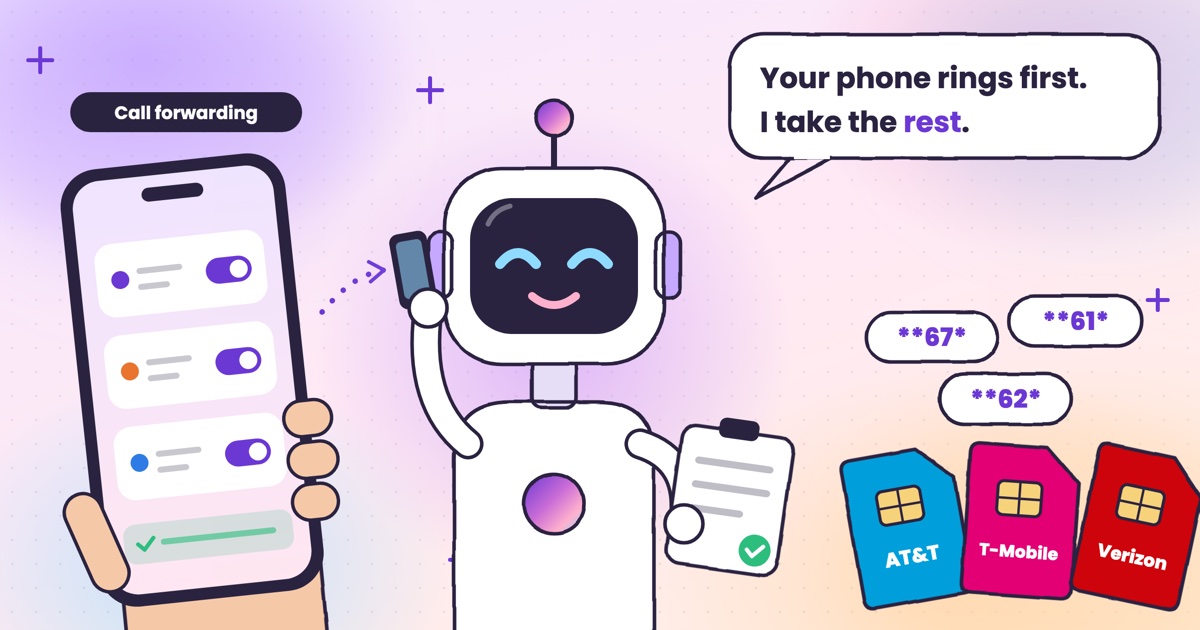 Guide · 7 min readConditional call forwarding codes for AT&T, T-Mobile and VerizonThe busy, no-answer and unreachable codes for each US carrier, how to turn them off, and the codes never to dial.
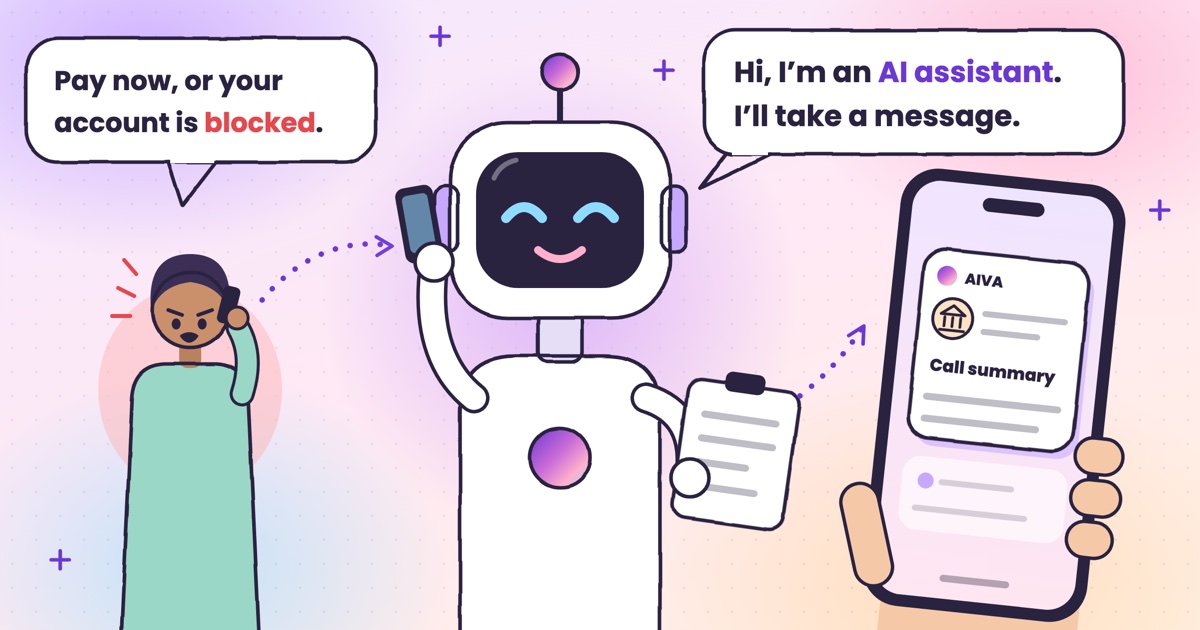 Guide · 8 min readDigital arrest, KYC and courier scams: how to spot each on a callDigital arrest, KYC, electricity, courier and UPI refund scams: the script each one follows and its red flags.
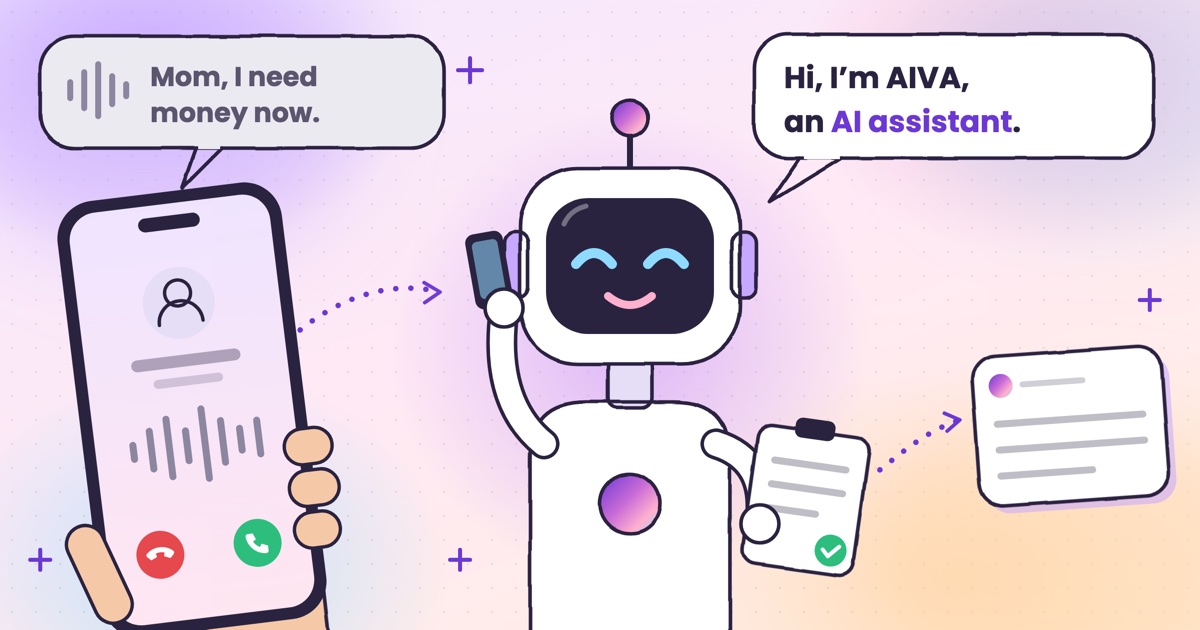 Guide · 8 min readAI voice-cloning scams: how to tell if you’re talking to an AIHow cloned-voice calls work, how to check who is really calling, and a safe word for your family.
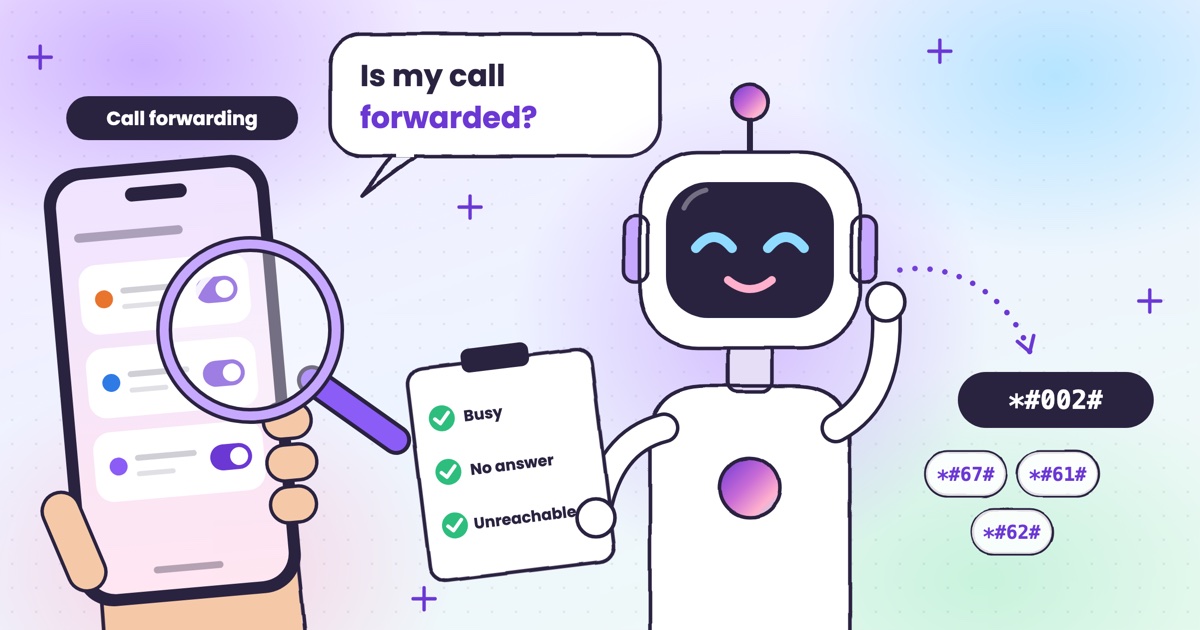 Guide · 7 min readHow to check if your calls are being forwarded, and turn it offThe signs your calls are being forwarded, the check code for each rule, and how to turn one off.
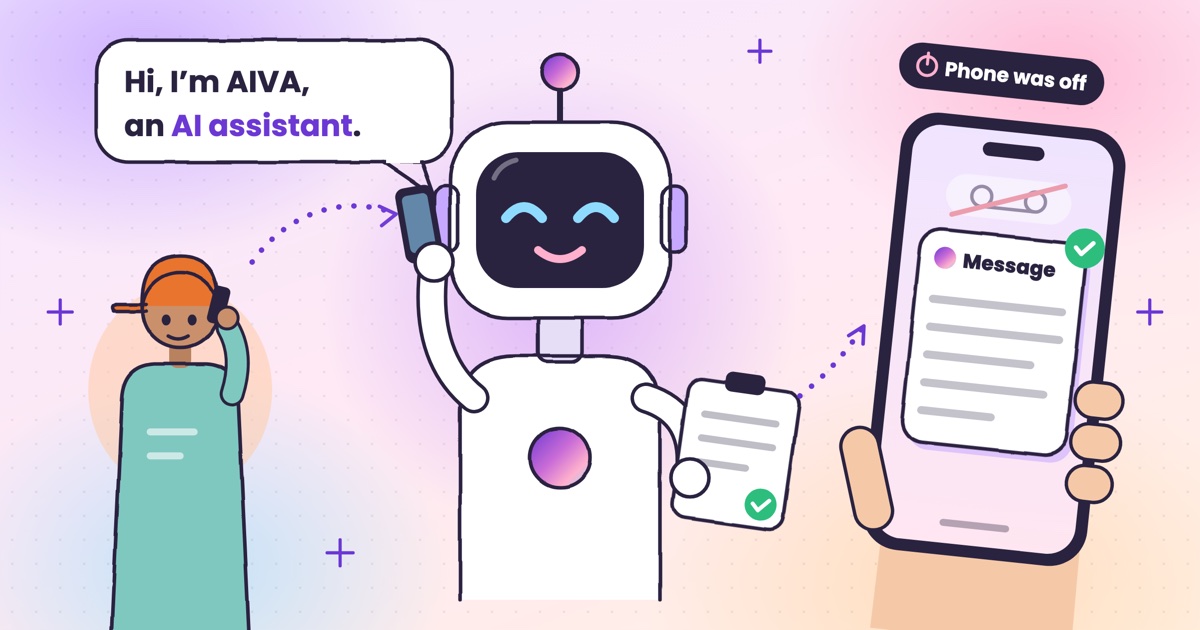 Guide · 9 min readAI voicemail in India: what to use when carrier voicemail isn’t thereWhich Indian networks still offer voicemail, what your phone does instead, and how an app that takes a message compares.
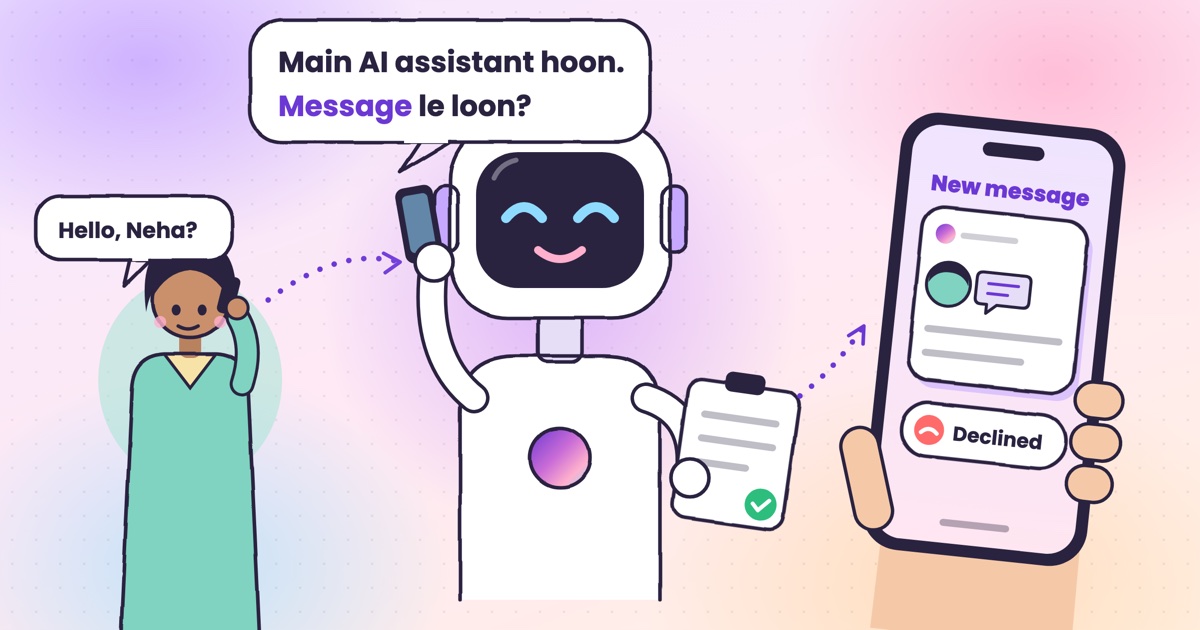 Guide · 9 min readCall utha ke message le le: apps that answer your calls and take a messageThe real ways to have a call picked up and a message taken in India, what your caller hears, and how the message reaches you.
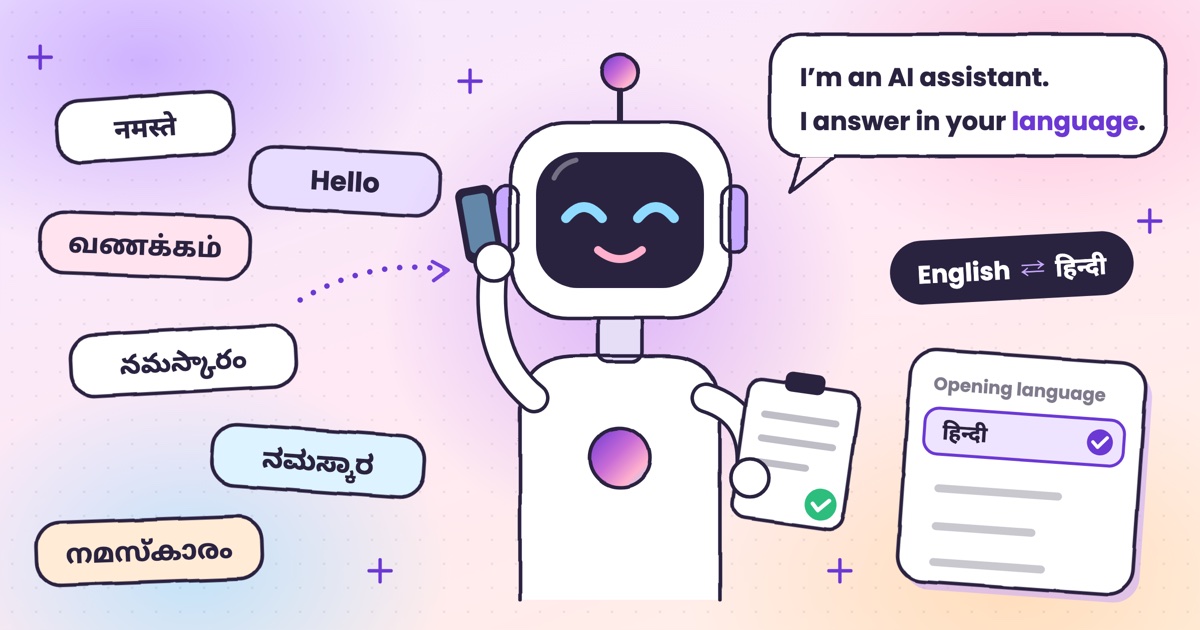 Guide · 7 min readCan AI answer calls in Hindi? Call assistants for Indian languagesWhich call assistants speak Hindi, Tamil, Telugu, Kannada and Malayalam, and how to test one before you rely on it.
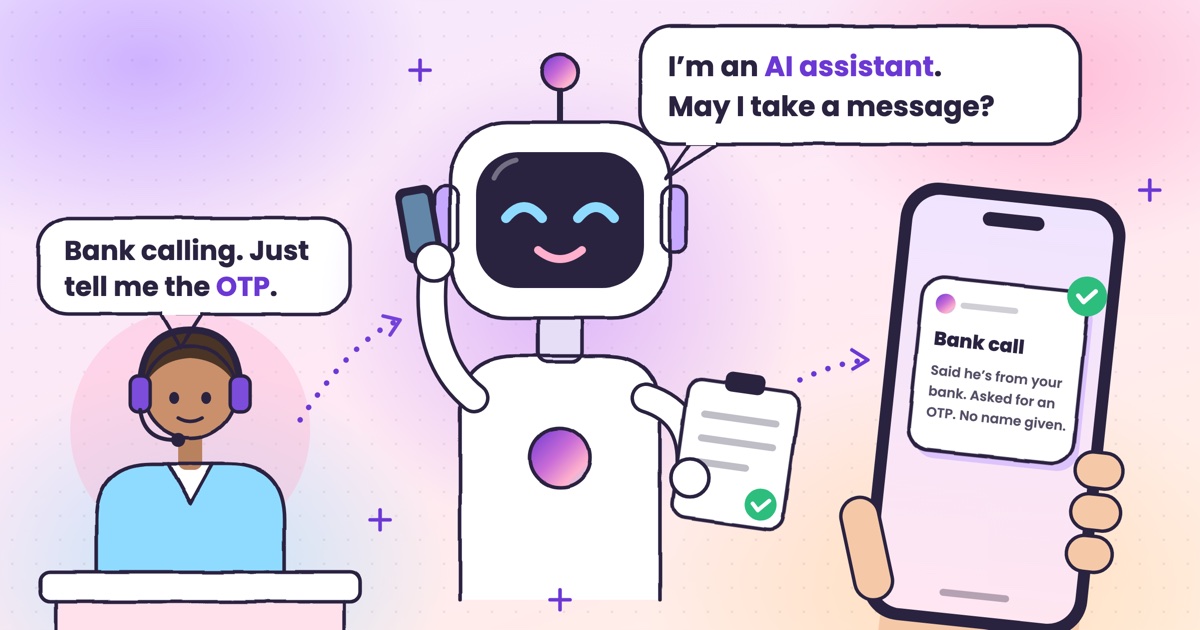 Guide · 9 min readHow to stop OTP scam calls (and what to do if you shared one)How to tell a fake bank call from a real one, and the three calls to make if you already read out a code.
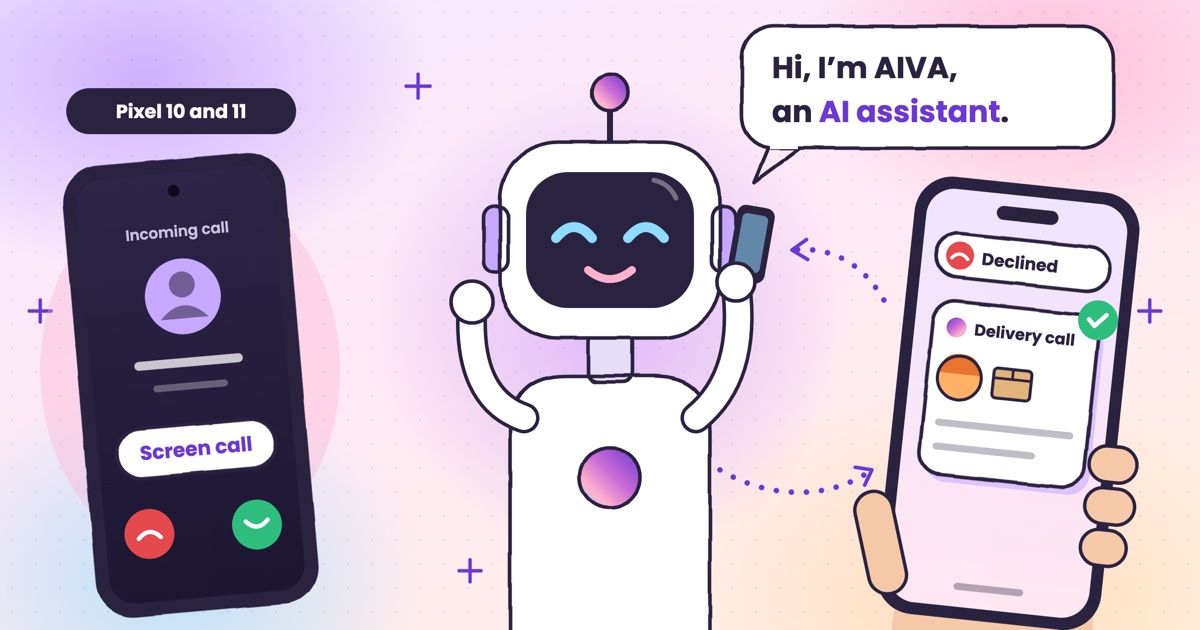 Guide · 7 min readIs Google Call Screen available in India? What works insteadWhich Pixels get Call Screen in India, how to use it, what’s missing compared with the US, and what to use on Samsung, iPhone and other Android phones.
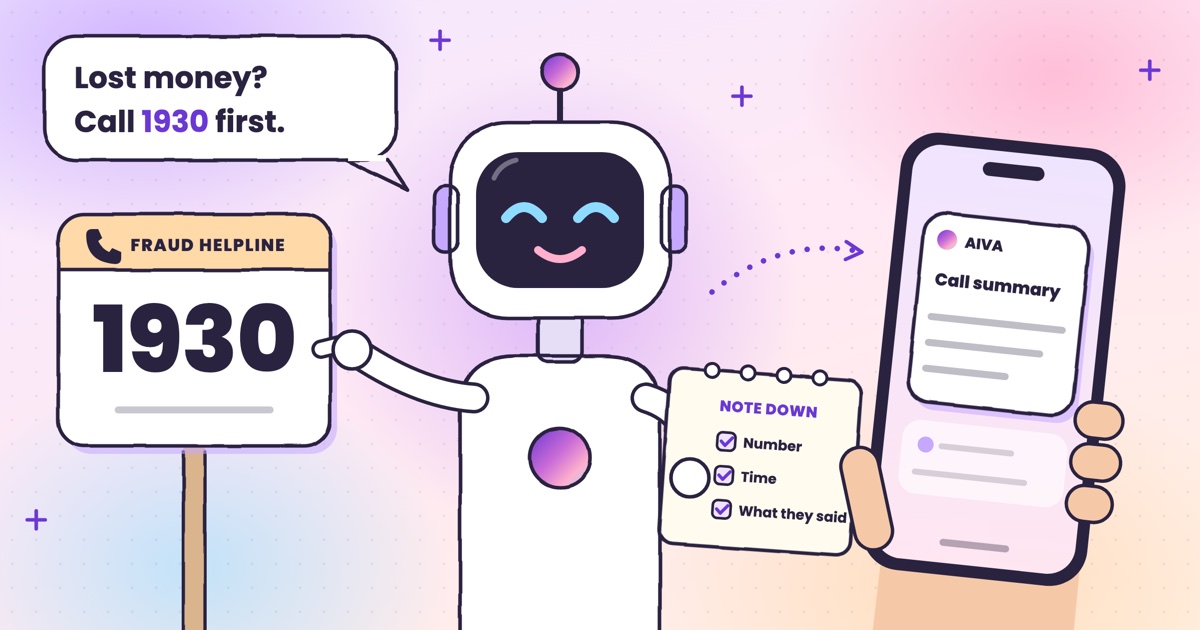 Guide · 7 min readHow to report a fraud call in India: Chakshu, 1930 and cybercrime.gov.inWhere each kind of call goes, what to write down first, the steps on each official site, and what happens after you report.
 Guide · 7 min readDoes DND stop telemarketing calls? TRAI’s DND app explainedWhat DND stops, what it doesn’t, the 2025 rules and how to complain when promotional calls keep coming.
 Guide · 7 min readTruecaller alternatives in 2026: caller ID, spam labels and AI answeringCaller ID apps, network spam labels, CNAP and apps that answer calls, grouped by the job you need done.
 Guide · 8 min readAI call assistants compared: Truecaller, Equal AI, Google and moreTruecaller, Equal AI, Google, Apple and Samsung side by side, with sources.
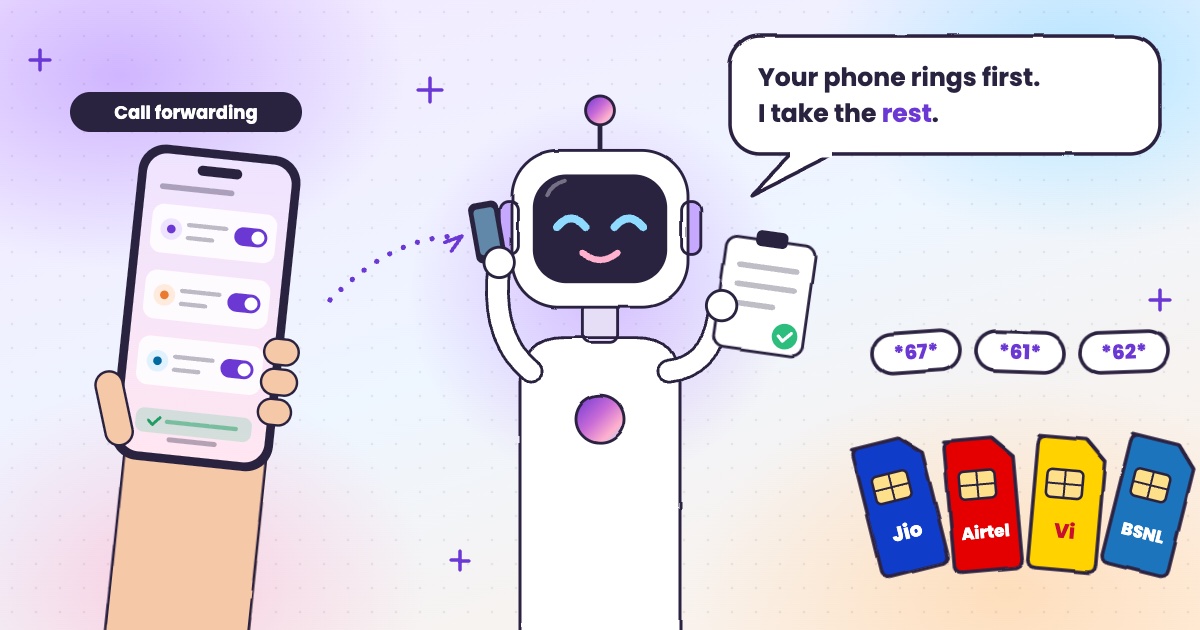 Guide · 6 min readCall forwarding codes in India: Jio, Airtel, Vi and BSNLThe codes for each network, how to turn forwarding off, and the codes never to dial.
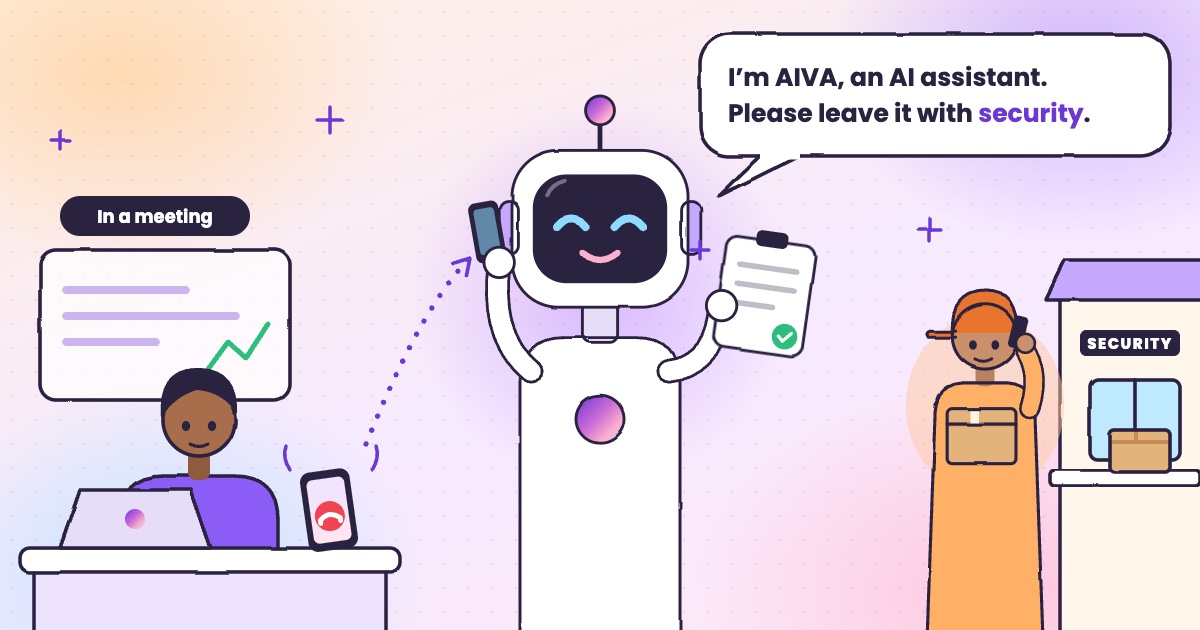 Guide · 4 min readHow to handle delivery calls while busy in a meetingWhat to do when a courier calls during a meeting, with or without an app.
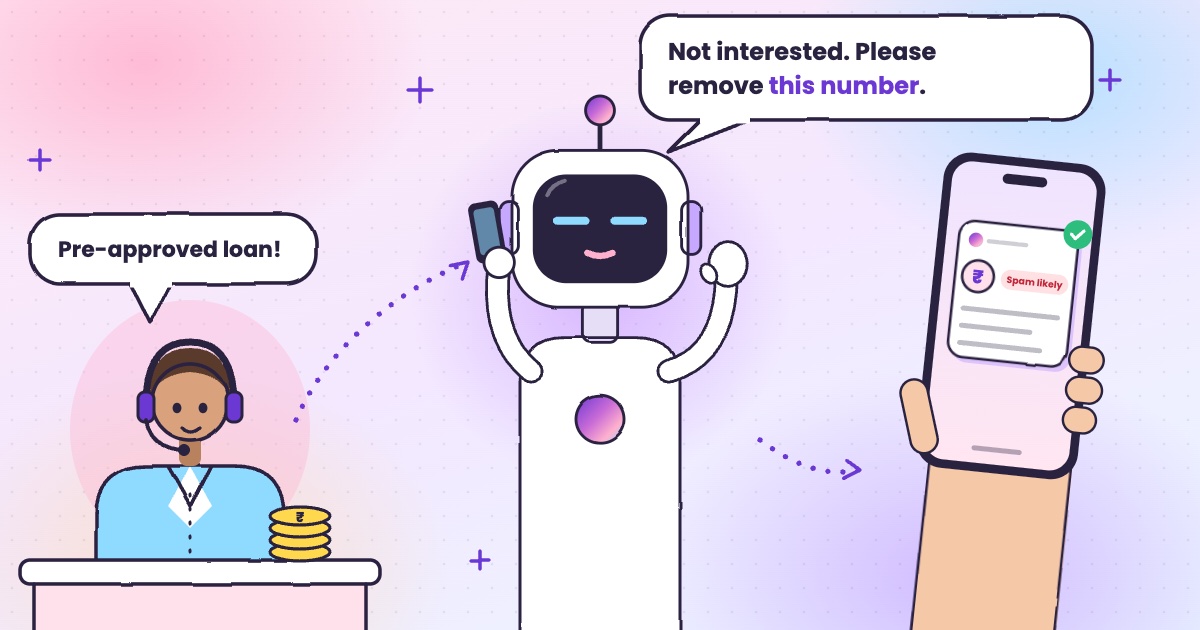 Guide · 6 min readHow to stop loan calls and spam calls in IndiaDND, reporting spam to TRAI and fraud on Chakshu, and what to do when the calls keep coming.
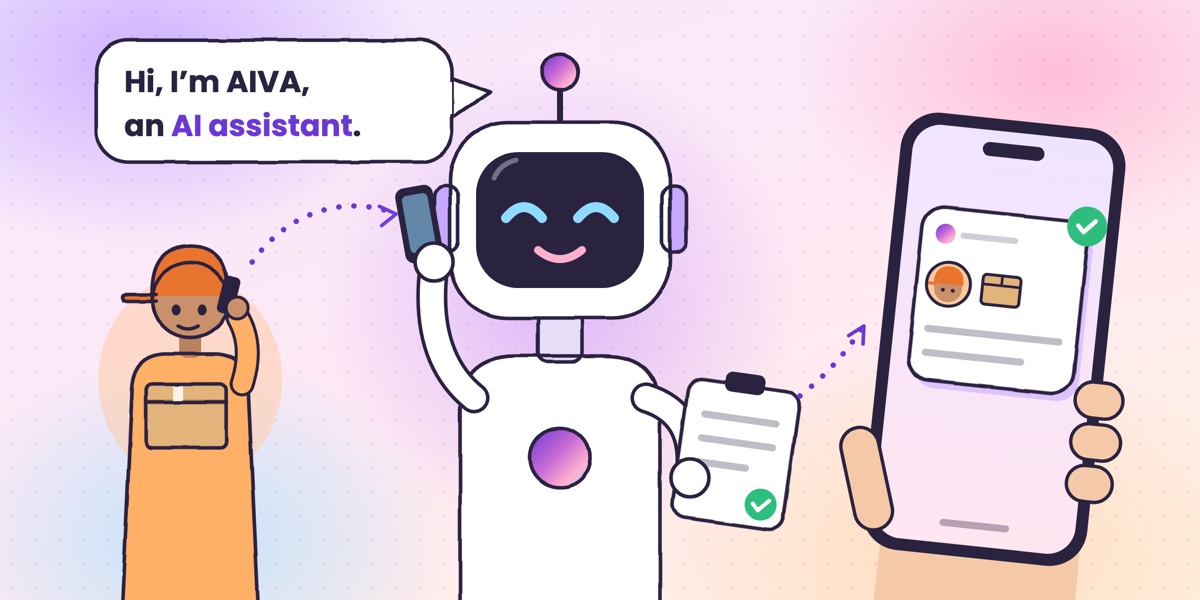 Guide · 6 min readWhat is an AI call assistant? How AIVA answers the calls you can’t takeHow AIVA answers the calls you decline, miss or can’t take, and what it does with each one.
Want to see more of our guides on Google? Add kukuaiva.app as a preferred source