Last updated:
How to stop spam calls on Android in India: the settings on your phone
The spam settings already on your Android phone, brand by brand, what blocking unknown numbers really does, and what your network adds.
To stop spam calls on Android, switch on the spam filter already in your phone’s dialler, block numbers that keep calling, and register DND with your network for sales calls. No single setting catches everything, so use them together and check your call history now and then.
How do you filter spam calls in the Google Phone app?
Turn on Filter spam calls in the Phone app’s Caller ID and spam settings. Pixel phones and many other Android phones use Google’s Phone app as their dialler.
Some versions call the screen “Spam and Call Screen”.
- Phone appyour dialler
- Settingsin the three-dot menu
- Caller ID and spam
- Filter spam callsswitch it on
- On the screen
Leave “See caller ID & spam” on as well. It is on by default and puts a spam warning on the incoming call. On a Pixel with automatic Call Screen there is no filter switch; spam blocking is a Call Screen option instead, covered in our guide to Google Call Screen in India.
Source: Google’s caller ID and spam help. Pages read on 11 Nov 2026.
How do you stop spam calls on a Samsung Galaxy phone?
Turn on Caller ID and spam protection in the Samsung Phone app’s settings. It names callers who aren’t in your contacts and marks calls as spam or fraud.
Samsung India’s name for the setting. Screens vary by model.
- PhoneSamsung’s dialler
- Settingsin the three-dot menu
- Caller ID and spam protectionagree to the terms
- Ontap the name for more
- On a call
Read the label. A flagged call shows “Suspected to be spam” or “Potential fraud”, with Block and Report. Samsung’s Canadian page also lists a Block spam and scam calls switch on this screen; Samsung’s India pages don’t, so your phone may not have it.
Sources: Samsung India’s Smart Call page, Samsung Canada’s call settings guide. Pages read on 11 Nov 2026.
Should you silence unknown callers or block them?
Silence unknown callers if you can’t afford to miss a real call, and block only numbers you are sure about. A silenced call still arrives; a blocked one is turned away.
Silence
You can check them later- Which calls
- Everyone you haven’t allowed to ring
- Set it
- Settings › Modes › Do Not Disturb › People
- Let through
- Allow repeat callers: a second call within 15 minutes rings
Block
Declined automatically- Which calls
- One number you choose, or hidden numbers
- Recents › the call › Block or Report spam; Settings › Blocked numbers › Unknown
- Samsung
- Recents › details › More › Block contact; Settings › Block numbers › Block unknown/private numbers
- On Google’s Phone app, “Unknown” means private or unidentified numbers, not everyone outside your contacts.
- Expecting a courier? Silence for a while instead of blocking.
Sources: Google’s block a number help, Android’s Do Not Disturb help, Samsung India’s blocking guide. Menu names vary by phone. For Xiaomi, OnePlus, Oppo, Realme and vivo we found no official page; look for “Blocked numbers” or “Spam” in the Phone app’s settings. Pages read on 11 Nov 2026.
Can Airtel, Jio or Vi stop spam calls on the network?
Mostly they warn rather than stop. Airtel and Vi label suspected spam on the call screen with no app to install; the call still rings.
Airtel
Network label
Shows “Airtel Warning: SPAM” on suspected spam calls and SMS.
- Needs
- A VoLTE phone; free
- Switch off
- Not possible
- Blocks calls
- No: you block the number on your phone
Source: Airtel
Vi
Vi Protect
Shows “Suspected SPAM” on flagged calls and “Vi Suspected SPAM” on SMS.
- Needs
- A VoLTE phone, for calls
- Blocks calls
- Only those confirmed as fraud
- Report
- Report and block in the Vi App
Source: Vi
Jio
Spam label
We found no Jio page that describes a spam label on calls.
- Instead
- Register DND, and use your phone’s filter
CNAP
All networks
Shows the caller’s registered name on 4G and higher calls.
- Spam label
- No: a name, not a warning
Source: All India Radio News
For sales calls, register DND with your network. Our guides cover TRAI’s DND app and the 140 and 1600 series and reporting loan and spam calls. Pages read on 11 Nov 2026.
Which spam call setting should you use?
Use three together: your dialler’s spam filter, a block on numbers that keep calling, and DND with your network. Each setting misses something.
| Setting | What it does | What it misses |
|---|---|---|
| Spam filter + blocking repeat numbers + DND | Stops flagged spam, numbers you’ve blocked and registered telemarketers | New spam numbers and fraud calls; check your call history now and then |
| Filter spam calls (Google) | Flagged calls don’t ring or notify; they wait in call history | Spam not yet flagged; a real caller flagged by mistake |
| Caller ID and spam protection (Samsung) | Labels suspected spam and potential fraud | The call still rings |
| Block a number | Declines that number every time | The same caller on a new number |
| Block unknown or private numbers | Declines calls with a hidden number | Spam from visible numbers; real callers on withheld lines |
| Do Not Disturb, contacts only | Only people you allow ring | Couriers, banks and anyone new |
| Airtel or Vi spam label | A warning on the call screen | The call still rings |
| DND with your network | Cuts calls from registered telemarketers | Fraud and unregistered callers |
Can an app help with spam calls?
Yes, in two different ways. A caller ID app names more callers and adds its own spam labels; we compare them in our guide to Truecaller alternatives in India. An AI call assistant answers the calls you don’t take.
Kuku AIVA is the second kind. It doesn’t block, filter or detect spam, and your phone rings first. When you decline or miss a call, AIVA says it is an AI assistant, asks why they called and follows your instruction. With Sales set to “Not interested — take me off the list”, it asks to be removed, with no guarantee, and you read a summary. Spam detection is coming to Kuku AIVA by the end of November 2026; until then, keep your phone’s spam filter on.
On the call
Hello, I’m an AI assistant answering for the person you’re calling. May I know why you’re calling?
Sir, there’s a special offer on a new broadband plan in your area.
Thank you. They’re not interested. Please remove this number from your calling list.
Notification on your phone: AIVAnow Sales callBroadband plan offer. Told them you’re not interested and asked to be removed from their list.
It works on your own number through call forwarding on Airtel, Jio, Vi and BSNL; see what an AI call assistant does and the privacy policy. If a call was fraud, see reporting a fraud call or OTP scam calls.
Spam calls on Android: your questions
Spam call kaise band kare Android mein?
Phone app ki Settings mein spam filter on kariye: Google Phone app mein “Filter spam calls”, Samsung mein “Caller ID and spam protection”. Jo number baar baar call kare use Recents se block kariye, aur sales calls ke liye apne network par DND register kariye.
Do I need an app to stop spam calls?
Not usually. Your dialler’s spam filter, Airtel’s or Vi’s network label and DND cover most spam with nothing to install. A caller ID app adds names and its own spam list; our guide to Truecaller alternatives compares them.
How do I report a spam call number?
Mark it in your dialler: Block or Report spam in Google’s Phone app, or Report on a Samsung. For an unregistered telemarketer, complain to TRAI through the DND app; for suspected fraud, report the number on Chakshu. Our guide to stopping loan and spam calls has the steps.
Does Kuku AIVA block spam calls?
Not today. It doesn’t block, filter or detect spam, and your phone still rings first. When you decline or miss a call, AIVA says it is an AI assistant, asks why they called and follows your instruction, such as asking a sales caller to take you off their list, with no guarantee. You read a summary. Spam detection is coming to Kuku AIVA by the end of November 2026.
More guides
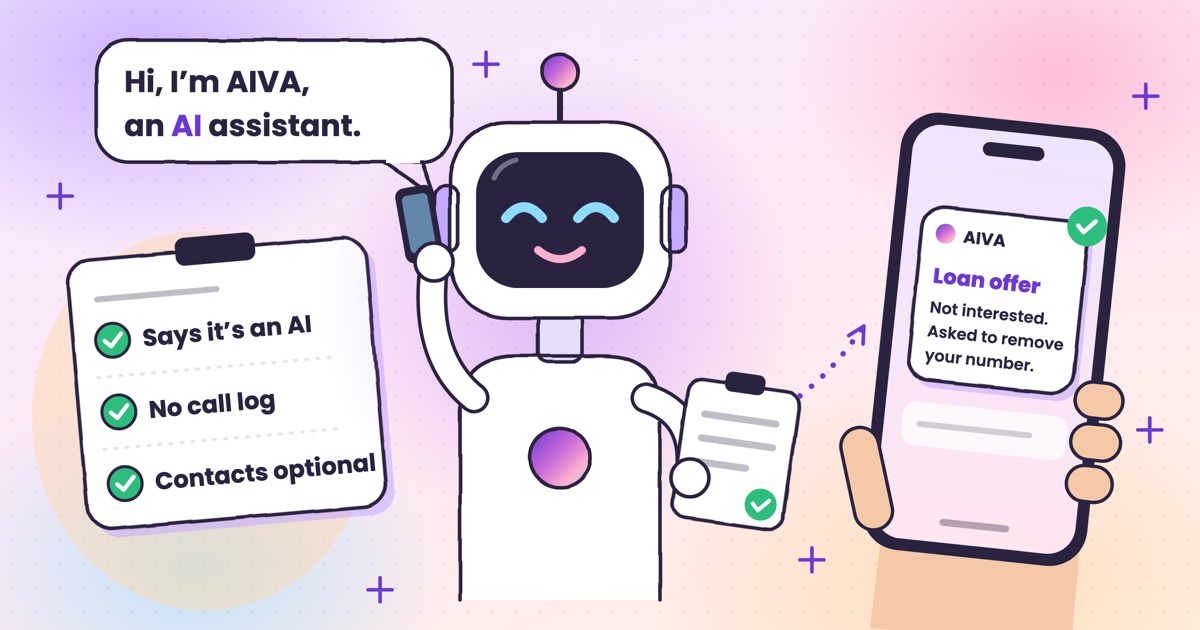 Guide · 7 min readIs Kuku AIVA safe? What it can see, what it keeps, and who makes itWho makes Kuku AIVA, every Android permission it uses and why, what callers hear, and how to delete your data.
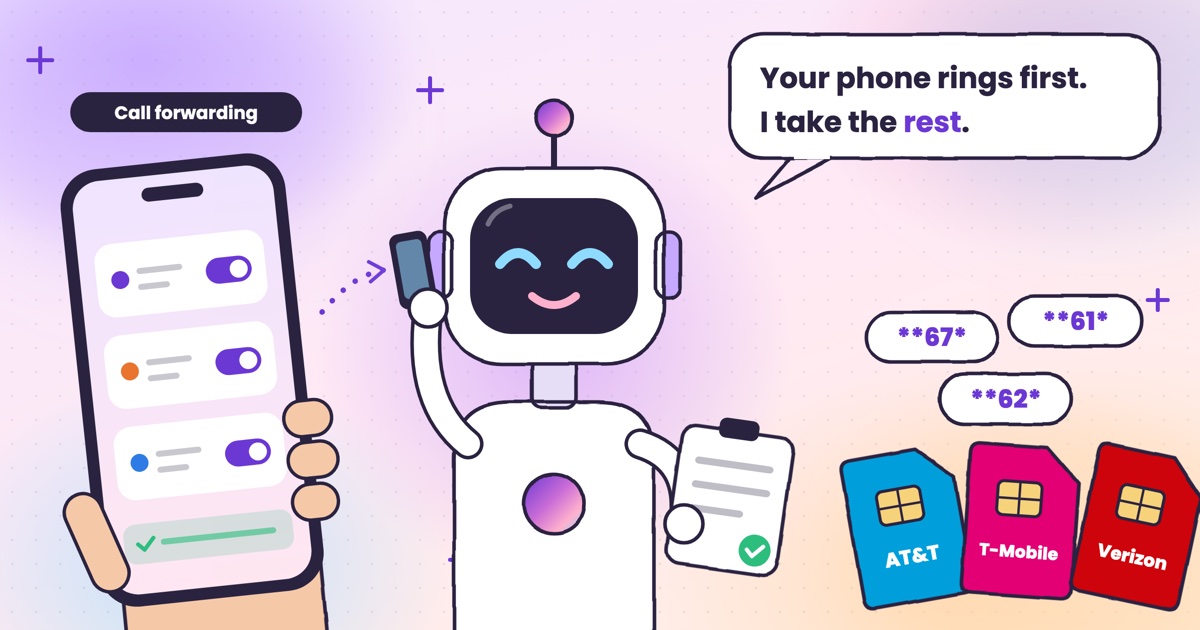 Guide · 7 min readConditional call forwarding codes for AT&T, T-Mobile and VerizonThe busy, no-answer and unreachable codes for each US carrier, how to turn them off, and the codes never to dial.
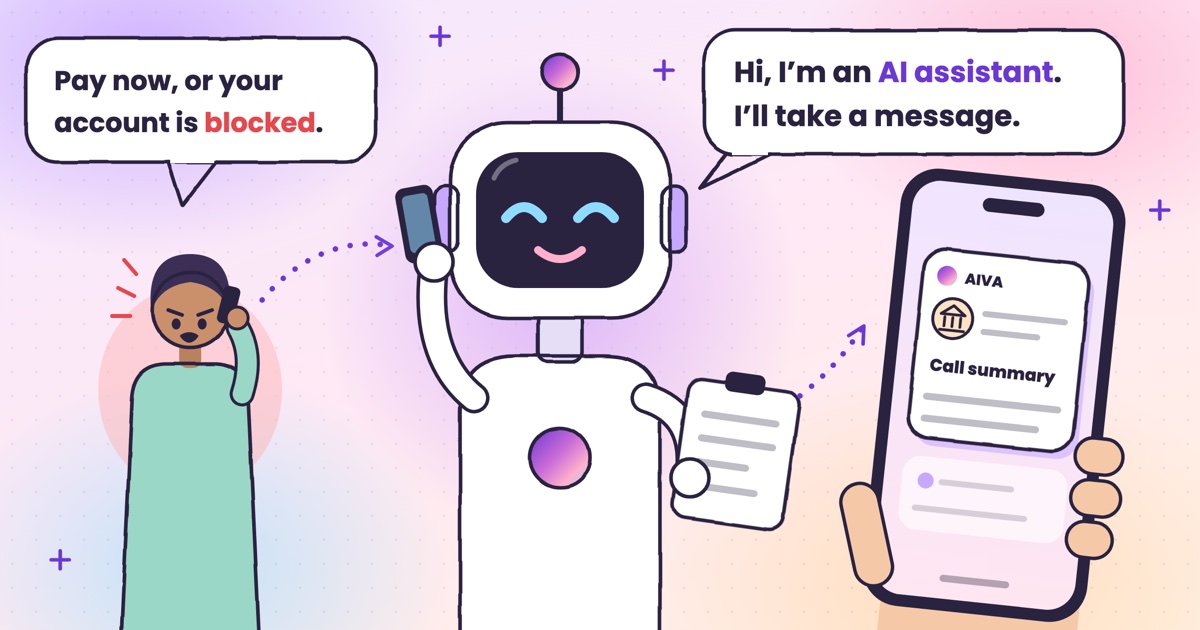 Guide · 8 min readDigital arrest, KYC and courier scams: how to spot each on a callDigital arrest, KYC, electricity, courier and UPI refund scams: the script each one follows and its red flags.
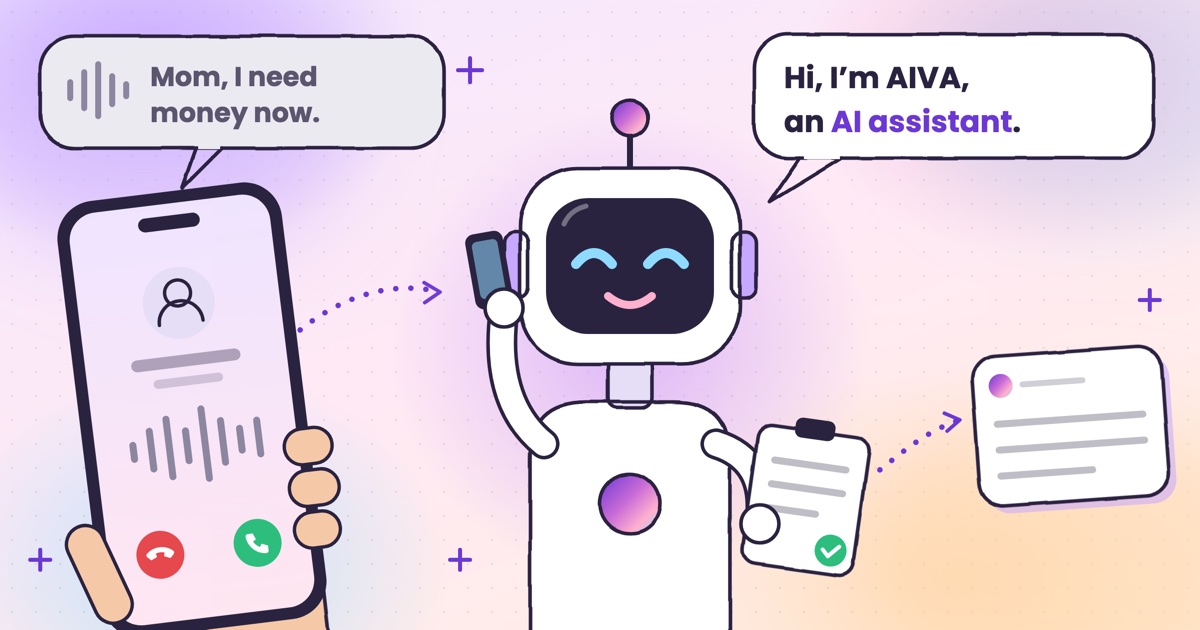 Guide · 8 min readAI voice-cloning scams: how to tell if you’re talking to an AIHow cloned-voice calls work, how to check who is really calling, and a safe word for your family.
 Guide · 7 min readHow to check if your calls are being forwarded, and turn it offThe signs your calls are being forwarded, the check code for each rule, and how to turn one off.
 Guide · 9 min readAI voicemail in India: what to use when carrier voicemail isn’t thereWhich Indian networks still offer voicemail, what your phone does instead, and how an app that takes a message compares.
 Guide · 9 min readHow to auto-answer calls on Android when you’re in a meetingWhy Android’s auto-answer is the wrong tool in a meeting, the built-in options that work, and how an AI answers the calls you decline.
 Guide · 9 min readCall utha ke message le le: apps that answer your calls and take a messageThe real ways to have a call picked up and a message taken in India, what your caller hears, and how the message reaches you.
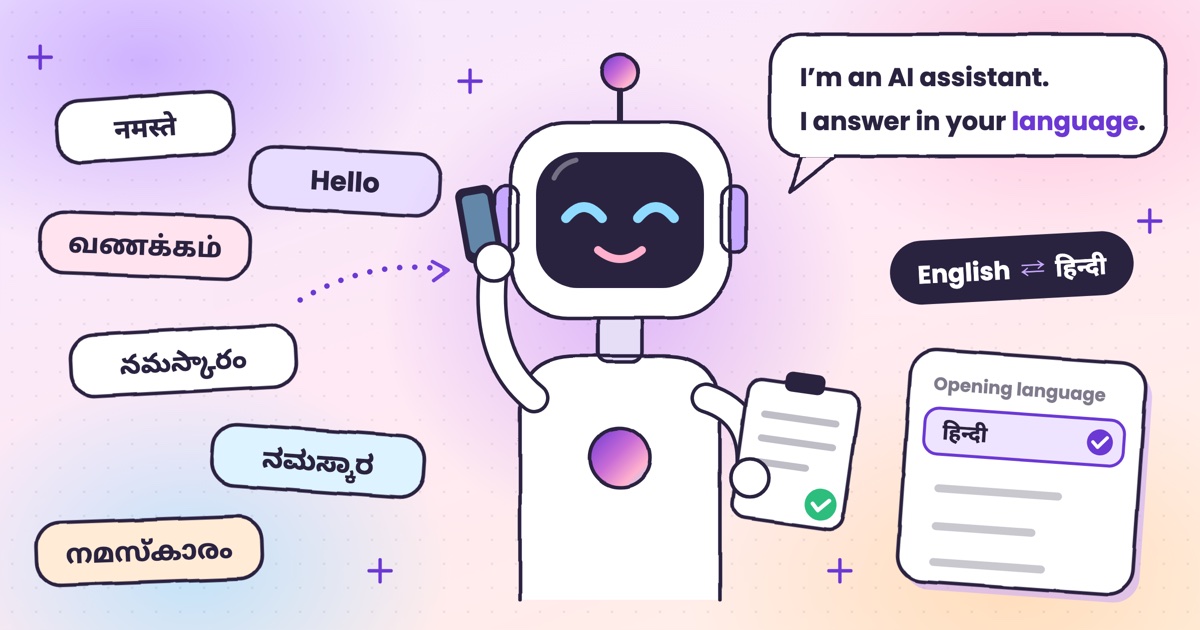 Guide · 7 min readCan AI answer calls in Hindi? Call assistants for Indian languagesWhich call assistants speak Hindi, Tamil, Telugu, Kannada and Malayalam, and how to test one before you rely on it.
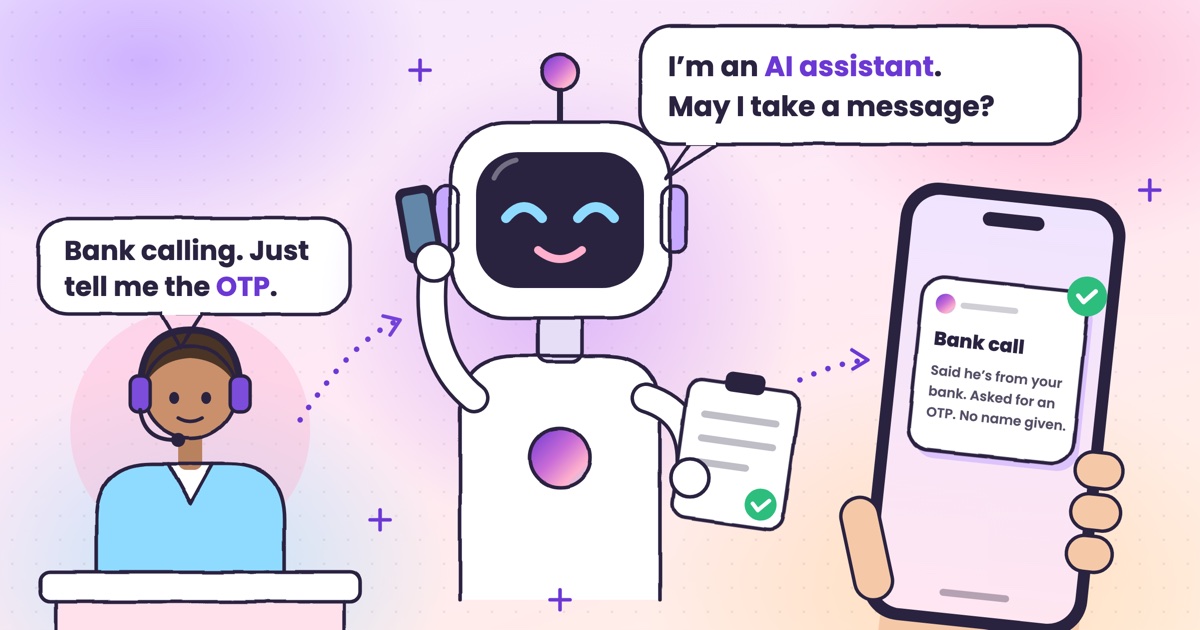 Guide · 9 min readHow to stop OTP scam calls (and what to do if you shared one)How to tell a fake bank call from a real one, and the three calls to make if you already read out a code.
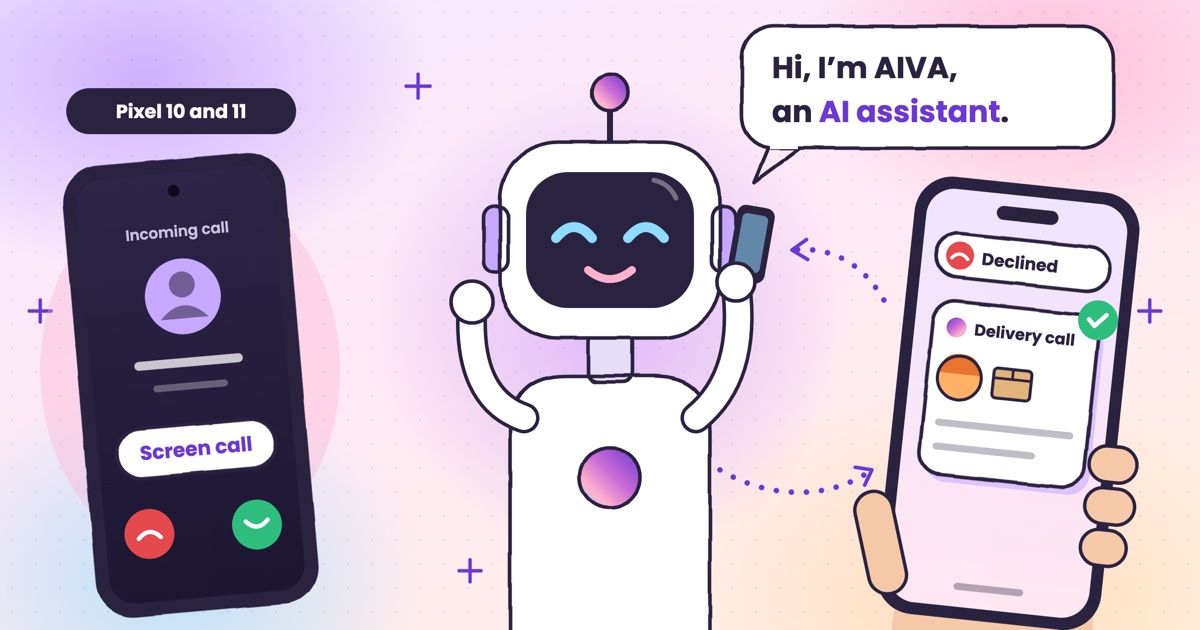 Guide · 7 min readIs Google Call Screen available in India? What works insteadWhich Pixels get Call Screen in India, how to use it, what’s missing compared with the US, and what to use on Samsung, iPhone and other Android phones.
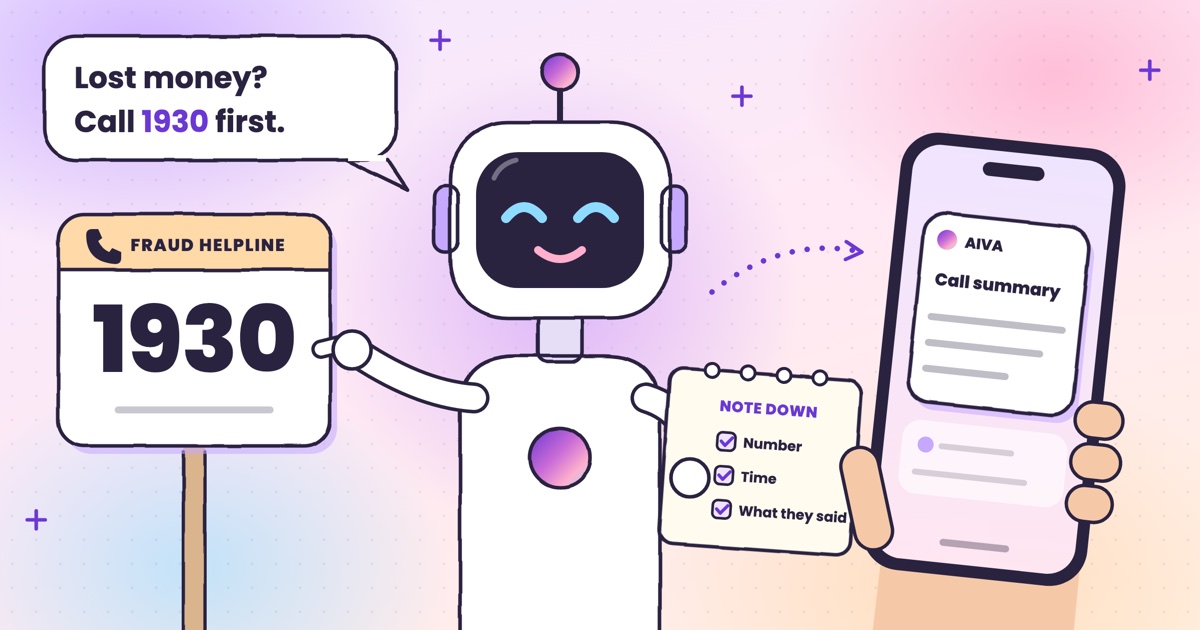 Guide · 7 min readHow to report a fraud call in India: Chakshu, 1930 and cybercrime.gov.inWhere each kind of call goes, what to write down first, the steps on each official site, and what happens after you report.
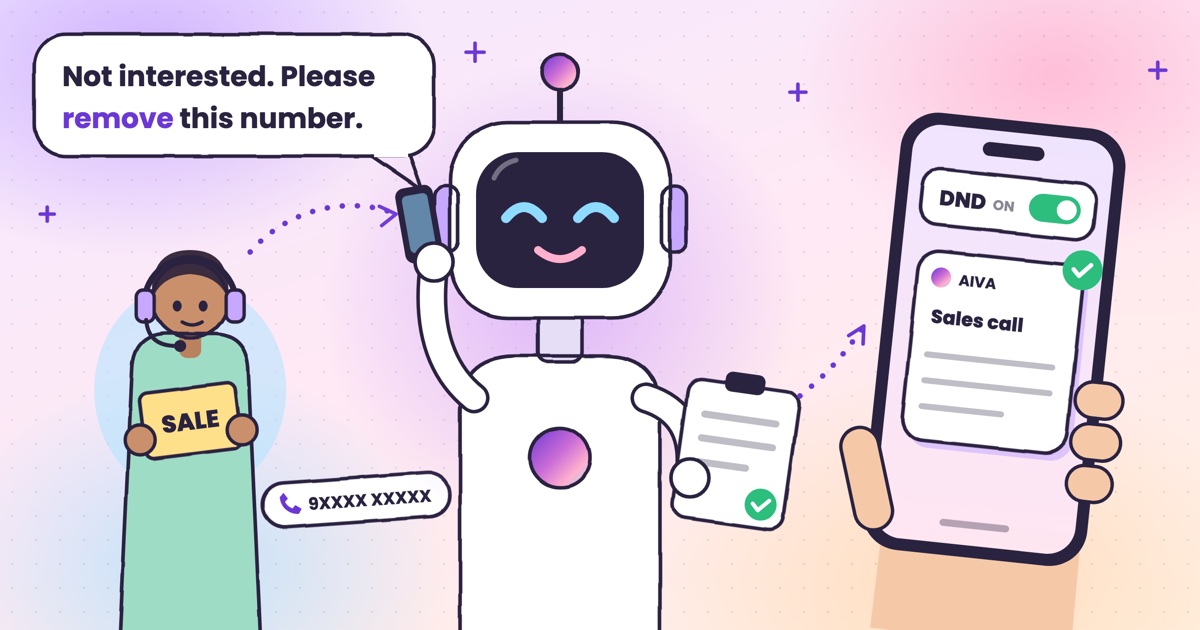 Guide · 7 min readDoes DND stop telemarketing calls? TRAI’s DND app explainedWhat DND stops, what it doesn’t, the 2025 rules and how to complain when promotional calls keep coming.
 Guide · 7 min readTruecaller alternatives in 2026: caller ID, spam labels and AI answeringCaller ID apps, network spam labels, CNAP and apps that answer calls, grouped by the job you need done.
 Guide · 8 min readAI call assistants compared: Truecaller, Equal AI, Google and moreTruecaller, Equal AI, Google, Apple and Samsung side by side, with sources.
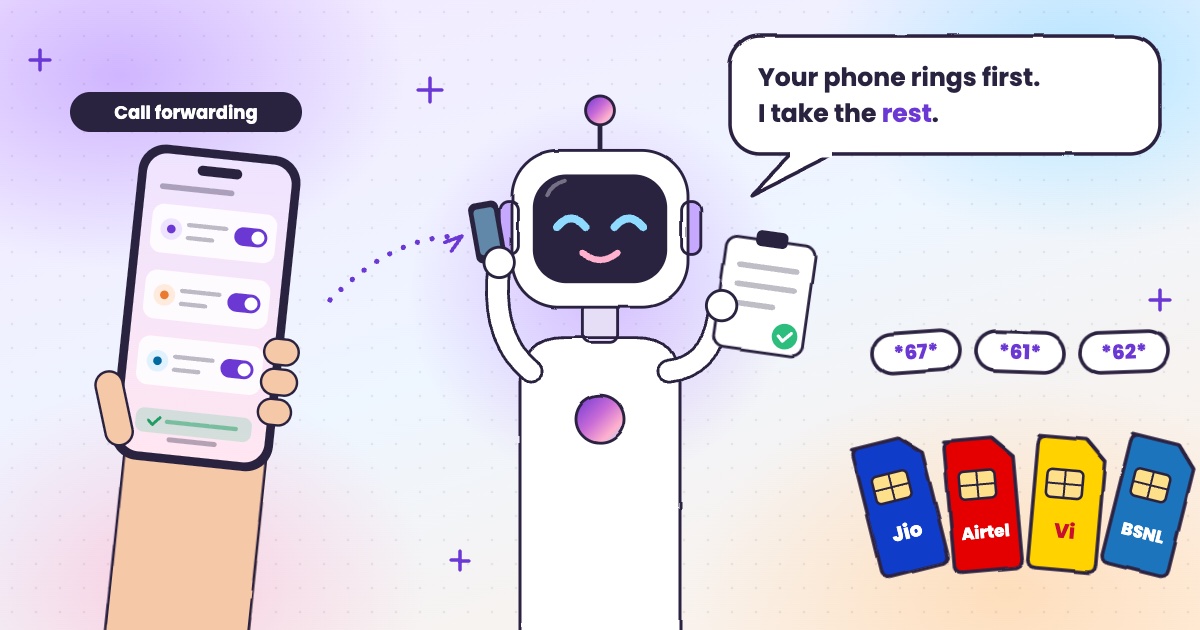 Guide · 6 min readCall forwarding codes in India: Jio, Airtel, Vi and BSNLThe codes for each network, how to turn forwarding off, and the codes never to dial.
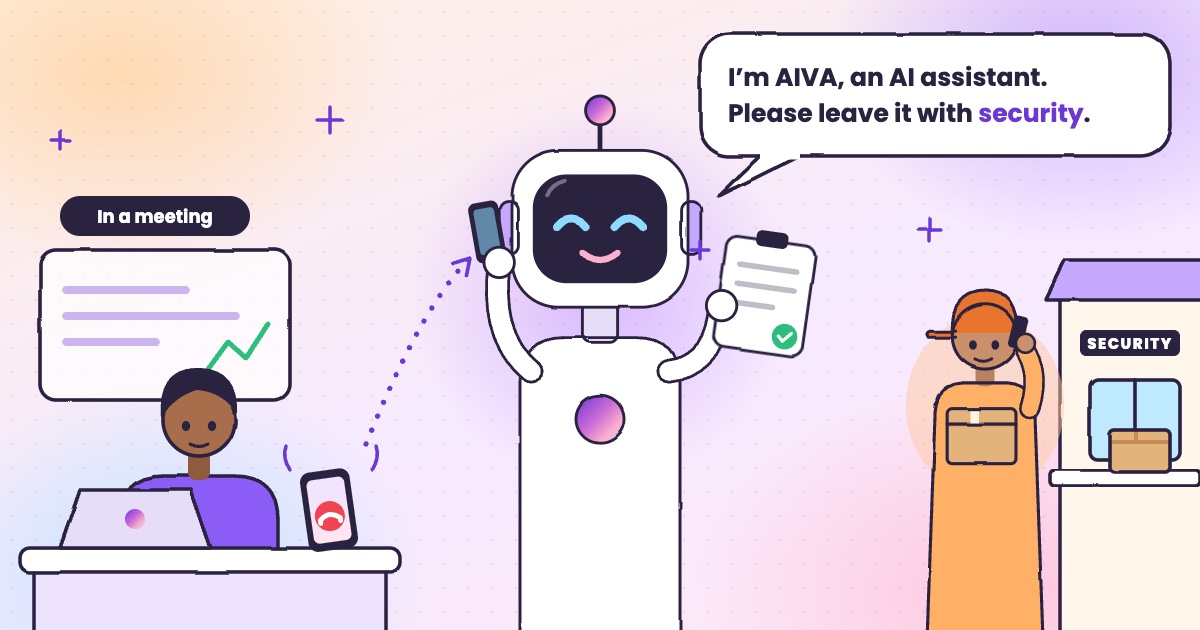 Guide · 4 min readHow to handle delivery calls while busy in a meetingWhat to do when a courier calls during a meeting, with or without an app.
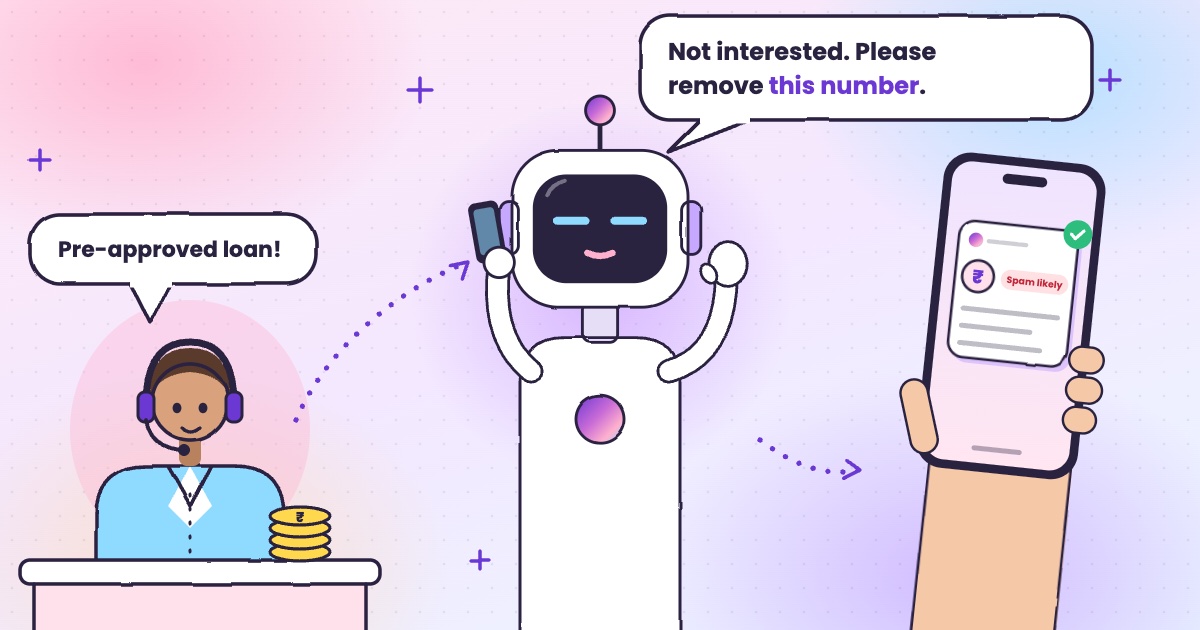 Guide · 6 min readHow to stop loan calls and spam calls in IndiaDND, reporting spam to TRAI and fraud on Chakshu, and what to do when the calls keep coming.
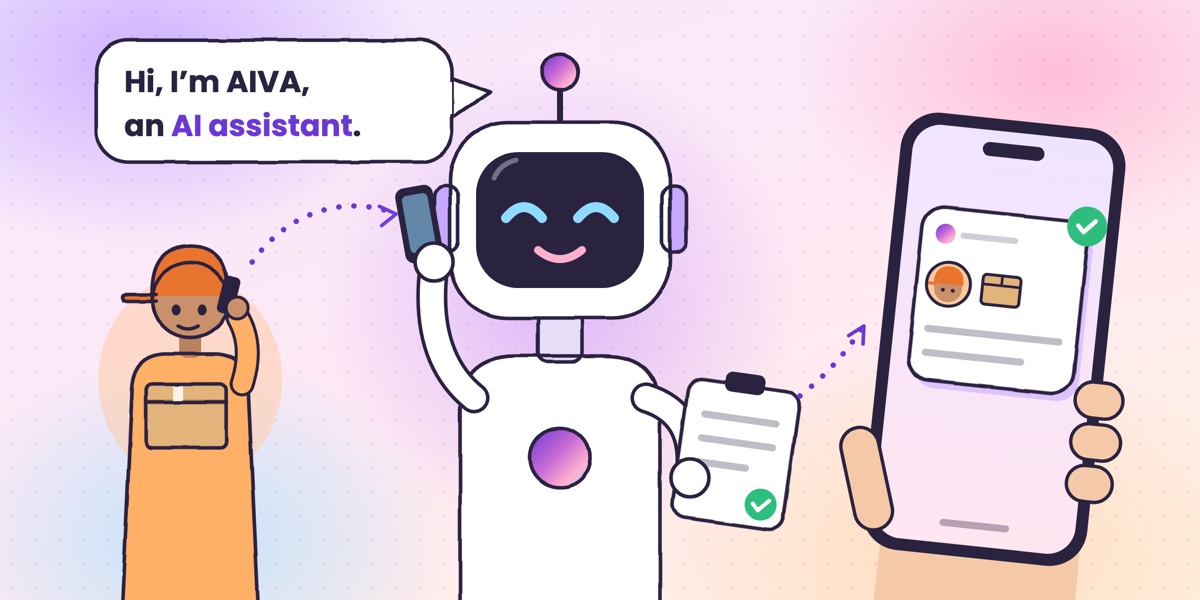 Guide · 6 min readWhat is an AI call assistant? How AIVA answers the calls you can’t takeHow AIVA answers the calls you decline, miss or can’t take, and what it does with each one.
Want to see more of our guides on Google? Add kukuaiva.app as a preferred source