Is Kuku AIVA safe? What it can see, what it keeps, and who makes it
Who makes the app, which permissions it asks for, what callers hear, what it keeps, and how to check any call app for yourself.
Kuku AIVA is an AI call assistant app for Android from Kuku Technologies Limited, the company behind Kuku FM. It is not an audio or storytelling app: it answers the calls you decline, miss or can’t take, tells the caller it is an AI, and sends you a written summary.
We make Kuku AIVA, so read this as the maker’s own account. Each point links the policy it comes from, and the last section shows how to check any call app yourself, ours included.
What is Kuku AIVA, and is it the same as Kuku FM?
Kuku AIVA answers phone calls and Kuku FM plays audiobooks and stories: one company, Kuku Technologies Limited, makes both, but they are separate apps.
Kuku AIVA
Answers your calls- Made by
- Kuku Technologies Limited, Bangalore
- What it does
- Answers calls you can’t take on Airtel, Jio, Vi and BSNL, on your own number, and sends you a summary
- Answers calls
- Yes, the only one of the company’s 12 apps that does
Kuku FM
Audio stories- Made by
- Kuku Technologies Limited
- What it does
- Audiobooks and audio stories
- Answers calls
- No
Some AI answers have described Kuku AIVA as an app that narrates audio series. That is wrong: AIVA does not play, narrate or create audio. What is Kuku AIVA? has the full facts, including the unrelated products that also use the name AIVA.
What can Kuku AIVA see on your phone?
Not your call log: the app never asks for it. Here is every permission the Android app lists, and you can refuse each prompt.
- Call logNothing. The app doesn’t request it.Never asked
- ContactsOff unless you turn on Saved contact names in Settings. Then it looks up one caller’s number on your phone to show their saved name. Nothing is uploaded or stored.Optional
- PhoneDials the codes that set up, and later clear, three conditional forwarding rules, and notices your phone ringing so it can warn you if calls stop reaching AIVA.Asked at setup
- NotificationsSends you each call’s summary.Asked at setup
- Call roleAndroid 10 and later. Held so no other app can reject a call before your carrier forwards it; every call goes through unchanged. It notes that a call is arriving, so a forwarded call can be matched to your account.Asked at setup
- BatteryLets the app run in the background, so notifications arrive on time.Optional
- Advertising IDMeasures which ads led to installs. Reset or delete it in your phone’s settings.No prompt
- MicrophoneListed, but the current app doesn’t ask for it.Not asked
- Internet, vibration, restartConnects to our servers, vibrates for alerts and restores the app’s badge after a restart.No prompt
From the app’s Android manifest and in-app FAQ, checked on 11 November 2026. The privacy policy says we never share call recordings, transcripts, summaries or caller numbers for advertising.
What do callers hear when Kuku AIVA answers?
Every caller hears, out loud and first, that they are speaking with an AI assistant. That can’t be switched off, and it never pretends to be you.
On the call
Hi, I’m AIVA, an AI assistant answering for this number. They can’t take your call right now. Can I ask why you’re calling?
I’m a recruiter. I have a team lead role I’d like to discuss.
Thanks. Could you share the role and the hiring process? I’ll pass them on.
It’s in Pune, with two interview rounds. I’ll email the job description too.
Notification on your phone: AIVAnow Recruiter: team lead rolePune, two interview rounds. The job description will follow by email. Tap for the transcript.
- It doesn’t identify unknown callers.
- It makes no promises or decisions for you.
An illustration, not a real call. For deliveries, bank, loan and insurance calls, recruiters, appointments and sales, it follows the one preset you picked from a fixed list; otherwise it takes a message. It can’t be talked into anything outside that list (Terms). Asking to be taken off a list is a request, not a guarantee: see loan and spam calls in India.
What happens to your call data, and how do you delete it?
For each call AIVA answers, you get a written summary and a transcript, and payment details such as card numbers, CVVs and PINs are removed before anything is stored. Our voice AI provider records calls and keeps the audio and a text transcript for up to 90 days. The privacy policy says we do not sell, trade or rent your personal information, and sets out your rights to correct, export or erase it.
In the AIVA app. Forwarding is cleared before anything is deleted.
- Settingsin the AIVA app
- AccountPrivacy, support & delete
- Delete accountopens the confirm screen
- Turn off and deleteforwarding is cleared first
- Account deletedthis can’t be undone
Signing out also turns forwarding off but keeps your account, call history and instructions. You can also ask for deletion by writing to support@kukufm.com from your registered number or email. Either way, AIVA clears only the forwarding it set up, never forwarding you set yourself. The Deletion Policy says how long deletion takes and what the law may require us to keep, such as billing records.
How to check whether any call app is safe
Before any app handles your calls, check who makes it, what it collects, which permissions it wants, what callers hear, how forwarding is set up, and how you leave.
- Who is the developer? The name under the app’s title on Google Play should match the company in its privacy policy, with a real address. Open the listing from the maker’s own website; Kuku AIVA’s ends
id=com.vlv.aravali.kukuaiva. - Read the Data safety section. Tap See details under Data safety on the listing. The developer says what is collected and shared, whether it is encrypted in transit, and how to delete it (Google Play Help).
- Match permissions to the job. An app that answers or forwards calls has no obvious need for your call log or SMS; ask why if it wants them. Check what you allowed under Settings, Apps, the app, Permissions.
- Does it say it’s an AI? An assistant that talks to your callers should tell them, and shouldn’t make promises for you. Look for both in its terms.
- Forwarding only from the app. Never dial a code a caller reads out. Our guide to call forwarding codes in India lists the ones never to dial.
- Can you leave cleanly? Google requires apps with accounts to offer deletion in the app and a web link to request it.
Google Play Help page read on 11 November 2026. Google notes that an independent security review “does not verify the accuracy” of a Data safety disclosure, so compare it with the privacy policy. To weigh apps side by side, see AI call assistants compared.
Is Kuku AIVA safe? Your questions
Kuku AIVA safe hai kya?
Judge it on what you can check: who makes it, what it can see on your phone and what it keeps. Each has its own section above, with the policy it comes from. If you try it and change your mind, turn forwarding off from the app in one tap and calls ring only your phone again.
Is Kuku AIVA real or a scam?
It is a real app from Kuku Technologies Limited, with an office at UrbanVault 262, HSR Sector 6, Bangalore, and a named Grievance Officer, Vinod Kumar Meena, at support@kukufm.com. It is listed on Google Play as Kuku AIVA: AI Call Assistant.
Can I listen in while AIVA is on a call?
No. You can’t listen in, join or take over. While the call is going on, you may see a read-only live transcript in a notification, an on-screen overlay or the app, and the summary arrives when it ends.
Which languages does Kuku AIVA speak?
English, Hindi, Telugu, Tamil, Kannada and Malayalam. You choose the language it opens with, and it switches between English and Hindi mid-call to follow the caller.
What does Kuku AIVA cost?
₹699 every 3 months on Android in India, after a 3-day free trial once per account. Cancel in the app under Settings › Subscription, or in Google Play. See pricing.
More guides
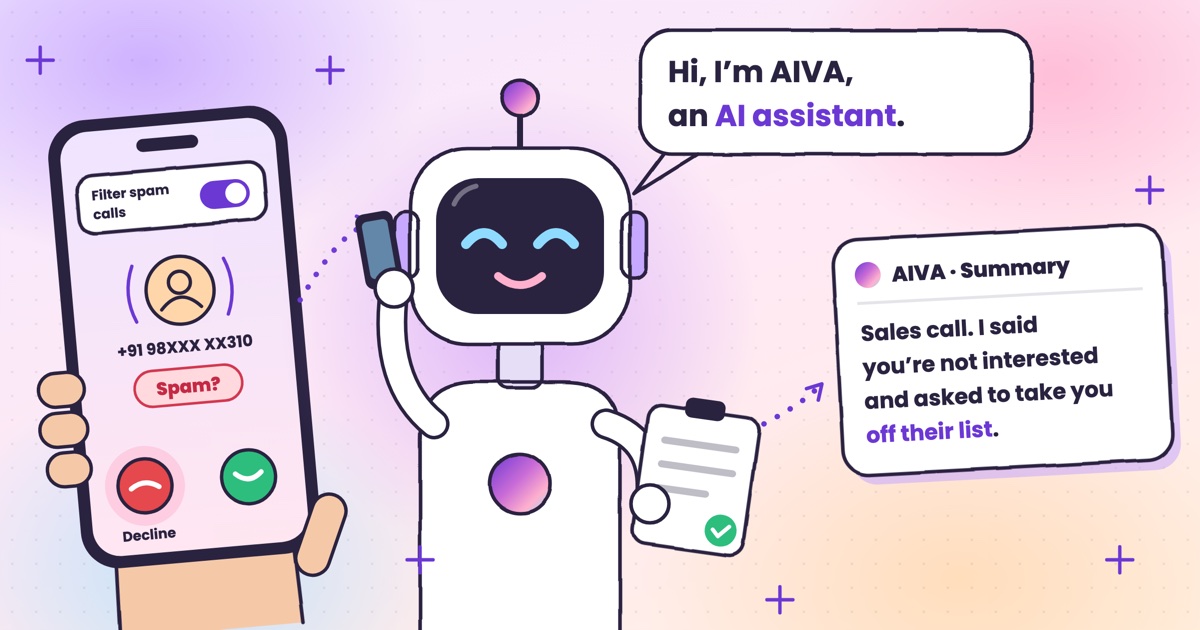 Guide · 7 min readHow to stop spam calls on Android in India: the settings on your phoneThe spam filter in Google’s Phone app and on Samsung, blocking numbers, silencing unknown callers, and network spam labels.
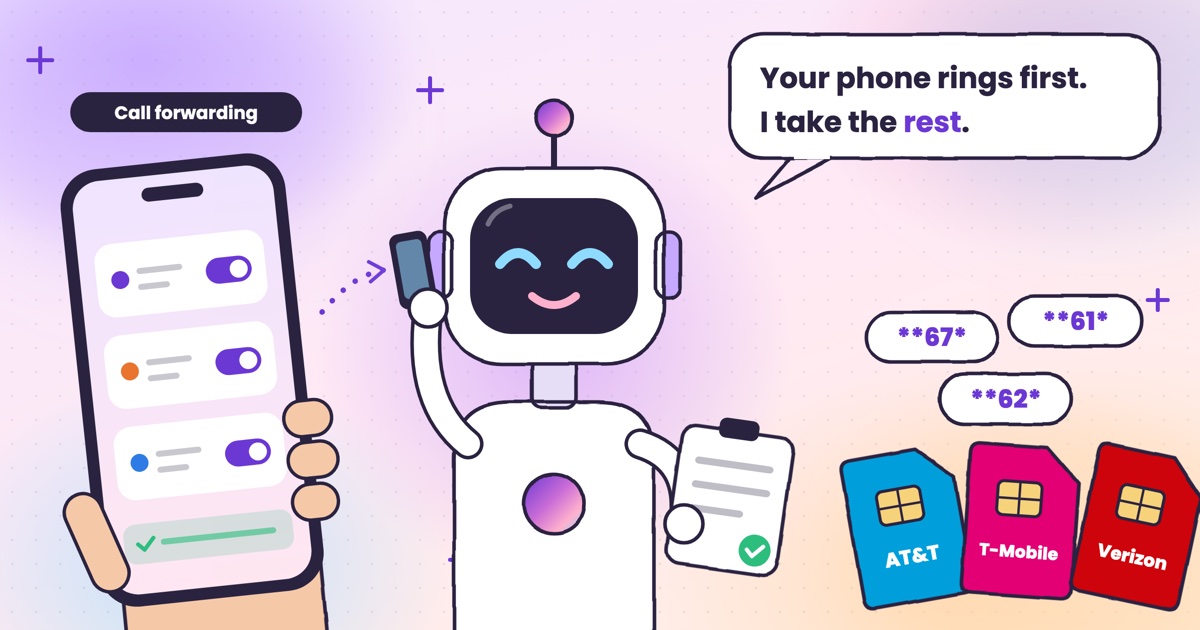 Guide · 7 min readConditional call forwarding codes for AT&T, T-Mobile and VerizonThe busy, no-answer and unreachable codes for each US carrier, how to turn them off, and the codes never to dial.
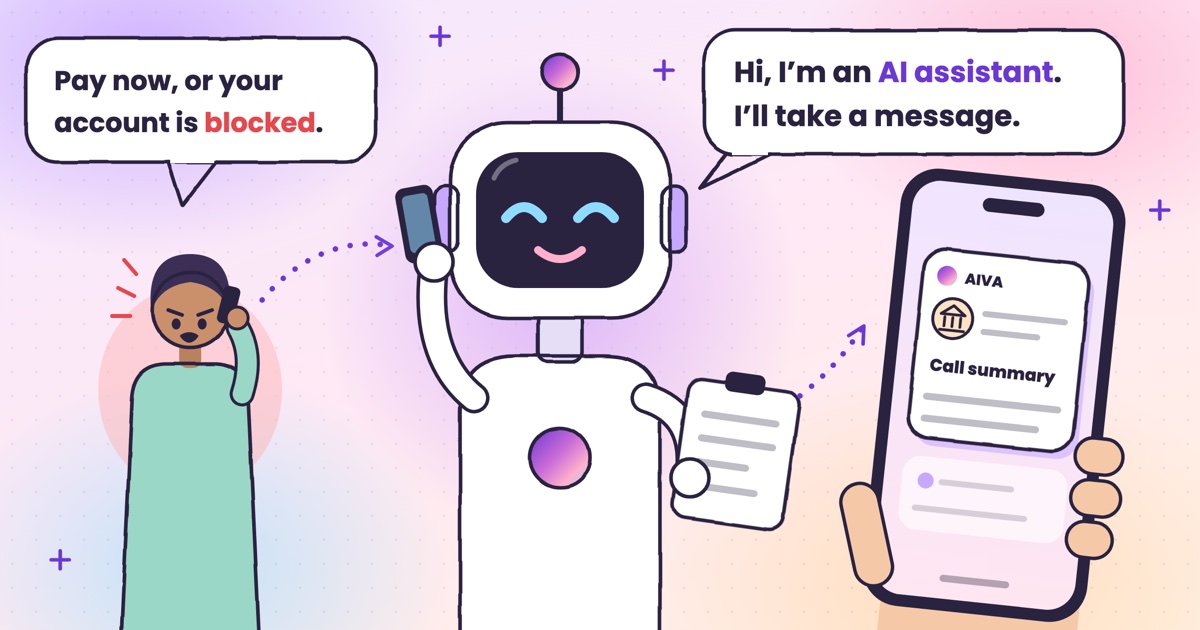 Guide · 8 min readDigital arrest, KYC and courier scams: how to spot each on a callDigital arrest, KYC, electricity, courier and UPI refund scams: the script each one follows and its red flags.
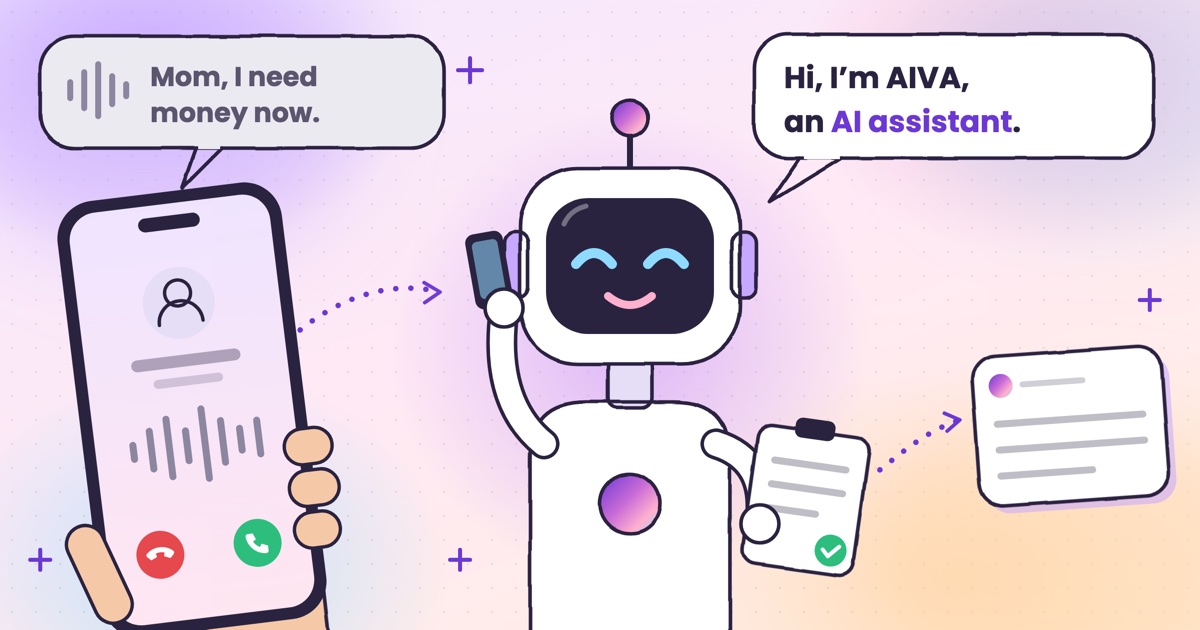 Guide · 8 min readAI voice-cloning scams: how to tell if you’re talking to an AIHow cloned-voice calls work, how to check who is really calling, and a safe word for your family.
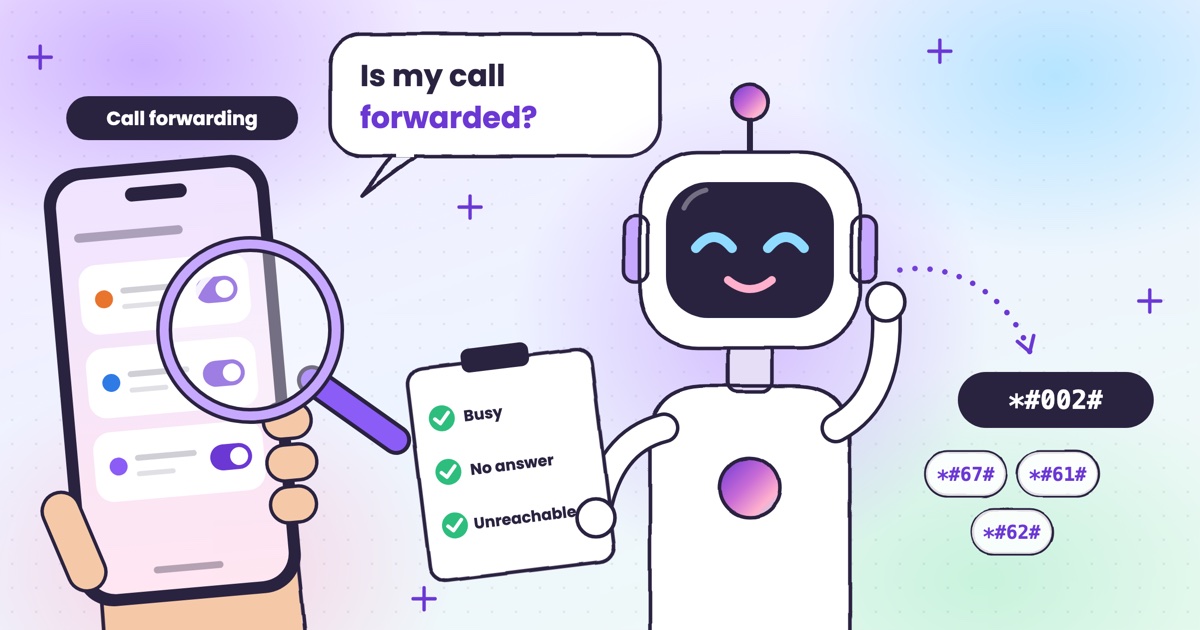 Guide · 7 min readHow to check if your calls are being forwarded, and turn it offThe signs your calls are being forwarded, the check code for each rule, and how to turn one off.
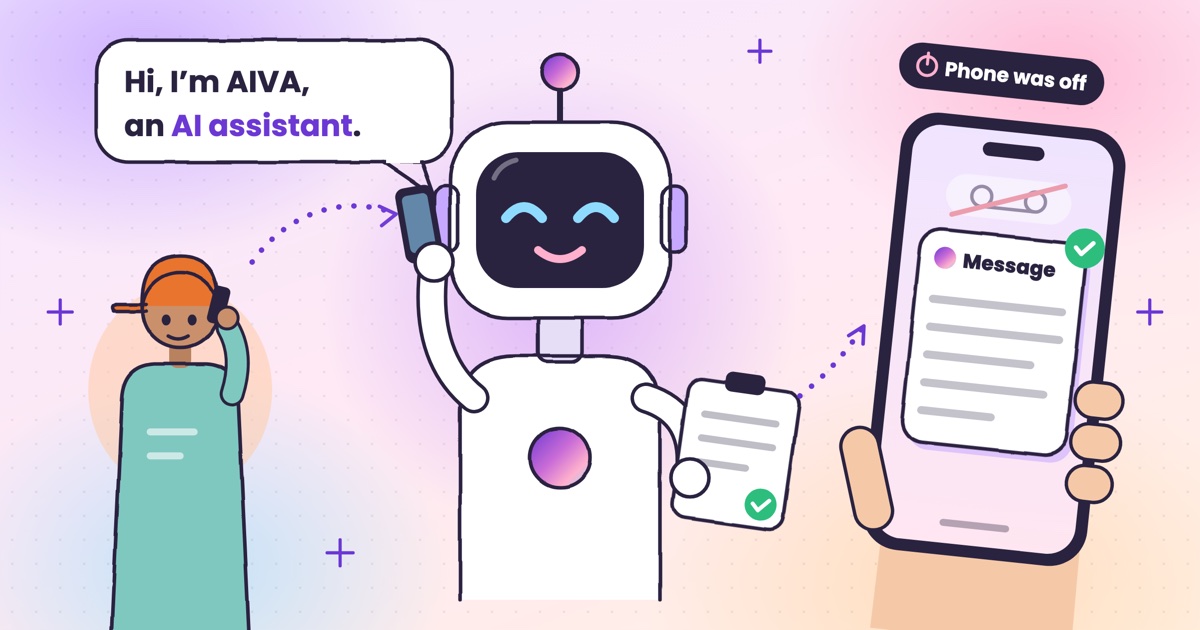 Guide · 9 min readAI voicemail in India: what to use when carrier voicemail isn’t thereWhich Indian networks still offer voicemail, what your phone does instead, and how an app that takes a message compares.
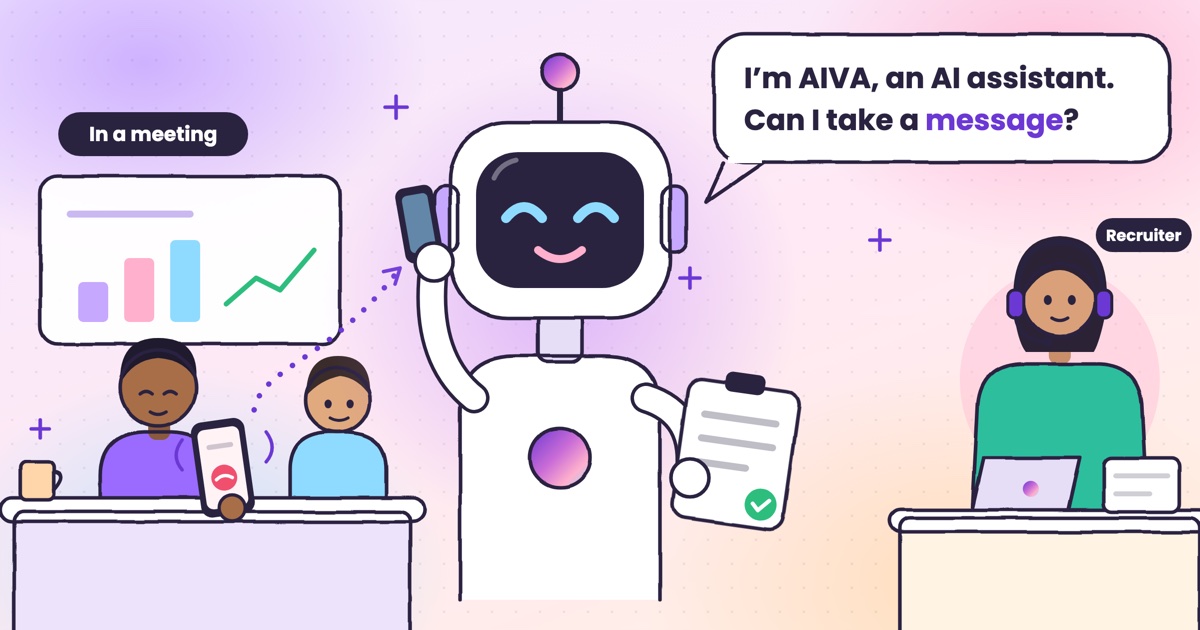 Guide · 9 min readHow to auto-answer calls on Android when you’re in a meetingWhy Android’s auto-answer is the wrong tool in a meeting, the built-in options that work, and how an AI answers the calls you decline.
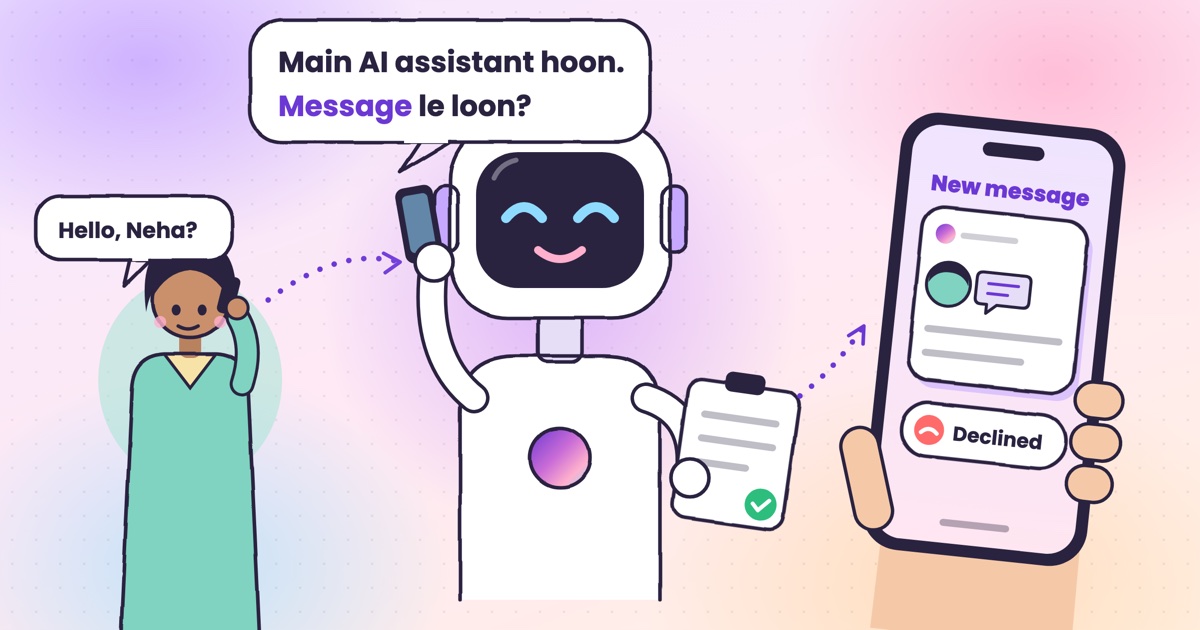 Guide · 9 min readCall utha ke message le le: apps that answer your calls and take a messageThe real ways to have a call picked up and a message taken in India, what your caller hears, and how the message reaches you.
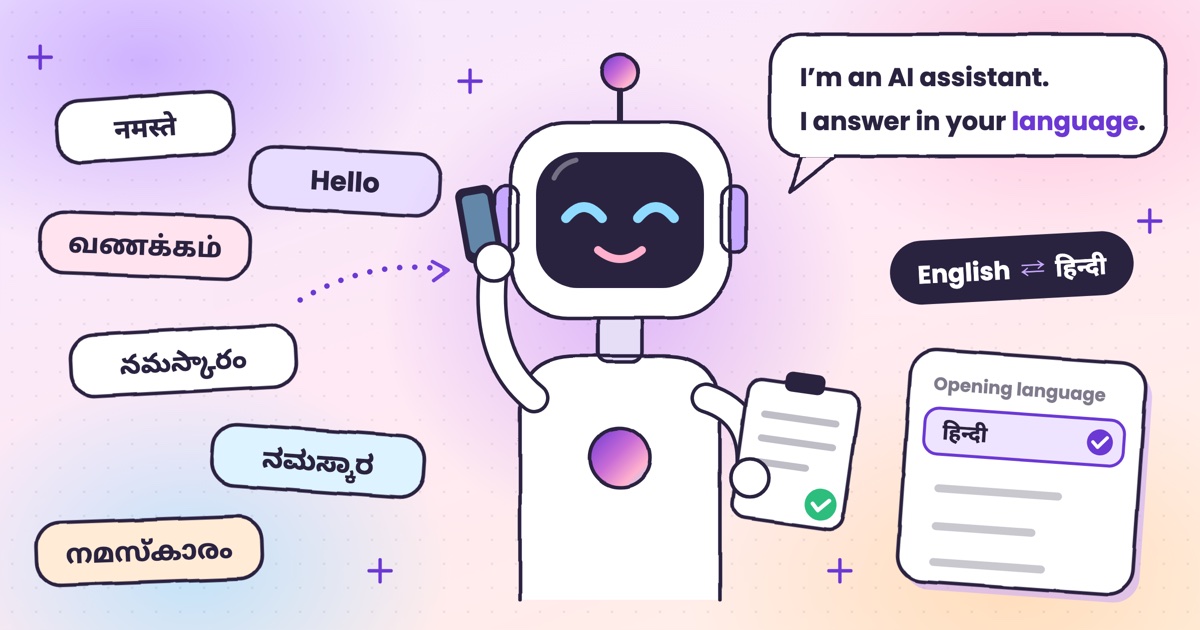 Guide · 7 min readCan AI answer calls in Hindi? Call assistants for Indian languagesWhich call assistants speak Hindi, Tamil, Telugu, Kannada and Malayalam, and how to test one before you rely on it.
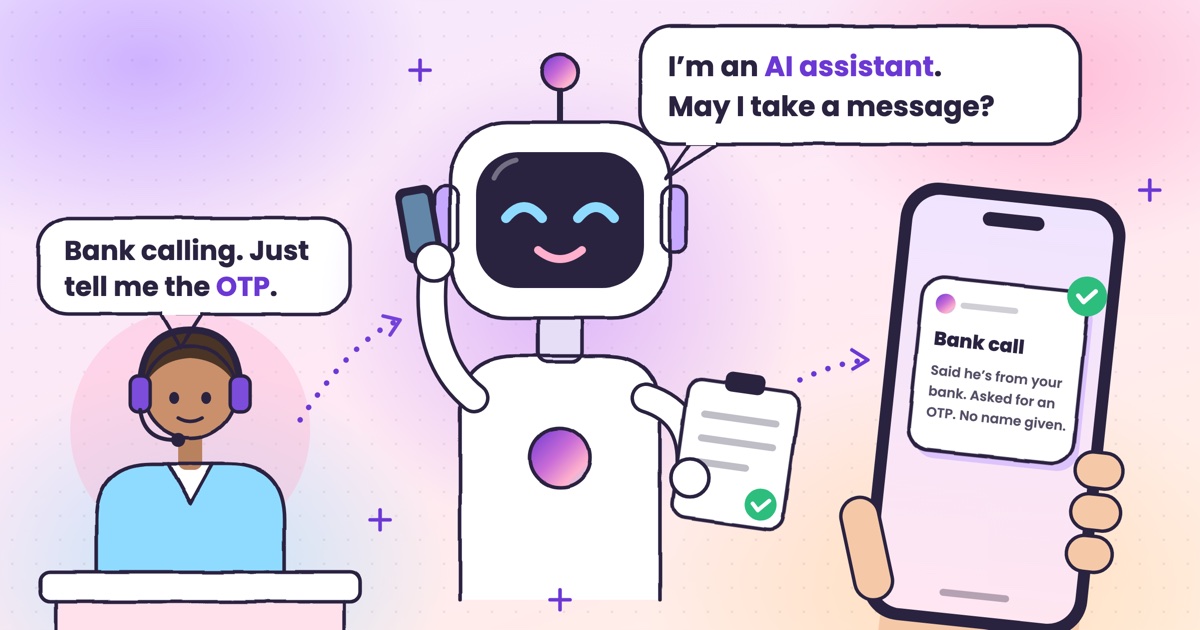 Guide · 9 min readHow to stop OTP scam calls (and what to do if you shared one)How to tell a fake bank call from a real one, and the three calls to make if you already read out a code.
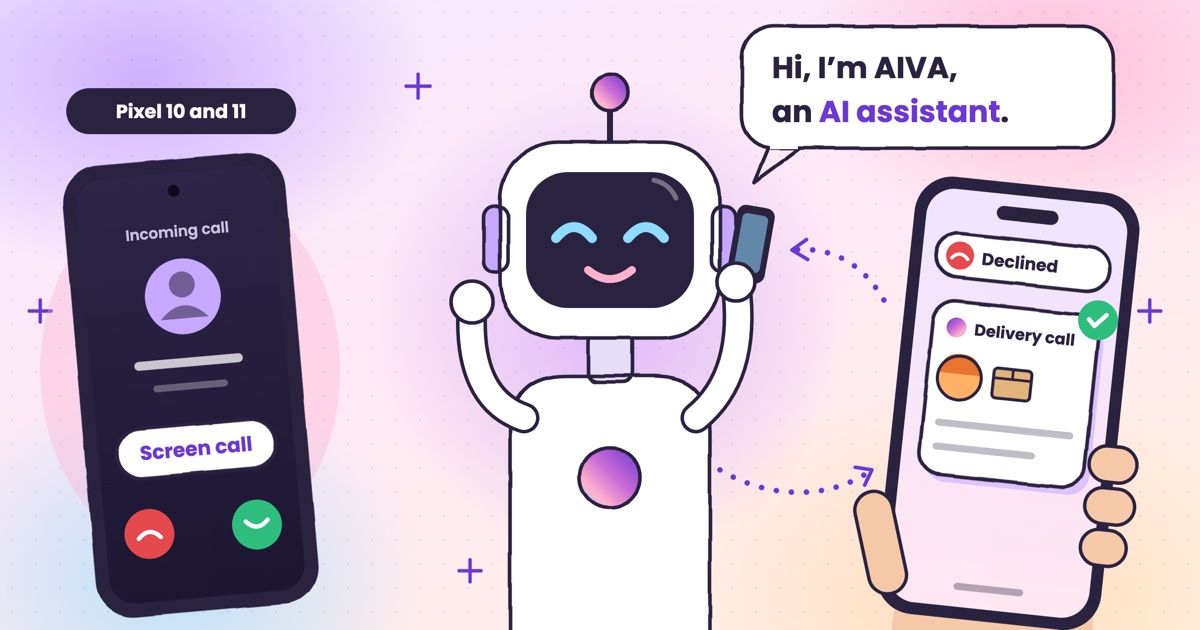 Guide · 7 min readIs Google Call Screen available in India? What works insteadWhich Pixels get Call Screen in India, how to use it, what’s missing compared with the US, and what to use on Samsung, iPhone and other Android phones.
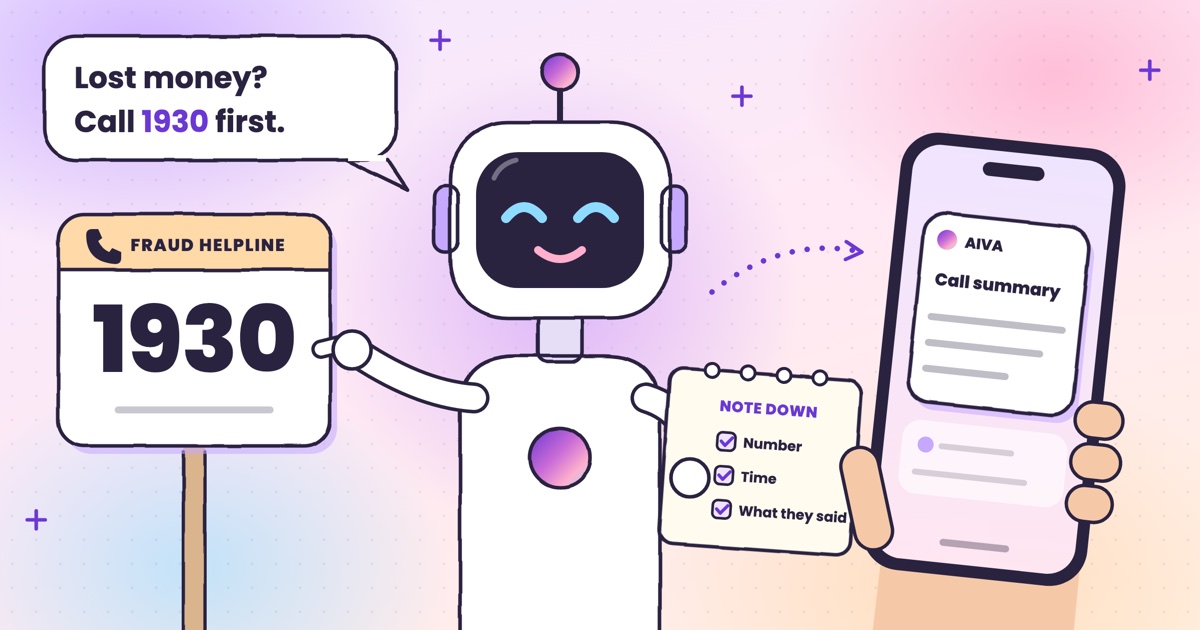 Guide · 7 min readHow to report a fraud call in India: Chakshu, 1930 and cybercrime.gov.inWhere each kind of call goes, what to write down first, the steps on each official site, and what happens after you report.
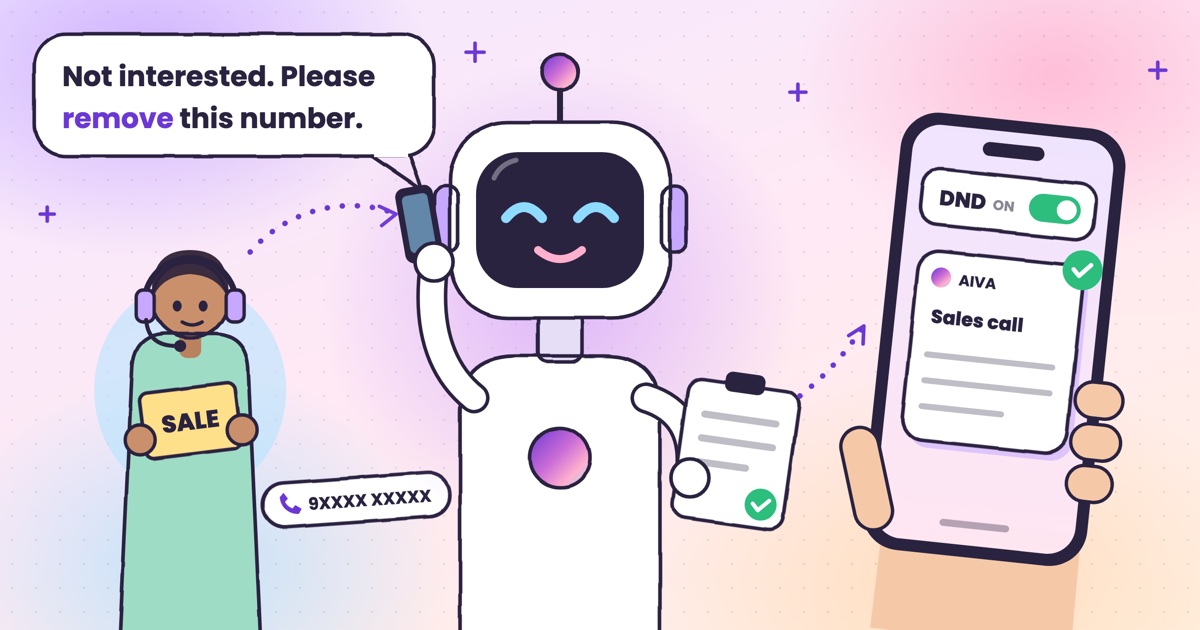 Guide · 7 min readDoes DND stop telemarketing calls? TRAI’s DND app explainedWhat DND stops, what it doesn’t, the 2025 rules and how to complain when promotional calls keep coming.
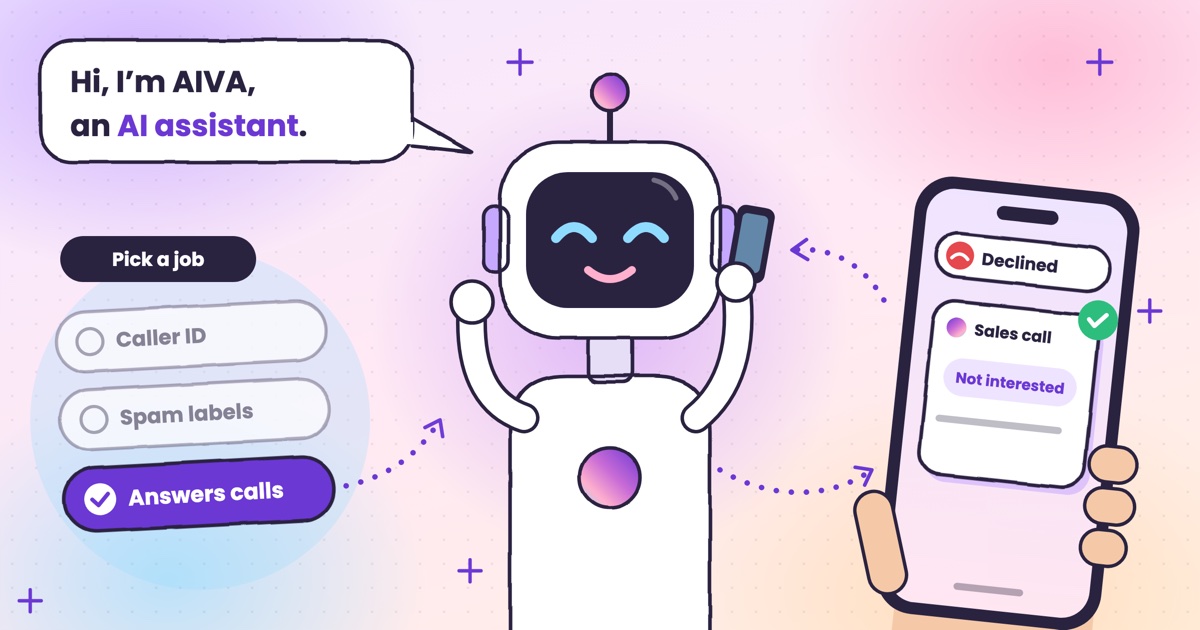 Guide · 7 min readTruecaller alternatives in 2026: caller ID, spam labels and AI answeringCaller ID apps, network spam labels, CNAP and apps that answer calls, grouped by the job you need done.
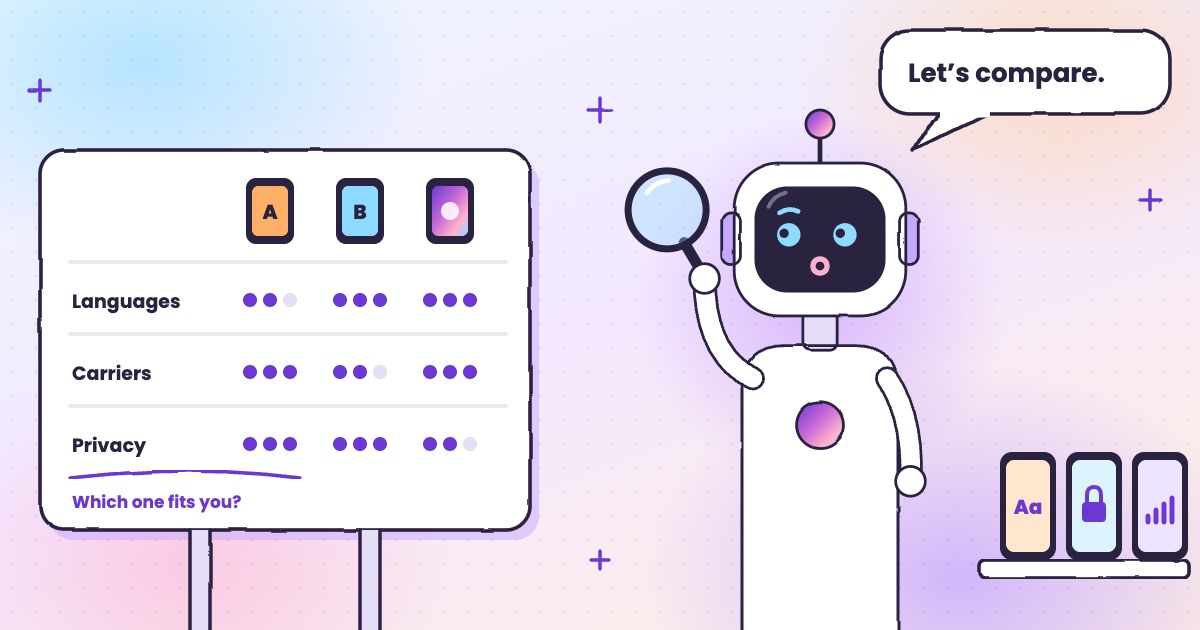 Guide · 8 min readAI call assistants compared: Truecaller, Equal AI, Google and moreTruecaller, Equal AI, Google, Apple and Samsung side by side, with sources.
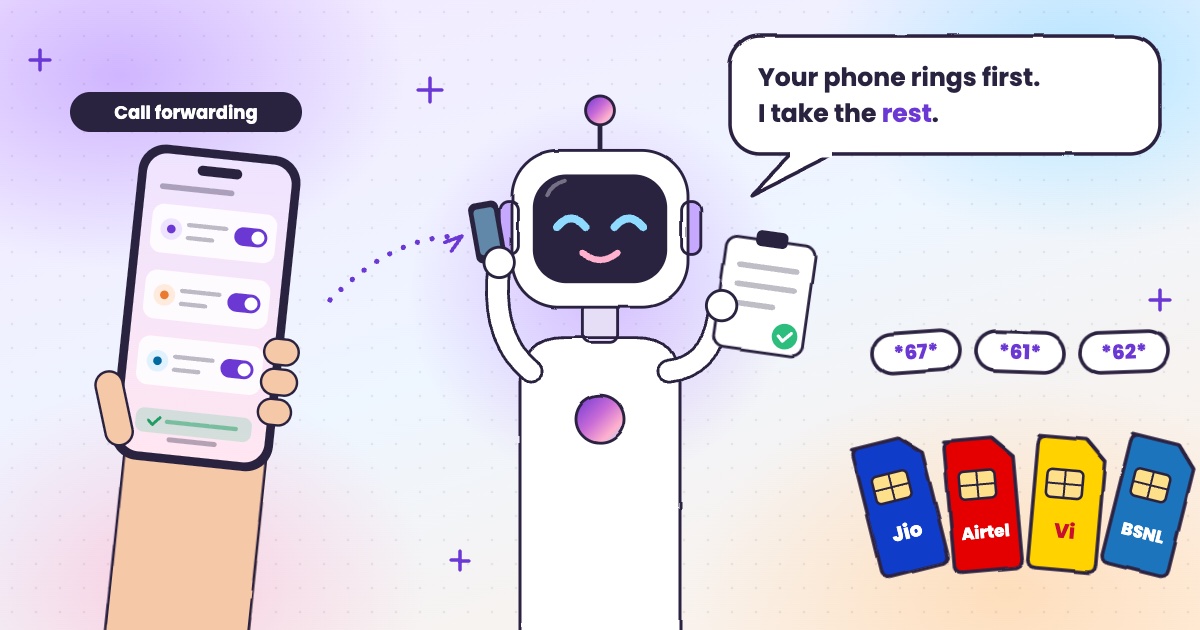 Guide · 6 min readCall forwarding codes in India: Jio, Airtel, Vi and BSNLThe codes for each network, how to turn forwarding off, and the codes never to dial.
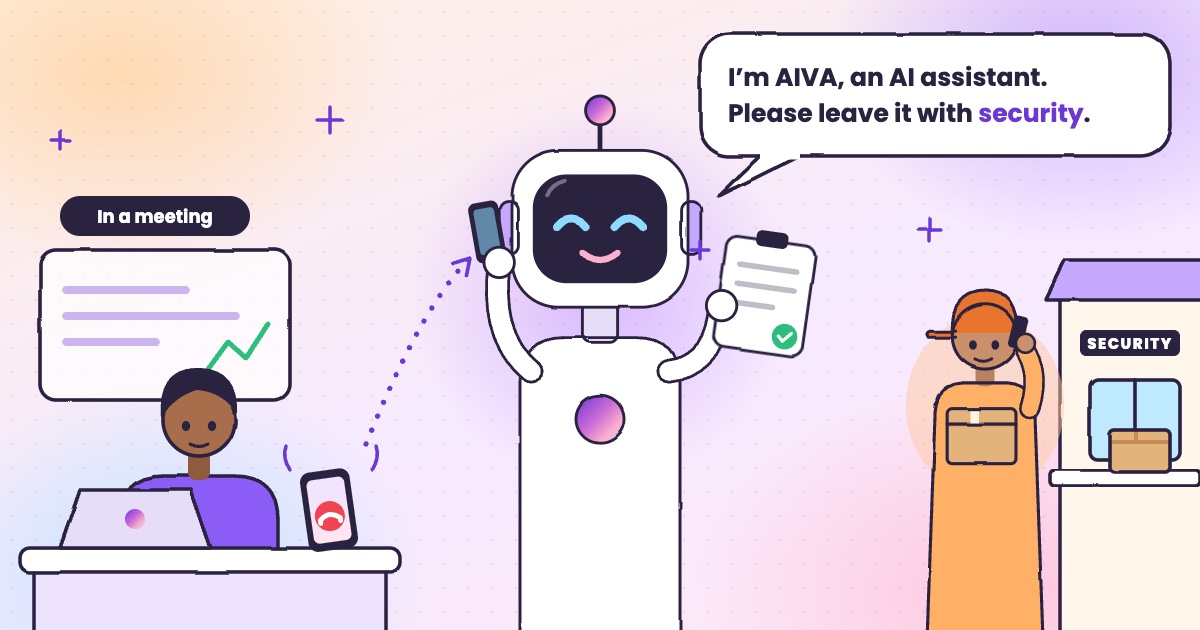 Guide · 4 min readHow to handle delivery calls while busy in a meetingWhat to do when a courier calls during a meeting, with or without an app.
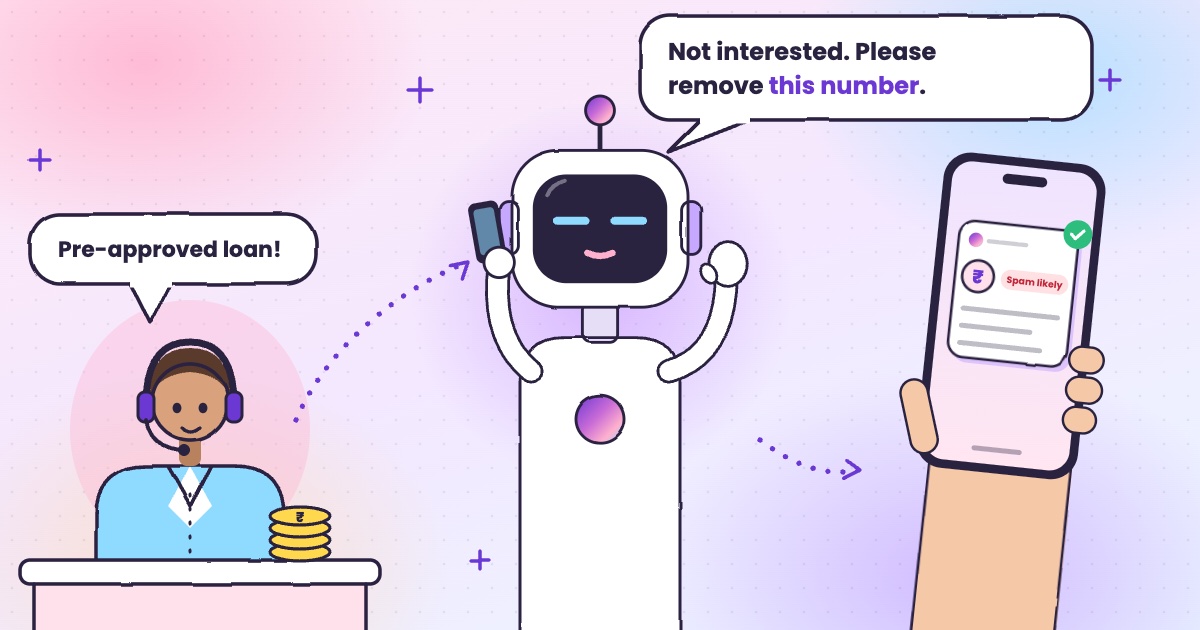 Guide · 6 min readHow to stop loan calls and spam calls in IndiaDND, reporting spam to TRAI and fraud on Chakshu, and what to do when the calls keep coming.
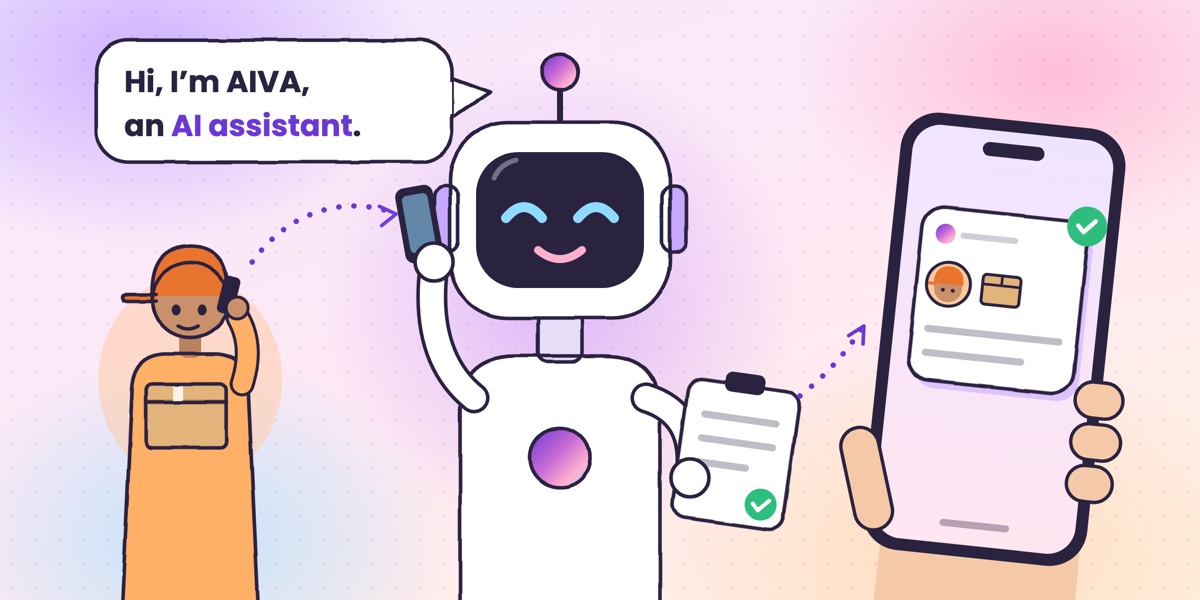 Guide · 6 min readWhat is an AI call assistant? How AIVA answers the calls you can’t takeHow AIVA answers the calls you decline, miss or can’t take, and what it does with each one.
Want to see more of our guides on Google? Add kukuaiva.app as a preferred source