How to check if your calls are being forwarded, and turn it off
Callers reaching someone else, a phone that stays quiet, a code a stranger asked you to dial: how to tell whether forwarding is on, which rule is doing it, and how to switch it off.
Codes checked on 29 October 2026.
To check if your calls are being forwarded, dial *#002# from the phone app on that SIM: the reply lists each forwarding rule and the number it sends calls to. To turn forwarding off, dial ##002# to clear everything, or ##004# for only the busy, no-answer and unreachable rules.
This guide is for finding and fixing forwarding you didn’t expect. To set forwarding up, use our guide to call forwarding codes in India.
Are my calls being forwarded? The signs
Your calls are probably being forwarded if people say they called but your phone showed nothing, or they reached someone or something other than you. Each sign points to one forwarding rule and its check code:
- Your phone never rings, yet people say they called
They got another person, a voicemail, a busy tone or a switched-off message while your phone was on and free, and no missed call shows.
Rule: all calls · check *#21# - Calls you decline go somewhere else
The network treats a declined call as busy, so a busy rule sends the caller on instead of giving them a busy tone.
Rule: busy · check *#67# - Calls ring for a while, then go elsewhere
A no-answer rule waits out the ring time, then passes the call on.
Rule: no answer · check *#61# - Callers never hear that you’re switched off
When your phone is off or has no signal, an unreachable rule sends callers on instead of the network’s switched-off message.
Rule: unreachable · check *#62#
The strongest sign of all: a caller asked you to dial a code with a number. If that happened, go straight to what to do after dialling *401#. The rule numbers come from the GSM standard every phone follows (3GPP TS 22.030), which also says that declining a call triggers the busy rule if one is on.
How to check call forwarding status
Dial a check code from the phone app, on the SIM you want to check, and wait for the network’s reply. A code that starts *# only asks; it never turns anything on or off.
- Everything at once
*#002#Asks about all forwarding on the SIM. Start here.
- All calls
*#21#Unconditional forwarding: your phone never rings.
- When busy
*#67#On another call, or you decline.
- When not answered
*#61#It rings and you don’t pick up.
- When unreachable
*#62#Switched off or no signal.
How to read the reply
If the reply shows a number next to a rule, that rule is on and those calls go to that number. If it says the service is off, disabled or not active, that rule is off. The wording varies by phone and network. Forwarding is set per SIM, so on a dual-SIM phone check each one.
No reply, or “connection problem or invalid MMI code”? Try the single-rule checks instead, or look in the phone’s settings:
Names vary by phone maker.
- Phone appyour dialler
- Settingsin the three-dot menu
- Call forwardingunder Calls or Supplementary services
- Pick the SIMthen Voice calls, if asked
- Read each rulea number under it means on
The check codes are standard GSM codes from 3GPP TS 22.030. Vi’s guide lists *#21#, *#67#, *#61# and *#62#, and Airtel’s lists *#21#. We found no Jio or BSNL page listing check codes. Pages read on 29 October 2026.
How to turn off call forwarding
Dial the clear code for the rule you found, from the same SIM, then run the check again. Codes that start ## erase a rule and its number.
- One rule
##67#Clears the busy rule, so callers you decline hear busy again.
##61#clears no answer and##62#unreachable. - All three
##004#Clears busy, no answer and unreachable in one go.
- Every kind
##002#Also clears forwarding of all calls. The one to use if you don’t know who set it.
Prefer your carrier’s app? MyJio and Airtel Thanks can switch forwarding off too; our call forwarding guide has the menus for Jio, Airtel, Vi and BSNL.
What do ##002# and ##004# do?
##002# erases every forwarding rule on the SIM; ##004# erases only the three conditional ones. Both are standard GSM codes (Vi’s guide lists ##002#), and neither can be undone: anything you still want, you set again.
Both clear the busy, no-answer and unreachable rules that an AI call assistant such as Kuku AIVA uses. After either code, AIVA stops answering until you turn call forwarding back on in the app. Any other forwarding you chose stops too. Every network’s set-up and clear codes are in our call forwarding codes guide.
Dialled *401# for a caller? What to do now
Check right away, because your calls may now be going to the caller. Fraudsters posing as your network’s customer care ask you to dial *401# or *21* with their number, which forwards all your calls to them; no network ever asks for this. Our call forwarding codes guide explains the scam. Do this now:
- Step 1
Check with
*#002#. Note the number your calls go to before you clear it. - Step 2
Clear it with
##002#, then check again until nothing is forwarded. - Step 3
Report it on Chakshu at Sanchar Saathi. If you lost money, call 1930 or use cybercrime.gov.in.
Pages read on 29 October 2026.
Is Kuku AIVA forwarding my calls?
Only if you turned call forwarding on in the Kuku AIVA app, and then only the busy, no-answer and unreachable rules, so your phone always rings first. In a status check those three rules show the number the app set, and “all calls” stays off. A number under *#21# is never AIVA’s.
Kuku AIVA is an AI call assistant for Android from Kuku Technologies Limited, the makers of Kuku FM. It answers the calls you decline, don’t answer or can’t take, tells every caller it is an AI assistant, follows the instruction you picked for that kind of call or takes a message, and sends you a notification with a summary.
- Your phone rings first.
- Works on Airtel, Jio, Vi and BSNL, on your own number.
- It doesn’t block calls or tell you who is calling.
- You can’t listen in or take over a call it is on.
It never reads your call log. See the privacy policy for what it keeps from a call.
Call forwarding status: your questions
Is my call forwarded? How do I know?
Dial *#002# from the phone app on that SIM. If the reply shows a number next to any rule, calls in that situation go to that number. Checking changes nothing.
Jio me call forwarding kaise band kare?
In MyJio, open Profile, Mobile Settings, Service Settings, Call Forwarding, pick the active type and disable it. Or dial ##002# to clear all forwarding, then check with *#002#.
What does ##002# do on an Indian SIM?
It erases all call forwarding on that SIM, conditional and unconditional. That includes forwarding you set on purpose, such as Kuku AIVA’s, so turn that back on afterwards.
What is the difference between *#21# and *#002#?
*#21# checks only forwarding of all calls. *#002# asks about every kind at once. Both only check.
Does Kuku AIVA forward all my calls?
No. It uses only the busy, no-answer and unreachable rules, so your phone rings first. It answers only the calls you decline, don’t answer or can’t take.
More guides
 Guide · 7 min readHow to stop spam calls on Android in India: the settings on your phoneThe spam filter in Google’s Phone app and on Samsung, blocking numbers, silencing unknown callers, and network spam labels.
 Guide · 7 min readIs Kuku AIVA safe? What it can see, what it keeps, and who makes itWho makes Kuku AIVA, every Android permission it uses and why, what callers hear, and how to delete your data.
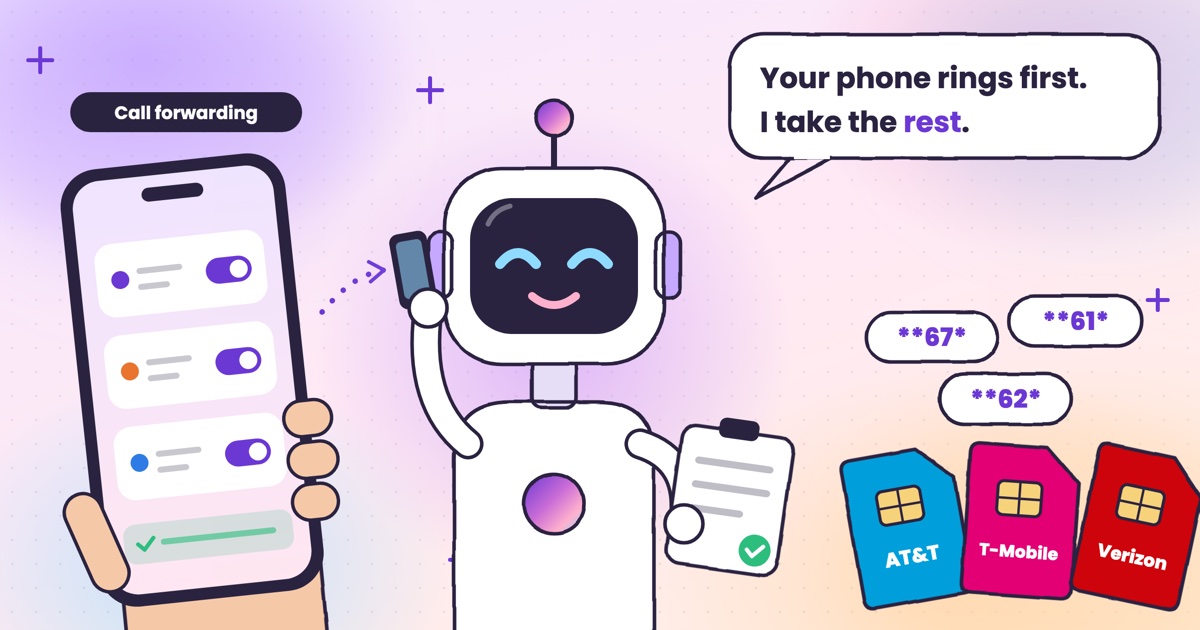 Guide · 7 min readConditional call forwarding codes for AT&T, T-Mobile and VerizonThe busy, no-answer and unreachable codes for each US carrier, how to turn them off, and the codes never to dial.
 Guide · 8 min readDigital arrest, KYC and courier scams: how to spot each on a callDigital arrest, KYC, electricity, courier and UPI refund scams: the script each one follows and its red flags.
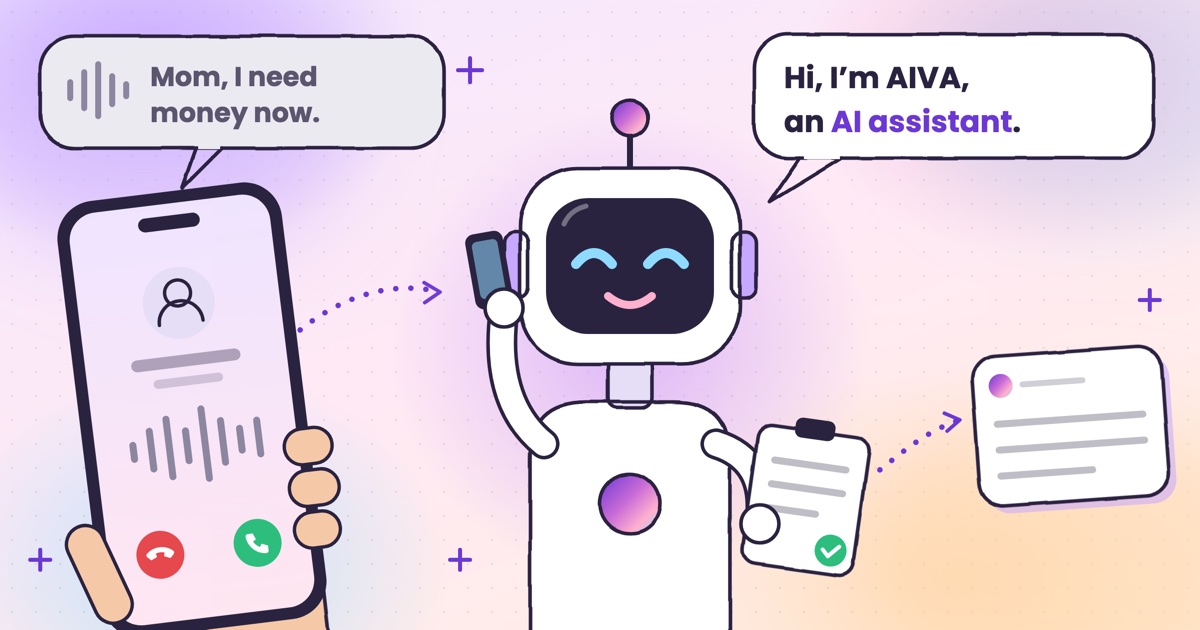 Guide · 8 min readAI voice-cloning scams: how to tell if you’re talking to an AIHow cloned-voice calls work, how to check who is really calling, and a safe word for your family.
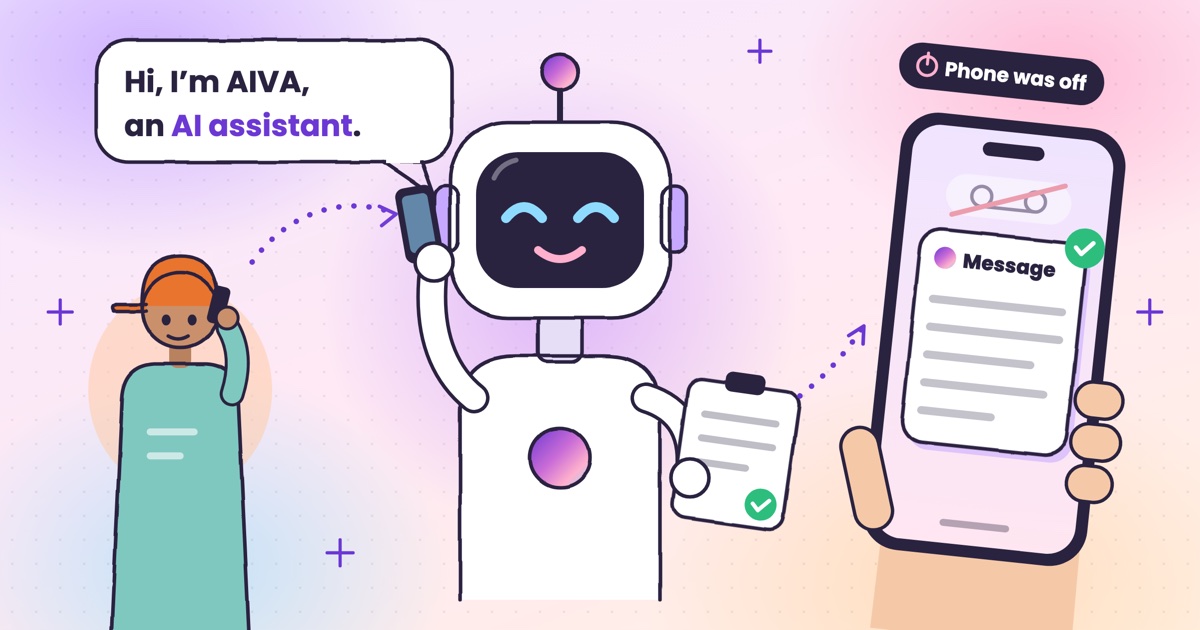 Guide · 9 min readAI voicemail in India: what to use when carrier voicemail isn’t thereWhich Indian networks still offer voicemail, what your phone does instead, and how an app that takes a message compares.
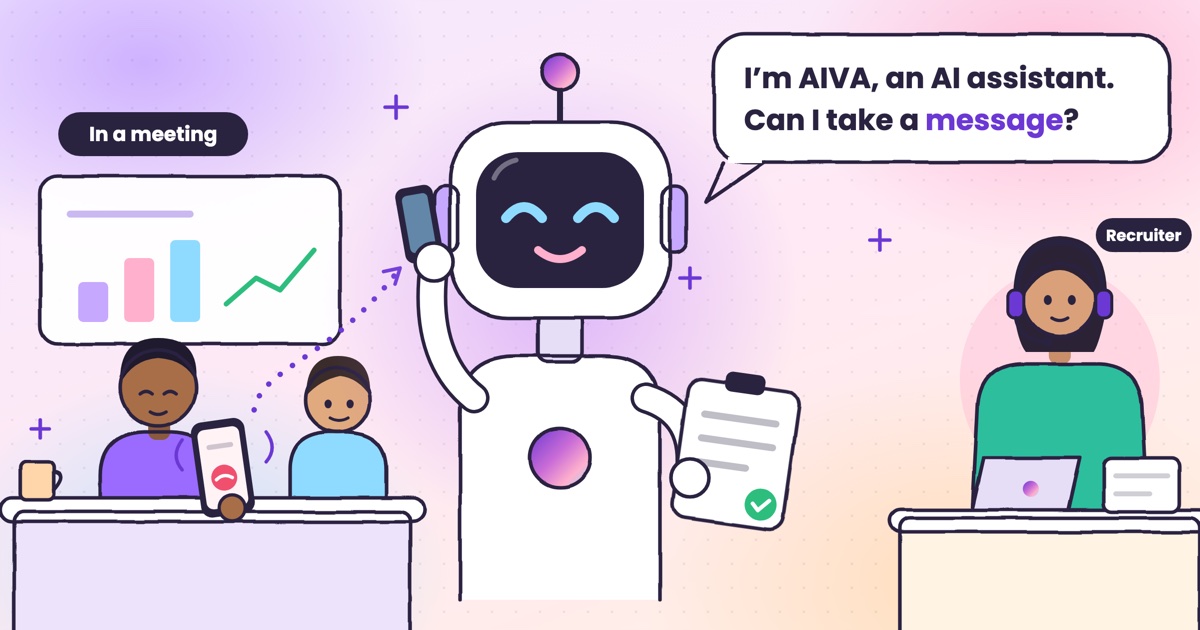 Guide · 9 min readHow to auto-answer calls on Android when you’re in a meetingWhy Android’s auto-answer is the wrong tool in a meeting, the built-in options that work, and how an AI answers the calls you decline.
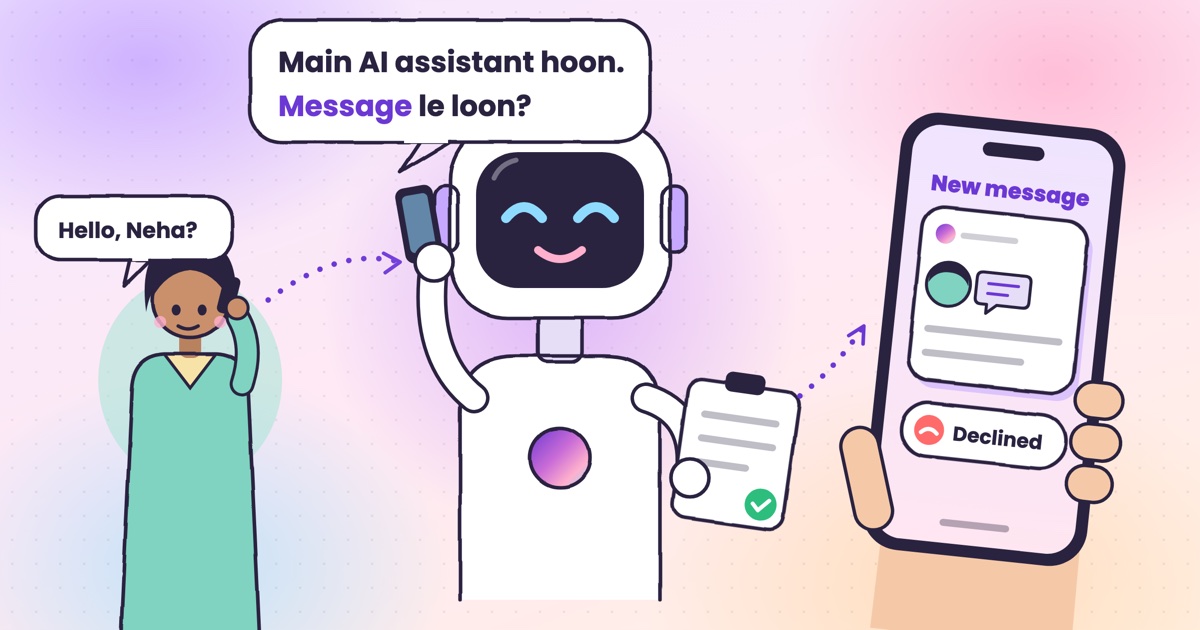 Guide · 9 min readCall utha ke message le le: apps that answer your calls and take a messageThe real ways to have a call picked up and a message taken in India, what your caller hears, and how the message reaches you.
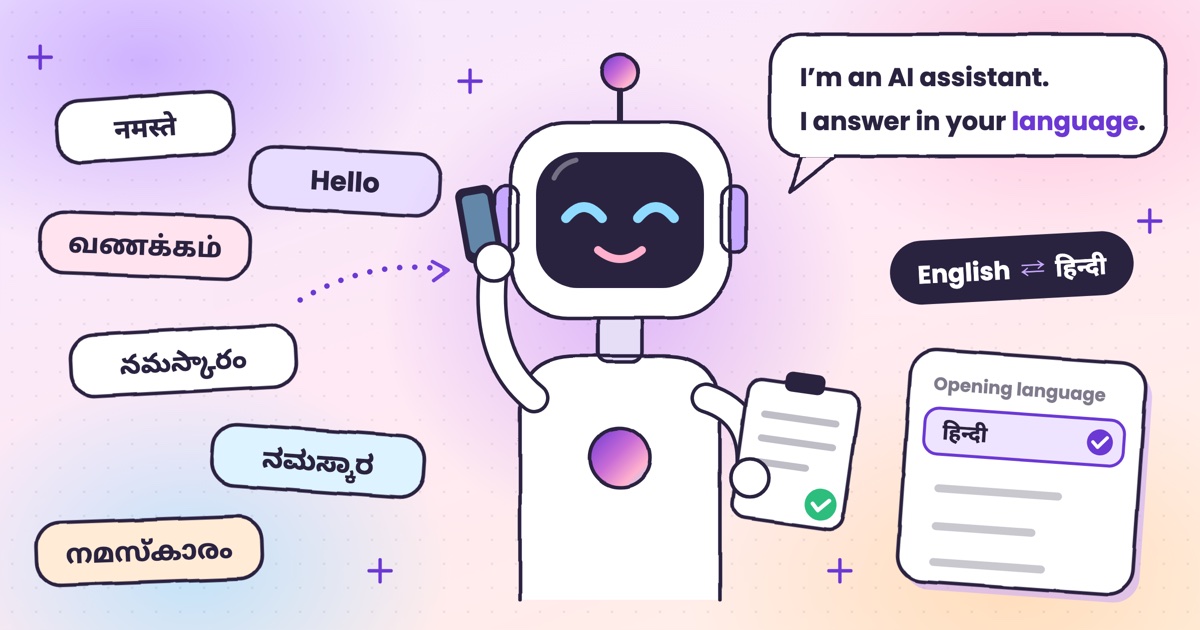 Guide · 7 min readCan AI answer calls in Hindi? Call assistants for Indian languagesWhich call assistants speak Hindi, Tamil, Telugu, Kannada and Malayalam, and how to test one before you rely on it.
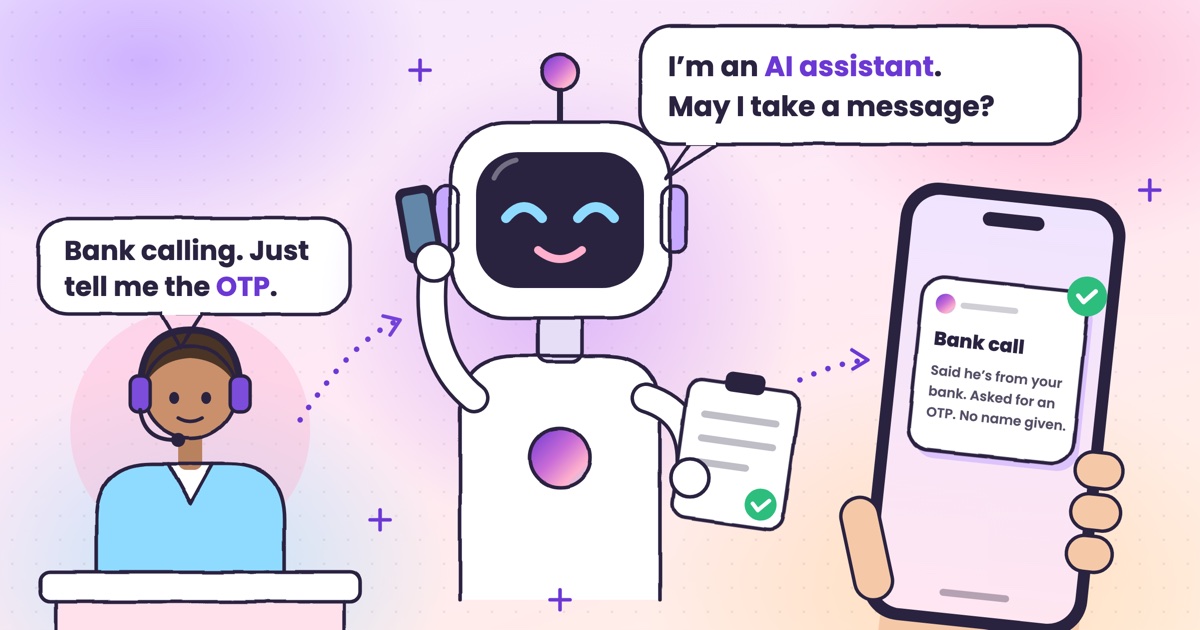 Guide · 9 min readHow to stop OTP scam calls (and what to do if you shared one)How to tell a fake bank call from a real one, and the three calls to make if you already read out a code.
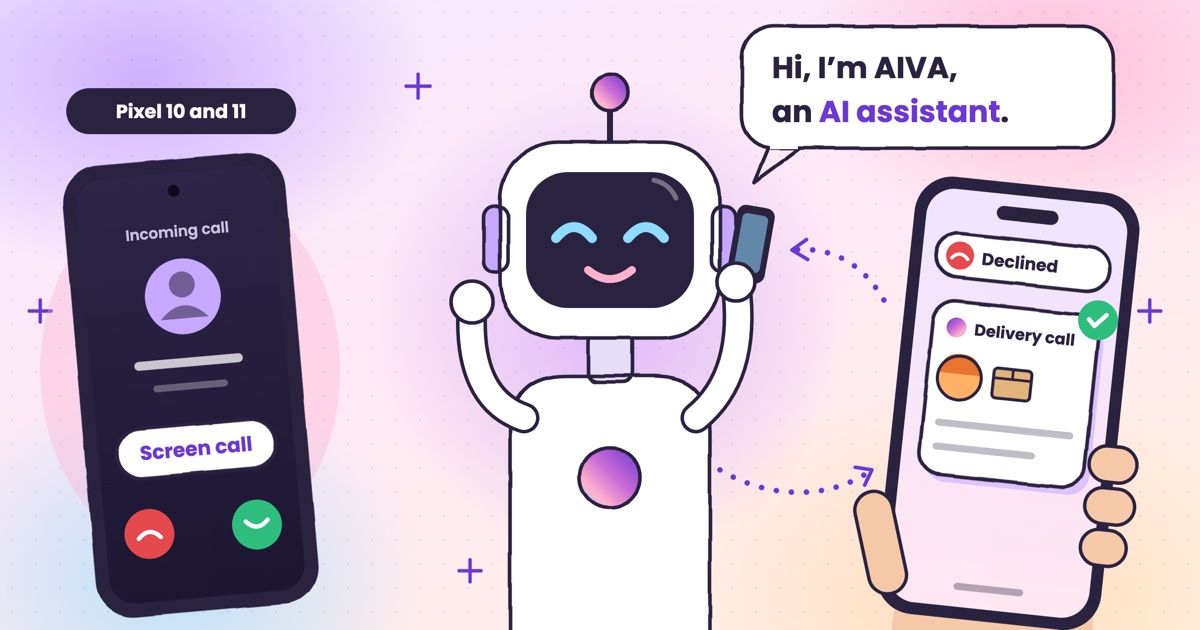 Guide · 7 min readIs Google Call Screen available in India? What works insteadWhich Pixels get Call Screen in India, how to use it, what’s missing compared with the US, and what to use on Samsung, iPhone and other Android phones.
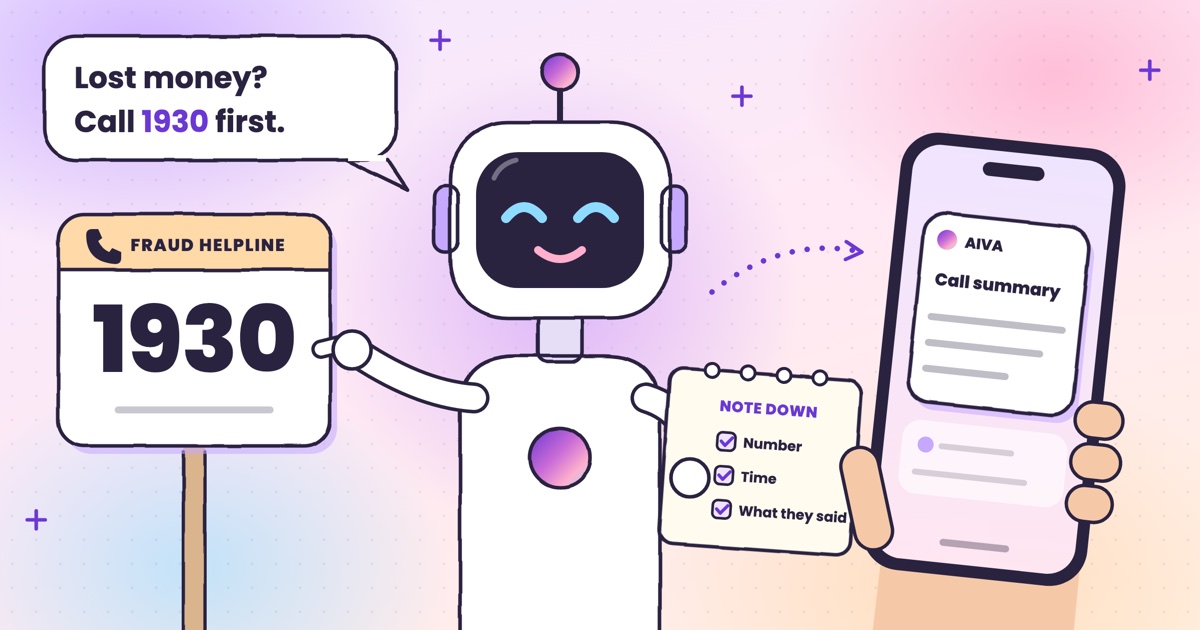 Guide · 7 min readHow to report a fraud call in India: Chakshu, 1930 and cybercrime.gov.inWhere each kind of call goes, what to write down first, the steps on each official site, and what happens after you report.
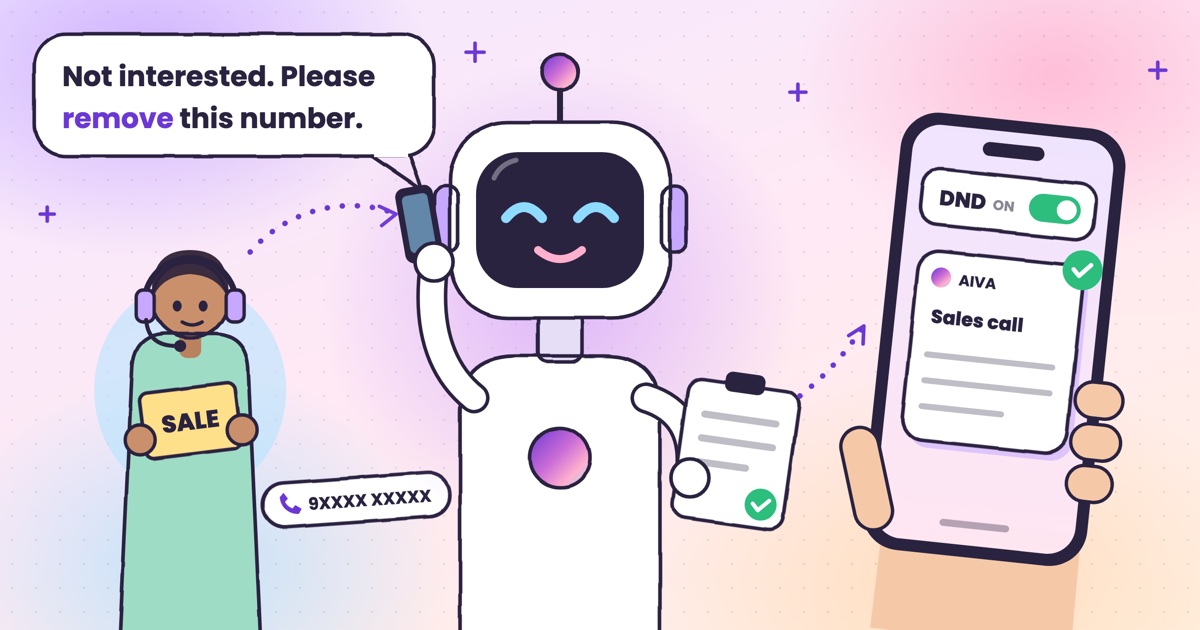 Guide · 7 min readDoes DND stop telemarketing calls? TRAI’s DND app explainedWhat DND stops, what it doesn’t, the 2025 rules and how to complain when promotional calls keep coming.
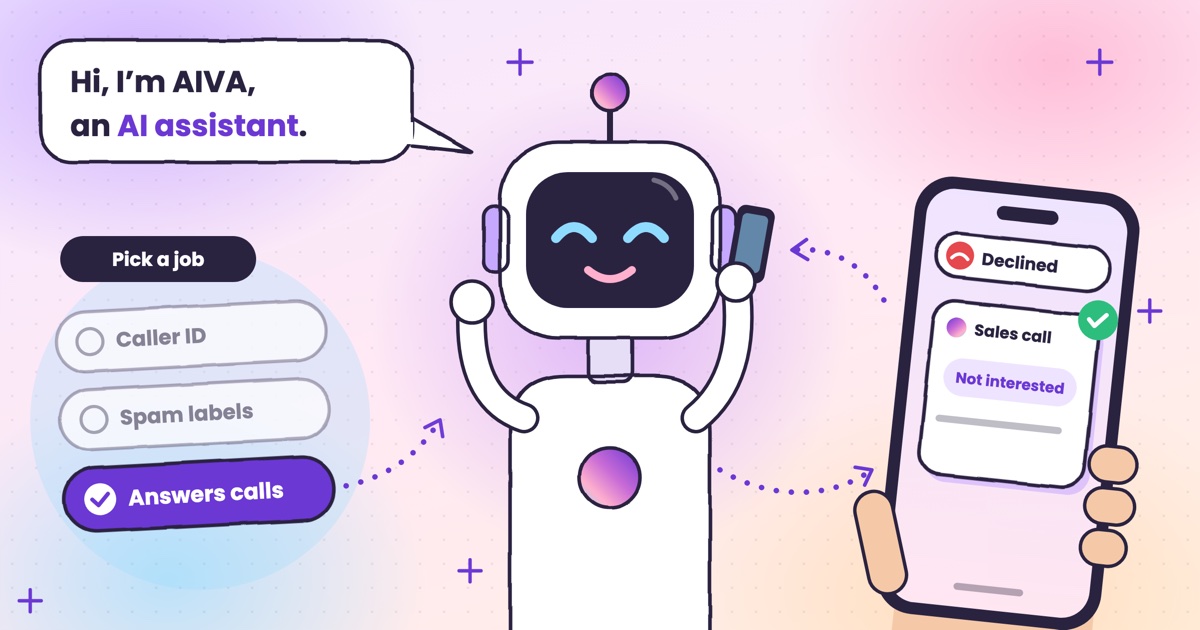 Guide · 7 min readTruecaller alternatives in 2026: caller ID, spam labels and AI answeringCaller ID apps, network spam labels, CNAP and apps that answer calls, grouped by the job you need done.
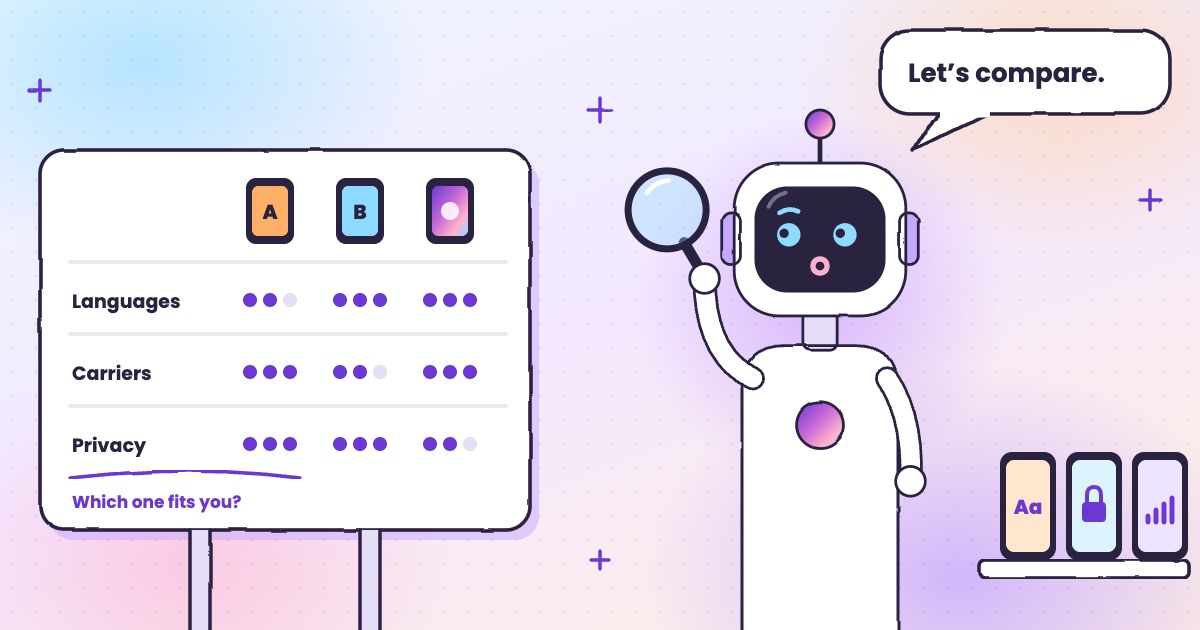 Guide · 8 min readAI call assistants compared: Truecaller, Equal AI, Google and moreTruecaller, Equal AI, Google, Apple and Samsung side by side, with sources.
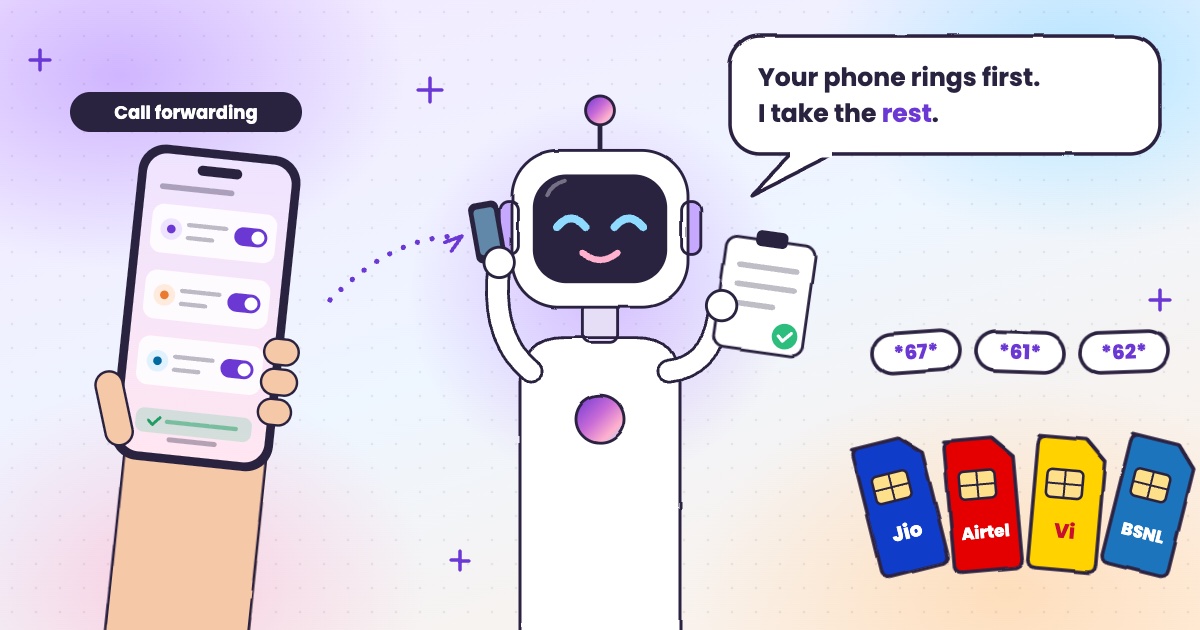 Guide · 6 min readCall forwarding codes in India: Jio, Airtel, Vi and BSNLThe codes for each network, how to turn forwarding off, and the codes never to dial.
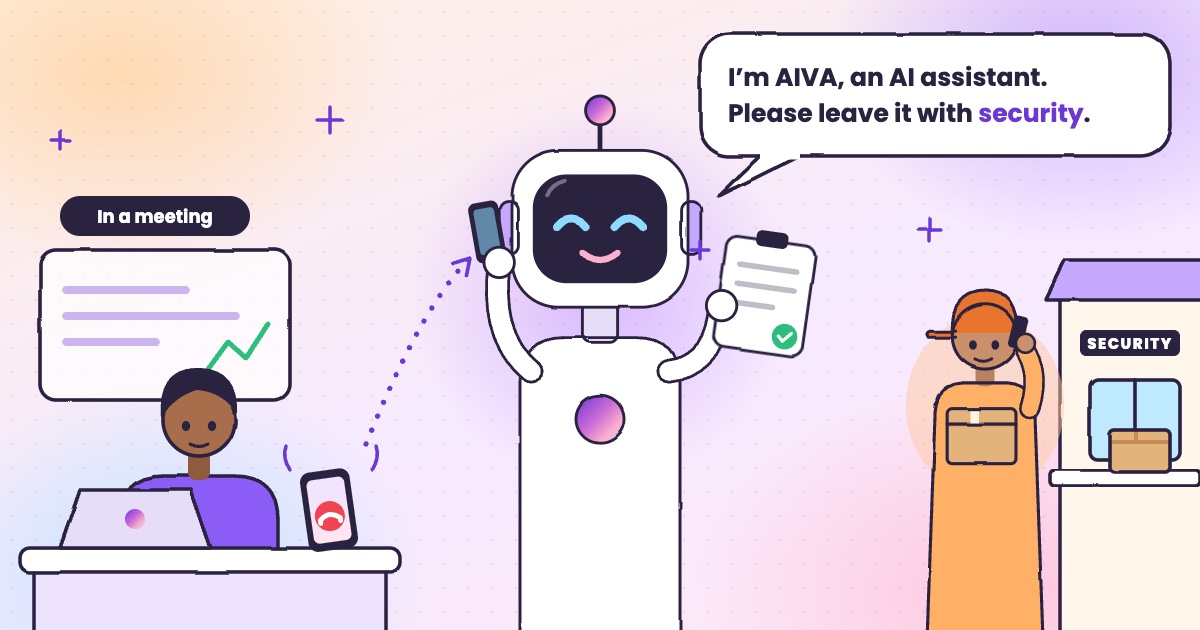 Guide · 4 min readHow to handle delivery calls while busy in a meetingWhat to do when a courier calls during a meeting, with or without an app.
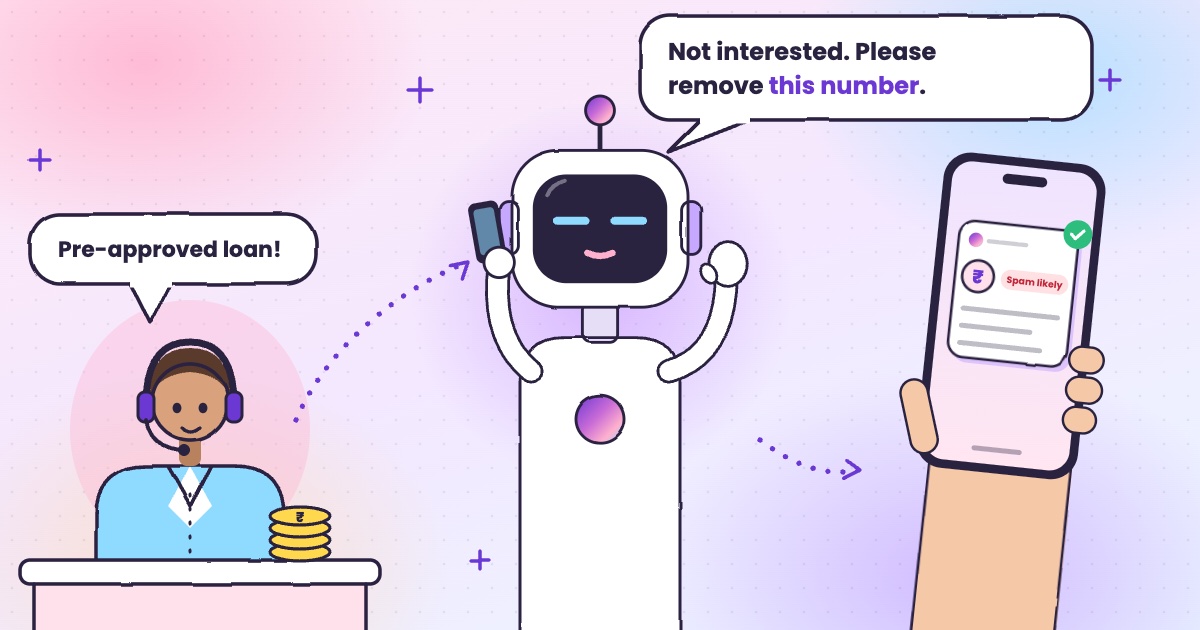 Guide · 6 min readHow to stop loan calls and spam calls in IndiaDND, reporting spam to TRAI and fraud on Chakshu, and what to do when the calls keep coming.
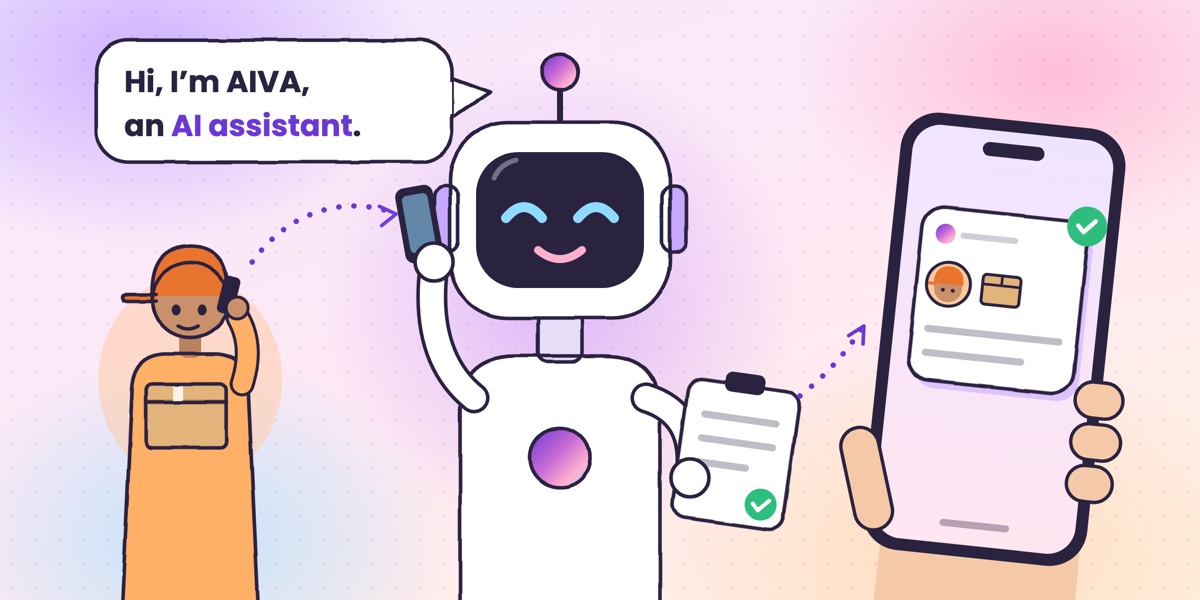 Guide · 6 min readWhat is an AI call assistant? How AIVA answers the calls you can’t takeHow AIVA answers the calls you decline, miss or can’t take, and what it does with each one.
Want to see more of our guides on Google? Add kukuaiva.app as a preferred source