Is Google Call Screen available in India? What works instead
Which Pixels get Call Screen in India, how to use it, what’s missing compared with the US, and what to use on Samsung, iPhone and other Android phones.
Google Call Screen is available in India only as manual screening on Pixel 10 and Pixel 11 series phones: you tap Screen call on an incoming call and read the caller’s answers live. Automatic screening, where a Pixel answers unknown callers on its own, is offered only in Australia, Canada, Ireland, the UK and the US.
We make one of the apps mentioned, so we say where it falls short.
Is Google Call Screen available in India?
Partly. Google’s Call Screen help page lists India for manual screening only, on the Pixel 10 and Pixel 11 series. Google’s other call features:
- Manual Call ScreenYou tap Screen callIn India
- Phones
- Pixel 10 and 11 series
- Languages
- Not listed on the help page. Google announced English and Hindi first (September 2025).
- Automatic Call ScreenThe phone answers unknown callers itselfNot in India
- Phones
- Pixel phones in Australia, Canada, Ireland, the UK and the US only
- Languages
- —
- Take a MessageMissed and declined callsIn India
- Phones
- Pixel 10 and later
- Languages
- Hindi (India), English (India)
- Scam DetectionWarns you during a callIn India
- Phones
- Pixel 9 and later
- Languages
- Not listed
Google pages read on 29 October 2026: Call Screen, Take a Message, Scam Detection.
Two catches: it needs a SIM from a country where it is offered, and other Android phones get manual Call Screen only in the US and Canada.
How to use Google Call Screen on a Pixel in India
Keep the Phone app updated, then tap Screen call whenever you want to know who is calling before you answer.
- Step 1
Update the Phone app (Phone by Google) from Google Play. If Screen call doesn’t appear, look in the Phone app under Settings › Spam and Call Screen; no Call Screen setting means your phone doesn’t support it.
- Step 2
Tap Screen call when a call comes in. Google’s Call Assist asks who is calling and why.
- Step 3
Read the live transcript and pick a reply. The preset replies are:
Is it urgent?Report as spamI’ll call you backI can’t understand
- Step 4
Pick up or hang up. Picking up ends the screening at once. The transcript stays in the Phone app: tap Home, the call, then Transcript.
For calls you miss. Take a Message handles missed and declined calls on a Pixel 10 or later. Turn it on in the Phone app under Menu › Settings › Take a Message. You can read the message as the caller speaks and tap Answer to join. (Take a Message help).
Call Screen doesn’t work alongside third-party call or screen recording apps, so turn those off. Its transcripts stay on the phone (how Call Screen handles your data).
What is missing in India compared with the US?
The main gap is automatic screening: in India a Pixel never answers an unknown caller on its own.
You start every screen.
In the USA Pixel can answer spam, possibly faked numbers and first-time callers by itself.
In IndiaThe call rings and you decide whether to tap Screen call.
Spam isn’t hung up for you.
In the USA call Google detects as spam can end without ringing.
In IndiaIt rings, and you report it or hang up.
Off or out of signal, nothing answers.
EverywhereTake a Message doesn’t run when the phone is off, out of coverage or roaming; those calls go to your carrier’s voicemail instead.
From Google’s Call Screen and Take a Message pages, read on 29 October 2026.
What are the alternatives to Google Call Screen in India?
Recent Galaxy phones and iPhones have their own call screening. On other Android phones, an app that answers calls is the nearest thing.
Samsung call screening
Galaxy AI · built into the phone
- Galaxy S26; S25 with One UI 8.5
- Talks to the caller
- Built in
Answers calls you choose, or suspected spam, phishing and unknown calls on its own with Auto screen calls. You can take over or reply by text.
In IndiaHindi and English are among its languages. Turn it on in the Phone app under Settings › Call screening.
Source: Samsung India · SamMobile, June 2026
Apple Call Screening and Live Voicemail
iPhone · built into the phone
- iPhone 11 or later, iOS 26
- Talks to the caller
- Built in
With Ask Reason for Calling, unknown callers are asked their name and reason before your iPhone rings. Live Voicemail shows a message as it is left.
In IndiaApple lists English (India) for both; Hindi is not listed. Set it under Settings › Apps › Phone.
Source: Apple guide · Live Voicemail · feature availability · AP, Oct 2025
Truecaller Assistant
Truecaller Premium · app
- Android and iPhone
- Talks to the caller
- Paid plan
Answers calls you decline and asks the caller why they are calling. By default it tells callers it is a smart assistant.
In IndiaPart of the paid Premium plan; check the app for current prices.
Source: Truecaller
Truecaller AI voicemail
Truecaller app · free
- Android
- Message only
- Free
Takes a message from unanswered calls through call forwarding and transcribes it. It doesn’t talk with the caller.
In IndiaFree since December 2025, in 12 Indian languages; recordings stay on your phone.
Source: Business Today, Dec 2025
Side by side: AI call assistants compared. For caller names and spam labels instead, see Truecaller alternatives; for fewer spam calls, how to stop loan and spam calls in India.
How to get declined calls answered on any Android phone
Use an app that answers calls you don’t take. Kuku AIVA, an Android app from Kuku Technologies Limited, the makers of Kuku FM, is one: your phone rings first, and the calls you decline, miss or can’t take go to AIVA on your own number. It works on Airtel, Jio, Vi and BSNL.
It is not Call Screen: Call Screen lets you watch a call before you answer, while AIVA steps in after you have said no. It tells every caller it is an AI assistant, follows the instruction you picked for that kind of call and sends you a summary, in English, Hindi, Telugu, Tamil, Kannada or Malayalam.
It is set up with call forwarding; the privacy policy says what it keeps from a call.
On the call
Hello, I’m an AI assistant answering for the person you’re calling. They can’t come to the phone right now. May I know why you’re calling?
I’m at your building with a parcel, but nobody’s picking up.
Thank you. Please leave the parcel with the building security. I’ll pass your message on.
Notification on your phone: AIVAnow Delivery callCourier had a parcel for you. Asked them to leave it with building security.
- It doesn’t screen a call while it rings, show caller ID or block spam.
- It also answers when your phone is off or has no signal.
Google Call Screen in India: your questions
Does Google Call Screen work in India?
Partly. Google’s help page lists India for manual Call Screen only, on Pixel 10 and Pixel 11 series phones. You tap Screen call, read a live transcript and choose a reply, pick up or hang up. Automatic screening is not offered in India.
Which Pixel phones support Call Screen in India?
The Pixel 10, 10 Pro, 10 Pro XL, 10 Pro Fold, 11, 11 Pro, 11 Pro XL and 11 Pro Fold, according to Google’s help page in October 2026. You also need a SIM from a country where Call Screen is offered.
Call Screen Hindi mein kaam karta hai?
Google’s Call Screen help page doesn’t list languages. When Google announced the India beta in September 2025, it said manual Call Screen would work in English and Hindi first. Take a Message, for missed and declined calls, lists Hindi (India) and English (India).
Can I use Google Call Screen on a Samsung or another Android phone in India?
No. Beyond Pixel phones, Google offers manual Call Screen only on selected Android devices in the US and Canada. Galaxy S25 and S26 phones have Samsung’s own call screening, and apps such as Truecaller and Kuku AIVA answer calls you decline on other Android phones.
Does Google Call Screen record my calls?
It saves a written transcript of every screened call on your phone. Audio is saved only if you turn on Save Call Screen audio, and Google says screened-call information isn’t saved to your Google Account.
More guides
 Guide · 7 min readHow to stop spam calls on Android in India: the settings on your phoneThe spam filter in Google’s Phone app and on Samsung, blocking numbers, silencing unknown callers, and network spam labels.
 Guide · 7 min readIs Kuku AIVA safe? What it can see, what it keeps, and who makes itWho makes Kuku AIVA, every Android permission it uses and why, what callers hear, and how to delete your data.
 Guide · 7 min readConditional call forwarding codes for AT&T, T-Mobile and VerizonThe busy, no-answer and unreachable codes for each US carrier, how to turn them off, and the codes never to dial.
 Guide · 8 min readDigital arrest, KYC and courier scams: how to spot each on a callDigital arrest, KYC, electricity, courier and UPI refund scams: the script each one follows and its red flags.
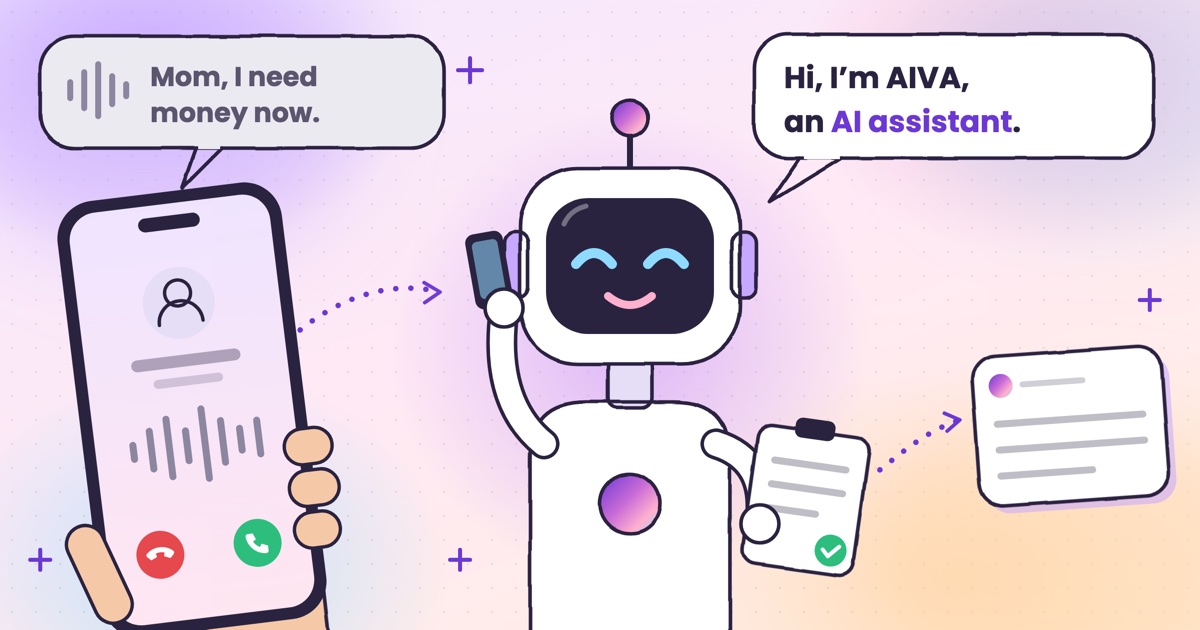 Guide · 8 min readAI voice-cloning scams: how to tell if you’re talking to an AIHow cloned-voice calls work, how to check who is really calling, and a safe word for your family.
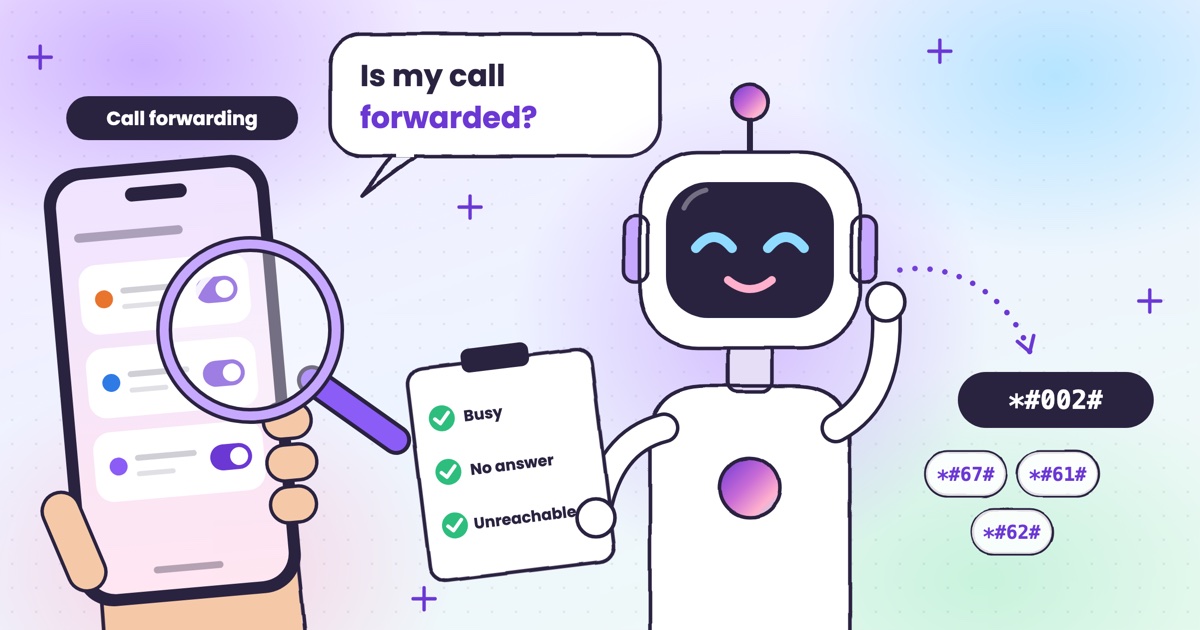 Guide · 7 min readHow to check if your calls are being forwarded, and turn it offThe signs your calls are being forwarded, the check code for each rule, and how to turn one off.
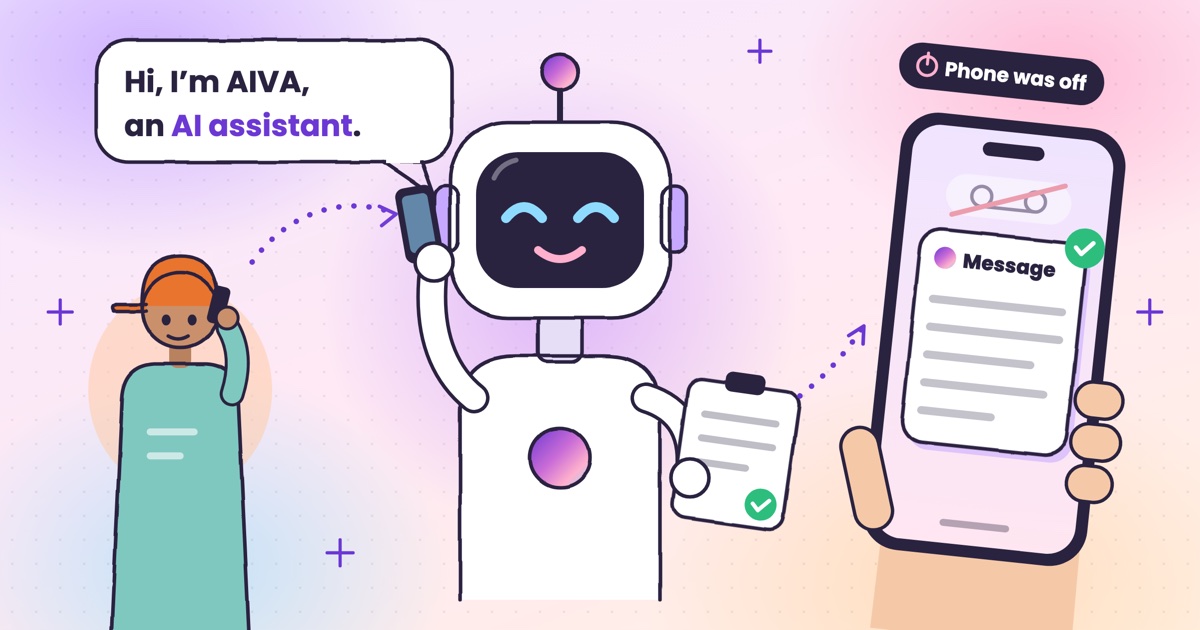 Guide · 9 min readAI voicemail in India: what to use when carrier voicemail isn’t thereWhich Indian networks still offer voicemail, what your phone does instead, and how an app that takes a message compares.
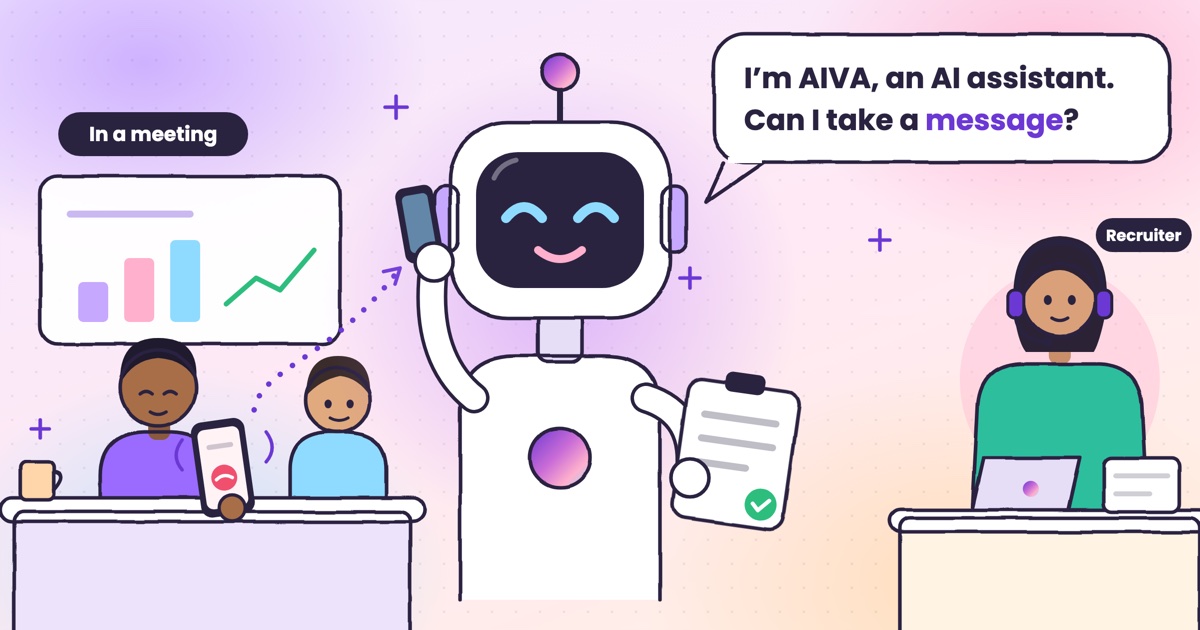 Guide · 9 min readHow to auto-answer calls on Android when you’re in a meetingWhy Android’s auto-answer is the wrong tool in a meeting, the built-in options that work, and how an AI answers the calls you decline.
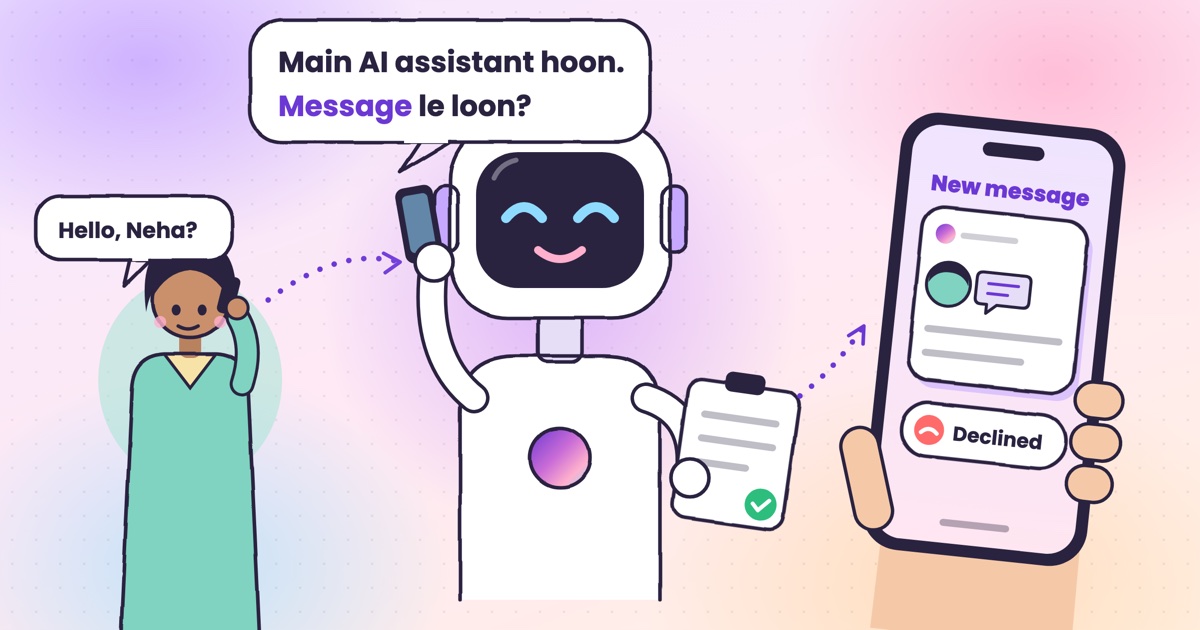 Guide · 9 min readCall utha ke message le le: apps that answer your calls and take a messageThe real ways to have a call picked up and a message taken in India, what your caller hears, and how the message reaches you.
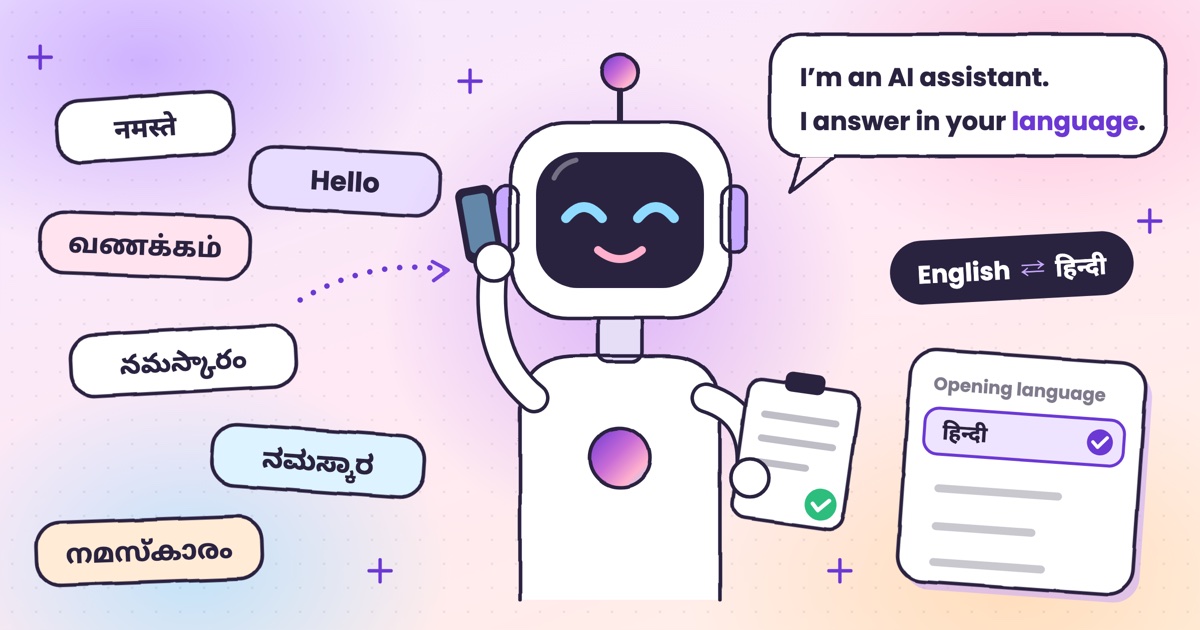 Guide · 7 min readCan AI answer calls in Hindi? Call assistants for Indian languagesWhich call assistants speak Hindi, Tamil, Telugu, Kannada and Malayalam, and how to test one before you rely on it.
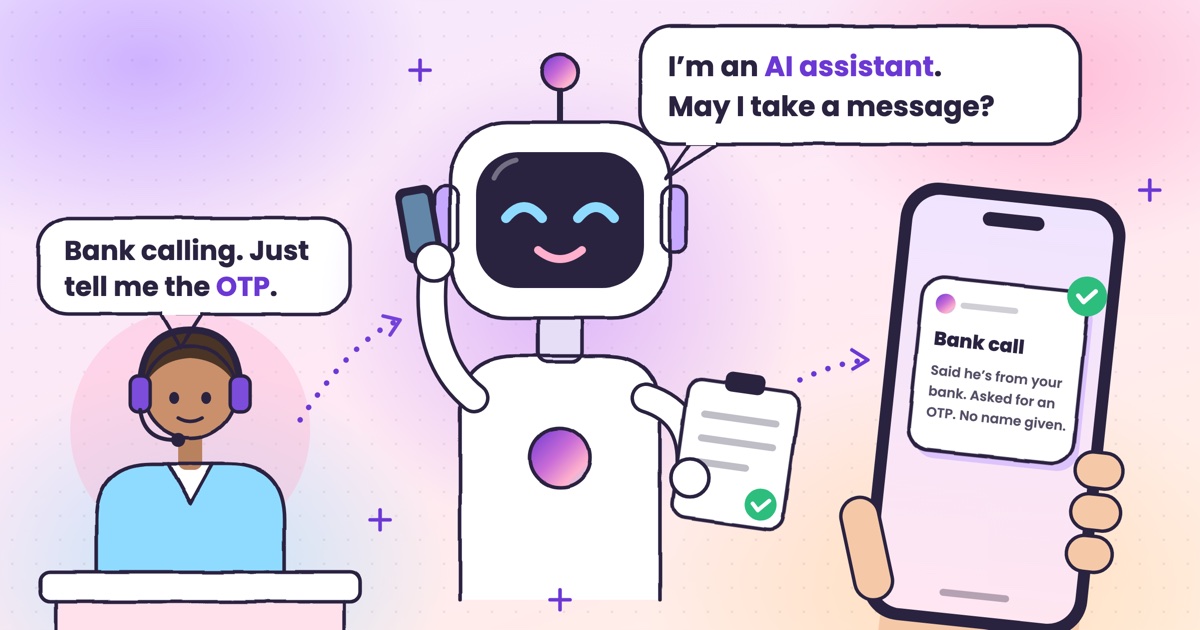 Guide · 9 min readHow to stop OTP scam calls (and what to do if you shared one)How to tell a fake bank call from a real one, and the three calls to make if you already read out a code.
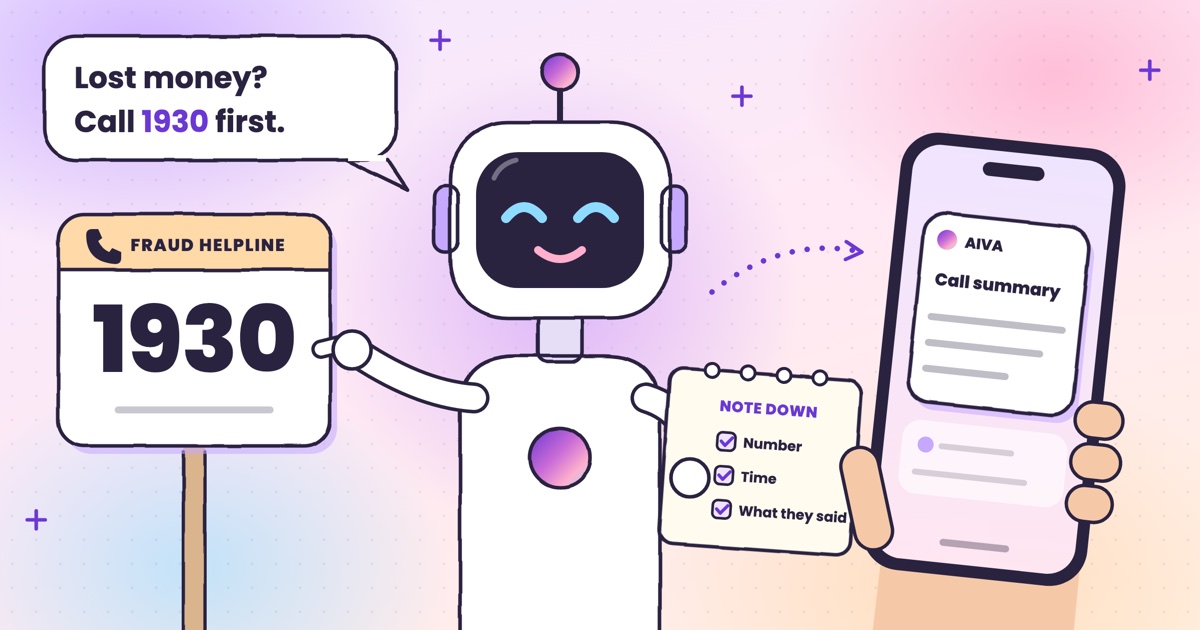 Guide · 7 min readHow to report a fraud call in India: Chakshu, 1930 and cybercrime.gov.inWhere each kind of call goes, what to write down first, the steps on each official site, and what happens after you report.
 Guide · 7 min readDoes DND stop telemarketing calls? TRAI’s DND app explainedWhat DND stops, what it doesn’t, the 2025 rules and how to complain when promotional calls keep coming.
 Guide · 7 min readTruecaller alternatives in 2026: caller ID, spam labels and AI answeringCaller ID apps, network spam labels, CNAP and apps that answer calls, grouped by the job you need done.
 Guide · 8 min readAI call assistants compared: Truecaller, Equal AI, Google and moreTruecaller, Equal AI, Google, Apple and Samsung side by side, with sources.
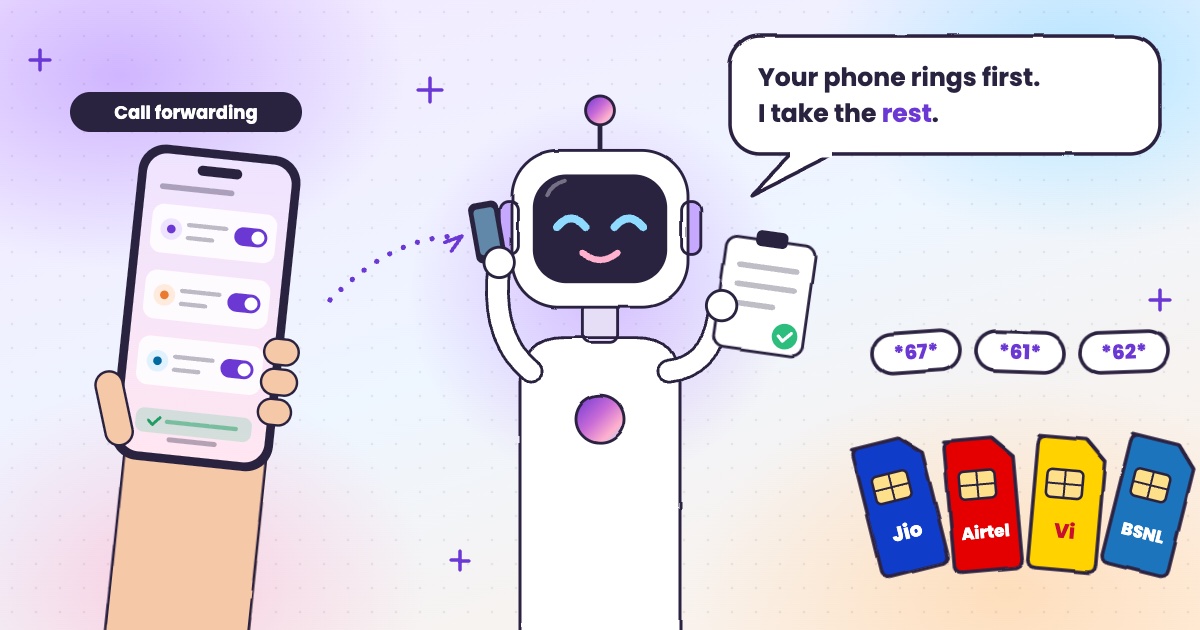 Guide · 6 min readCall forwarding codes in India: Jio, Airtel, Vi and BSNLThe codes for each network, how to turn forwarding off, and the codes never to dial.
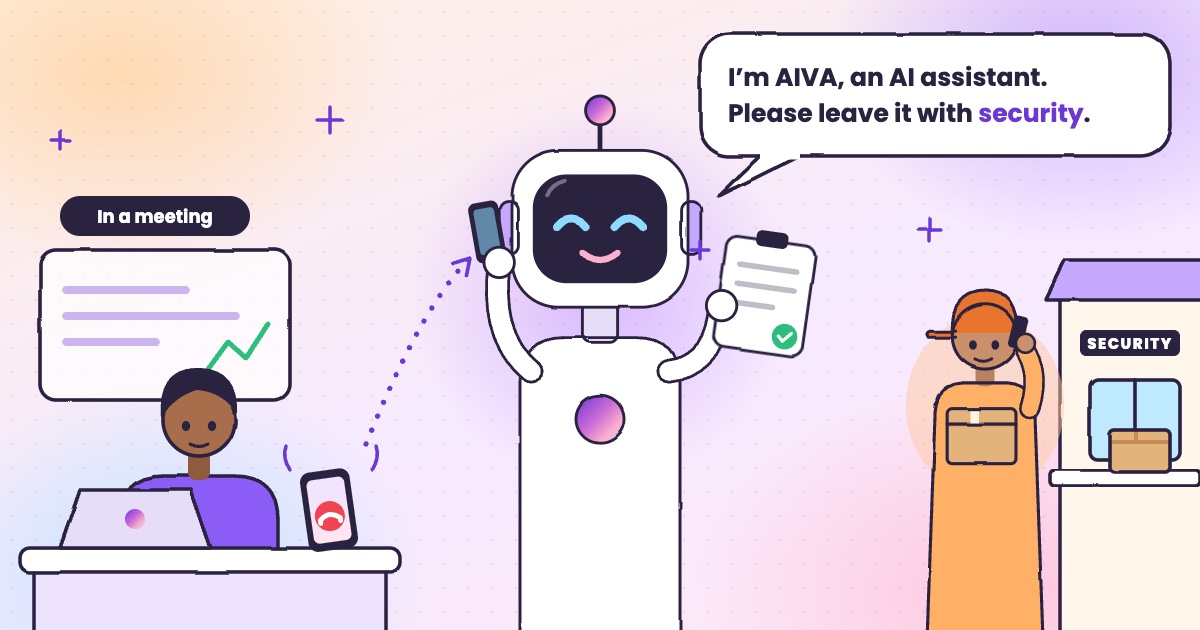 Guide · 4 min readHow to handle delivery calls while busy in a meetingWhat to do when a courier calls during a meeting, with or without an app.
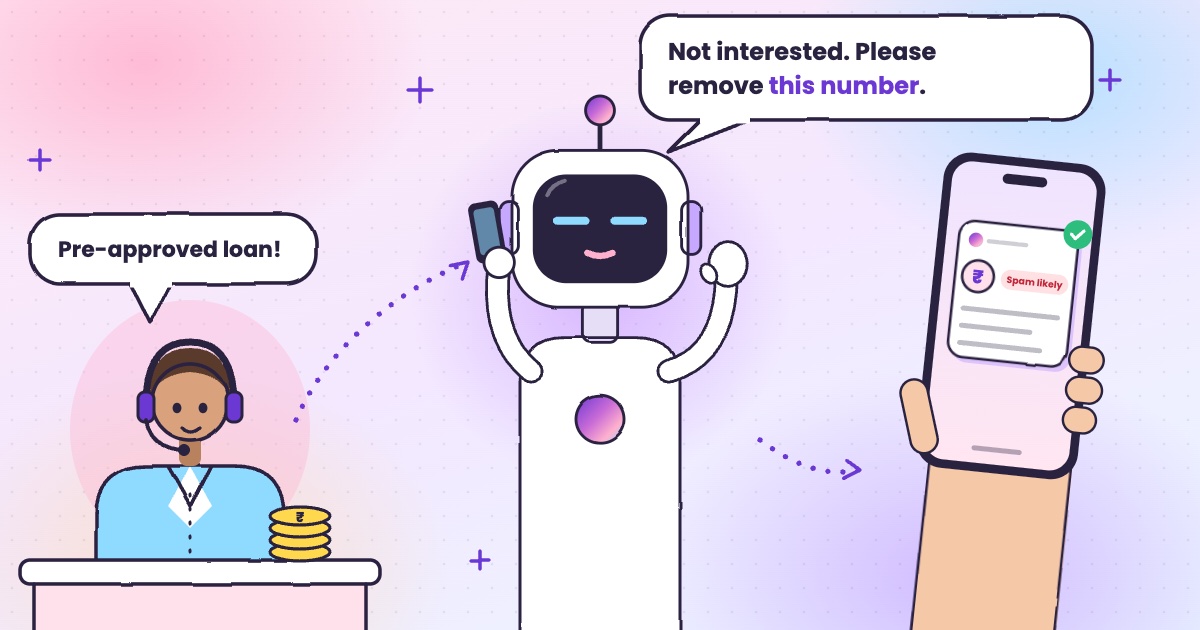 Guide · 6 min readHow to stop loan calls and spam calls in IndiaDND, reporting spam to TRAI and fraud on Chakshu, and what to do when the calls keep coming.
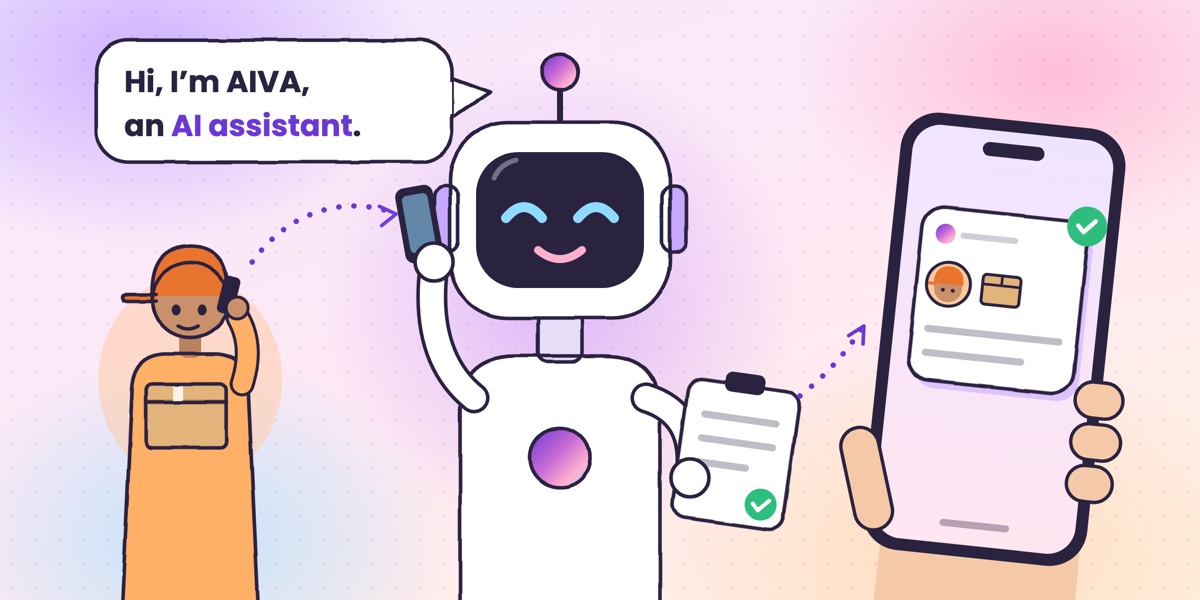 Guide · 6 min readWhat is an AI call assistant? How AIVA answers the calls you can’t takeHow AIVA answers the calls you decline, miss or can’t take, and what it does with each one.
Want to see more of our guides on Google? Add kukuaiva.app as a preferred source